
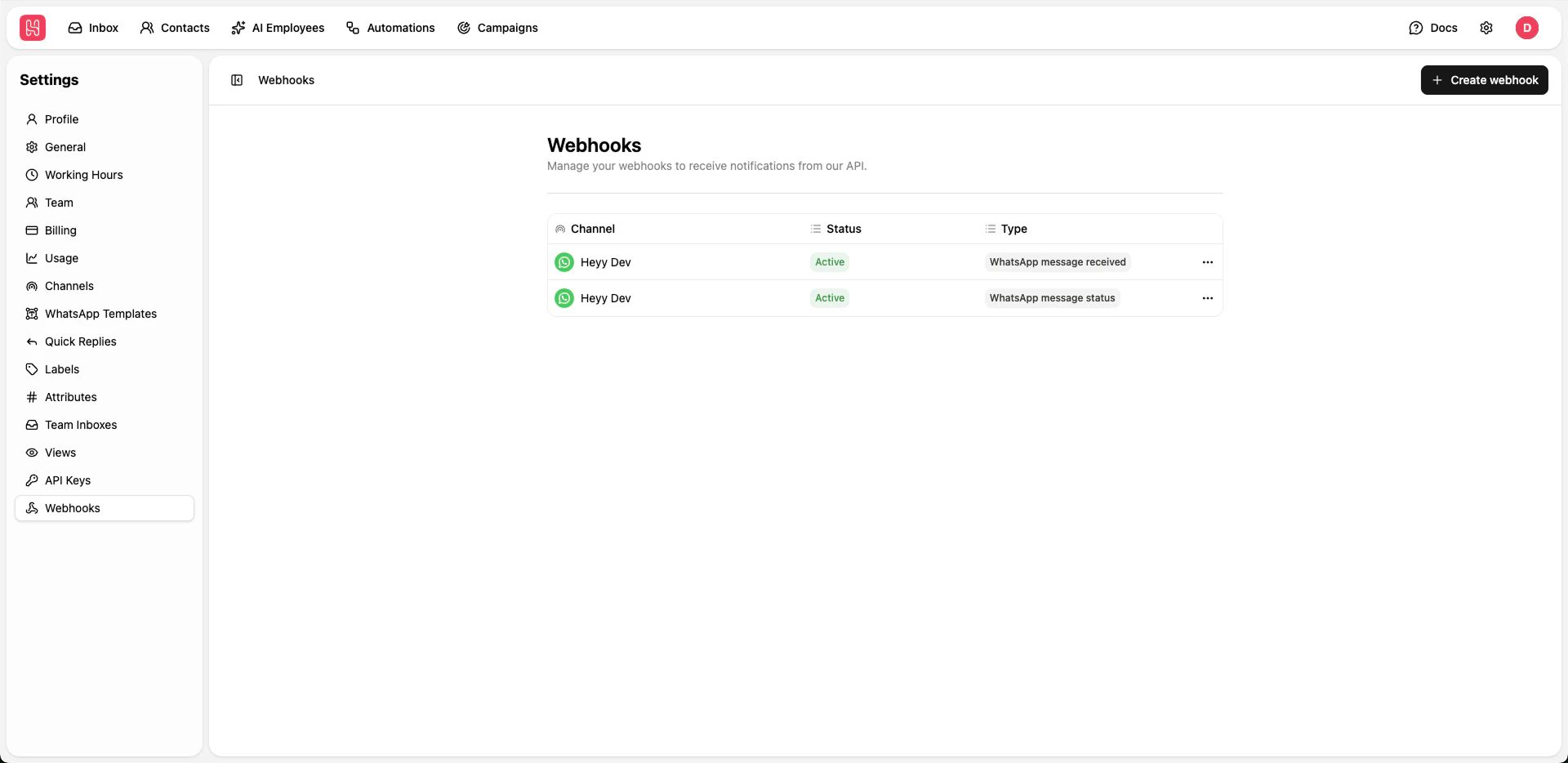
Go to Settings > Webhooks to manage your webhooks.
Creating Webhooks
1
Click Create Webhook
Click + Create webhook button
2
Enter Endpoint URL
Provide the URL where webhook events should be sent
3
Select Events
Choose which events should trigger the webhook:
- WhatsApp Message Received
- WhatsApp Message Status
4
Save
Save your webhook configuration