
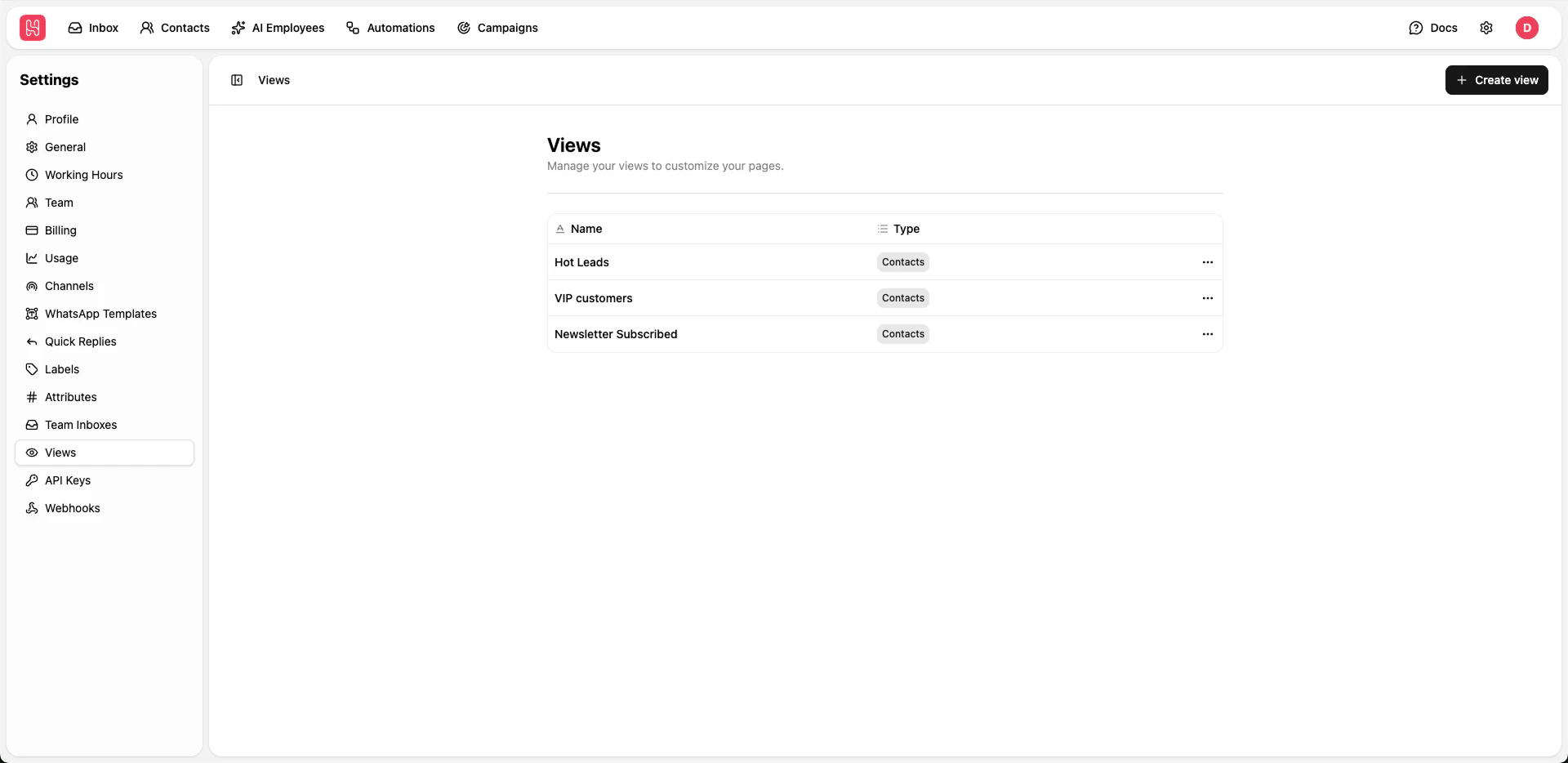
Go to Settings > Views to manage your views
Creating Views
1
Click Create View
Click + Create view button
2
Name Your View
Enter a descriptive name
3
Set Filters
Configure filter criteria to determine which items appear in the view
4
Save
Save your custom view