
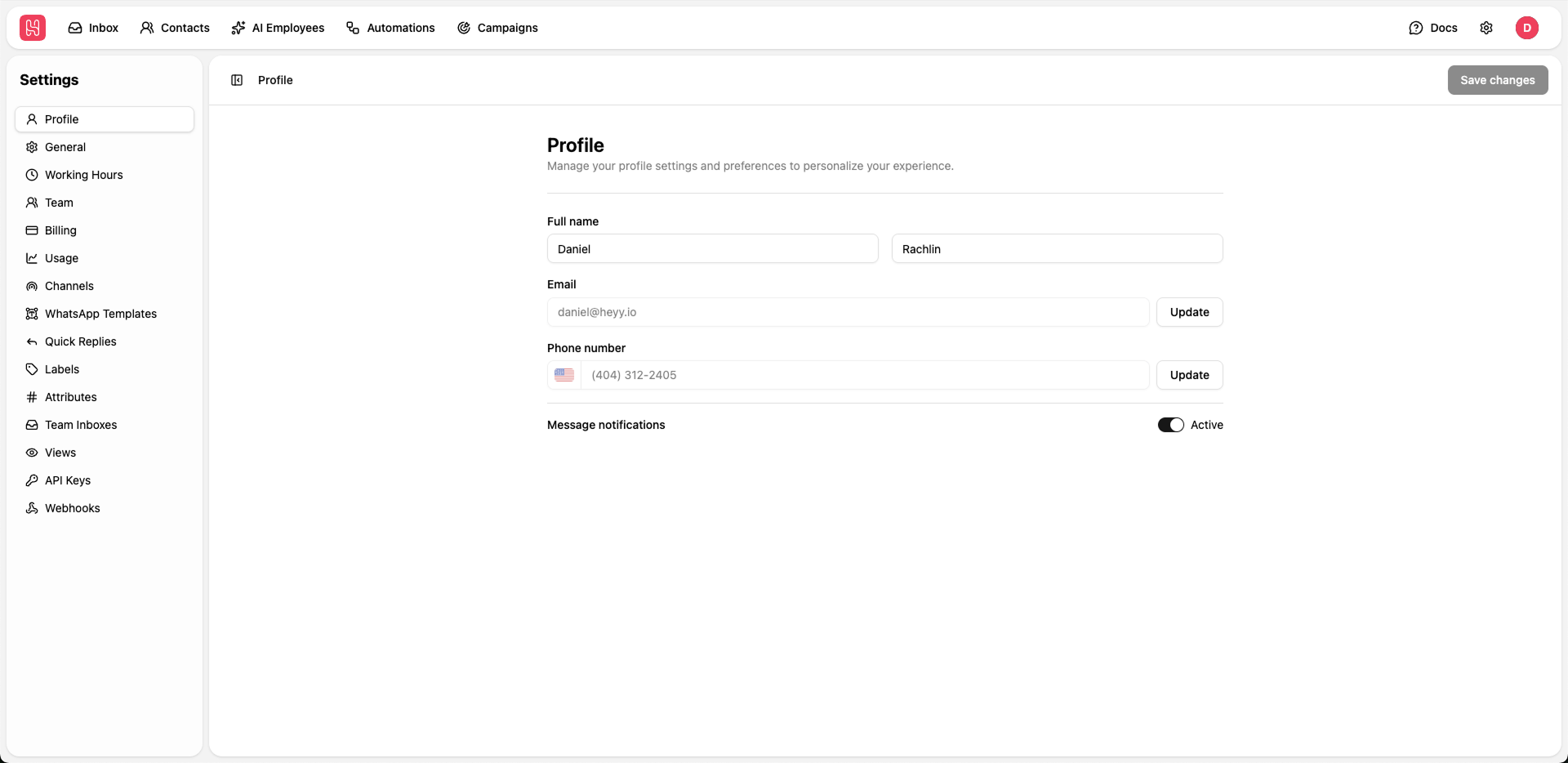
Go to Settings > Profile to manage your profile.
Available Settings
Full Name
Full Name
Update your first and last name that will be displayed across the platform and in communications with your team.
1
Edit Name Fields
Update the First name and Last name fields
2
Save Changes
Click Save changes to apply your updates
Email Address
Email Address
Your email address is used for login and notifications. To update your email:
- Click the Update button next to the email field
- Enter your new email address
- Verify the new email through the confirmation link sent to your inbox
Phone Number
Phone Number
Add or update your phone number for account recovery and optional SMS notifications.
- Click the Update button next to the phone number field
- Select your country code
- Enter your phone number
- Verify via SMS code if required
Message Notifications
Message Notifications
Toggle message notifications on or off to control whether you receive alerts for new messages.
- Active: You will receive notifications for new messages
- Inactive: Notifications are silenced