
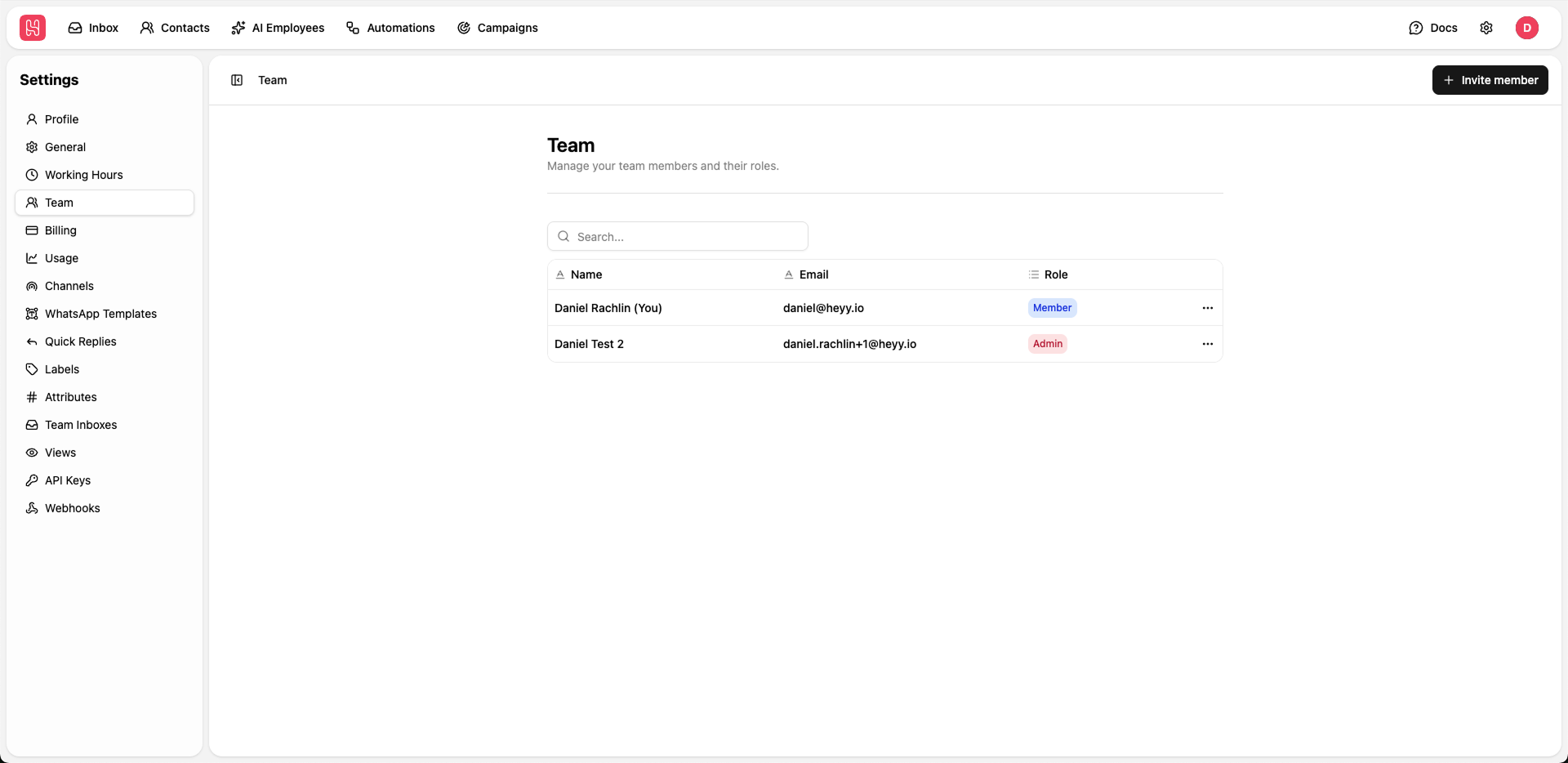
Go to Settings > Team to manage your team.
Inviting Team Members
1
Click Invite Member
Click the + Invite member button in the top right
2
Enter Details
Provide the team member’s email addresses
3
Send Invitation
The invited member will receive an email to join your workspace
Roles and Permissions
Heyy has three different user roles. Here is an abstract definition of what each user role is able to see and do in Heyy.| Permission | Member | Manager | Admin |
|---|---|---|---|
| View and manage contacts | |||
| Unified Inbox - assigned chats only | |||
| Unified Inbox - all chats | |||
| Export contacts | |||
| Campaigns | |||
| Automations | |||
| Create / update WhatsApp templates | |||
| Create / update Quick Replies | |||
| Create / update Labels | |||
| Create / update Attributes | |||
| Create / update Team Inboxes | |||
| Create / update Views | |||
| AI Employees | |||
| General workspace settings | |||
| Working hours | |||
| Team management | |||
| Channels | |||
| Delete resources | |||
| API keys | |||
| Webhooks | |||
| Billing | |||
| Usage |