Heyy Help Center home page
Search...
⌘K
Support
Get started
Get started
Search...
Navigation
Settings
Channels
Documentation
API Reference
Help & Support
Quick Start
Introduction
AI Employees
Automations
Inbox
Campaigns
Contacts
Settings
Profile
General
Working Hours
Team
Billing
Usage
Channels
WhatsApp Templates
Quick Replies
Labels
Attributes
Team Inboxes
Views
API Keys
Webhooks
Channels
WhatsApp
Instagram
Facebook
Live Chat
On this page
Adding Channel
Updating Channel
Settings
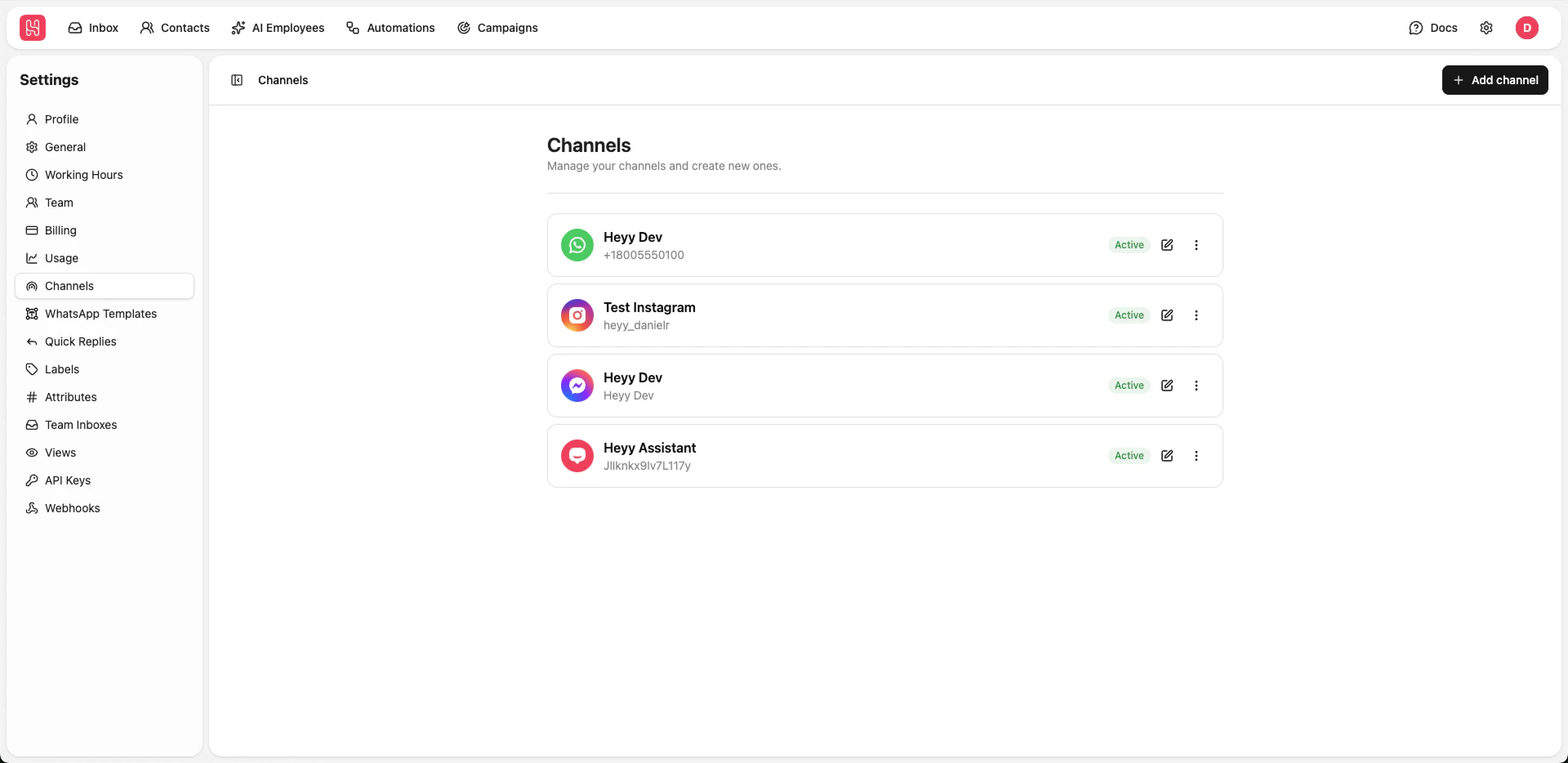
Channels
Manage your communication channels such as WhatsApp, Instagram, Facebook Messenger, and Live Chat.
Go to
Settings > Channels
to manage your channels.
Adding Channel
To add a channel click on the
Add channel
button and then select the channel type you want to connect:
Live Chat
WhatsApp
Instagram
Facebook Messenger
Updating Channel
Live Chat
WhatsApp
Instagram
Facebook Messenger
Usage
WhatsApp Templates
⌘I