
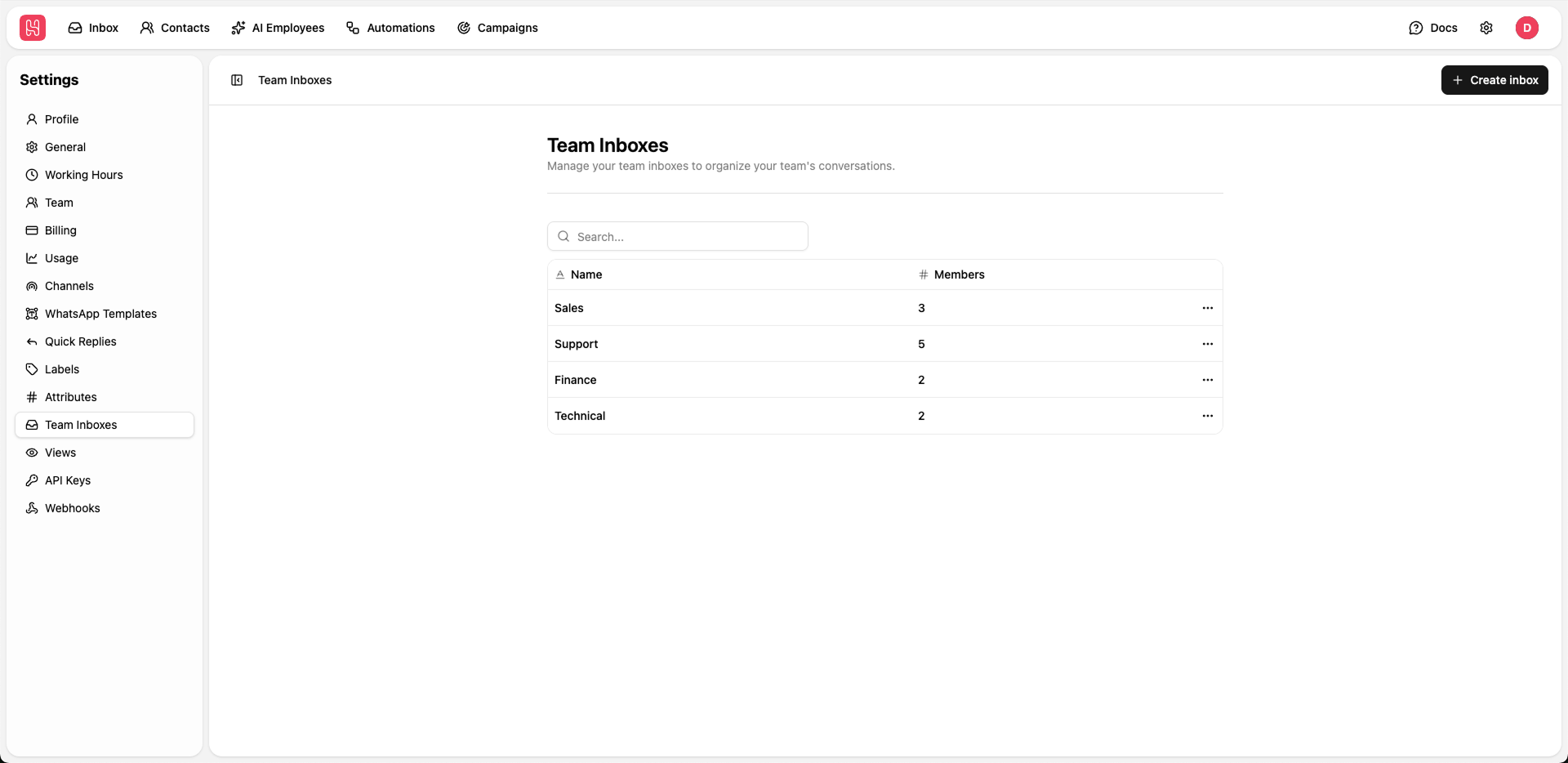
Go to Settings > Team Inboxes to manage your team inboxes.
Inbox Overview
Each team inbox shows:- Name - Inbox identifier (e.g., “Sales”, “Support”)
- Members - Number of team members assigned
Creating Team Inboxes
1
Click Create Inbox
Click + Create inbox button
2
Name Your Inbox
Enter a descriptive name for the team inbox
3
Add Members
Select team members who should have access
4
Save
Save the inbox configuration
Use Cases
Sales Inbox
Route sales inquiries to your sales team
Support Inbox
Handle customer support tickets
VIP Inbox
Prioritize high-value customer communications
Escalations
Manage escalated issues requiring attention