
- Syncing message events to your CRM or data warehouse in real time
- Triggering downstream workflows when a
message.receivedevent arrives - Forwarding delivery status updates from
message.updatedto your own systems - Connecting Heyy to tools like Zapier, Make, or n8n through your webhook endpoint
Heyy currently sends webhooks for message events only. See Event types for the list of supported events and payloads.
Creating a webhook
To create a webhook for your Heyy workspace, follow these steps: Navigate to the Webhooks settings page in your Heyy workspace.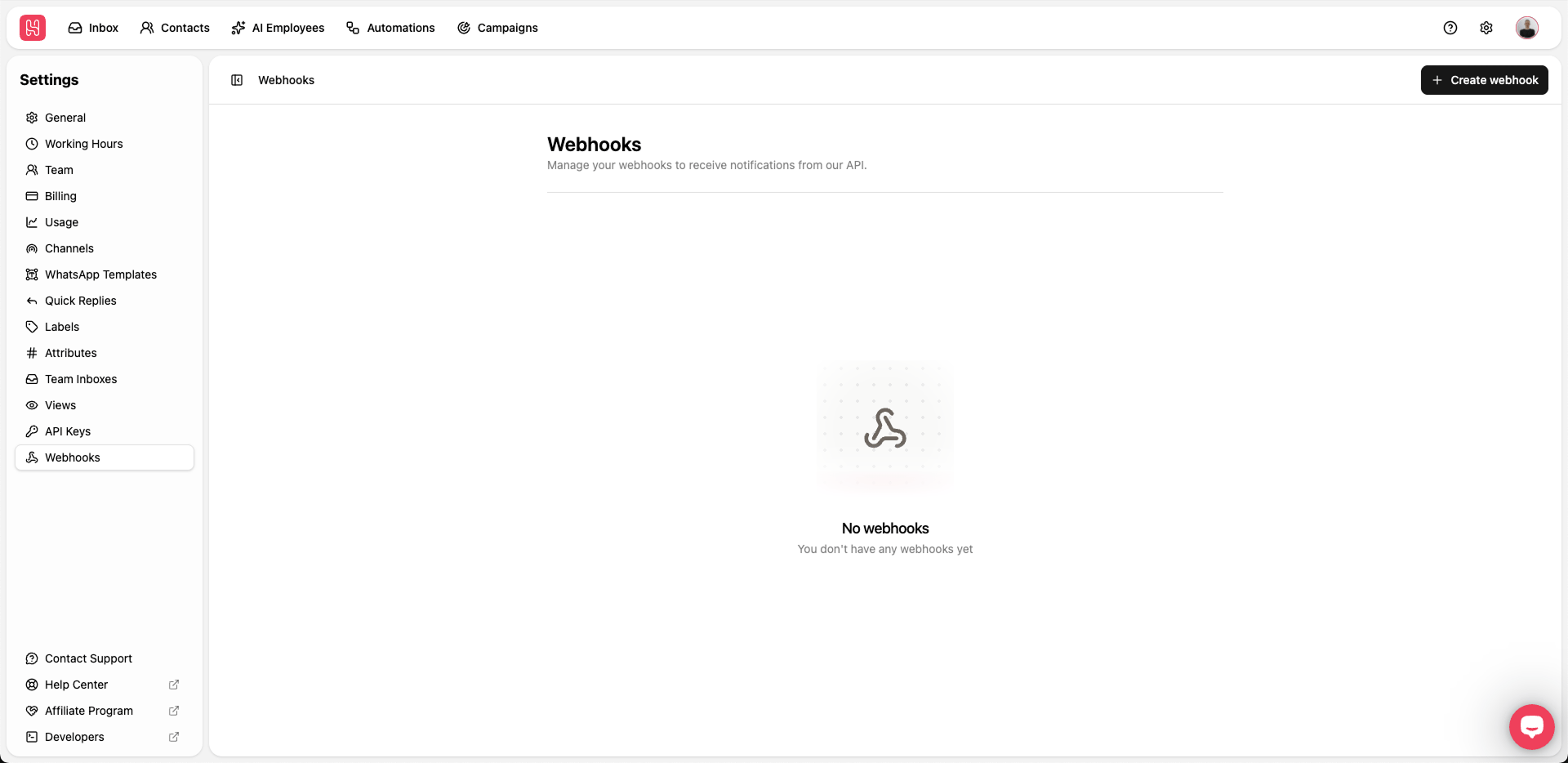
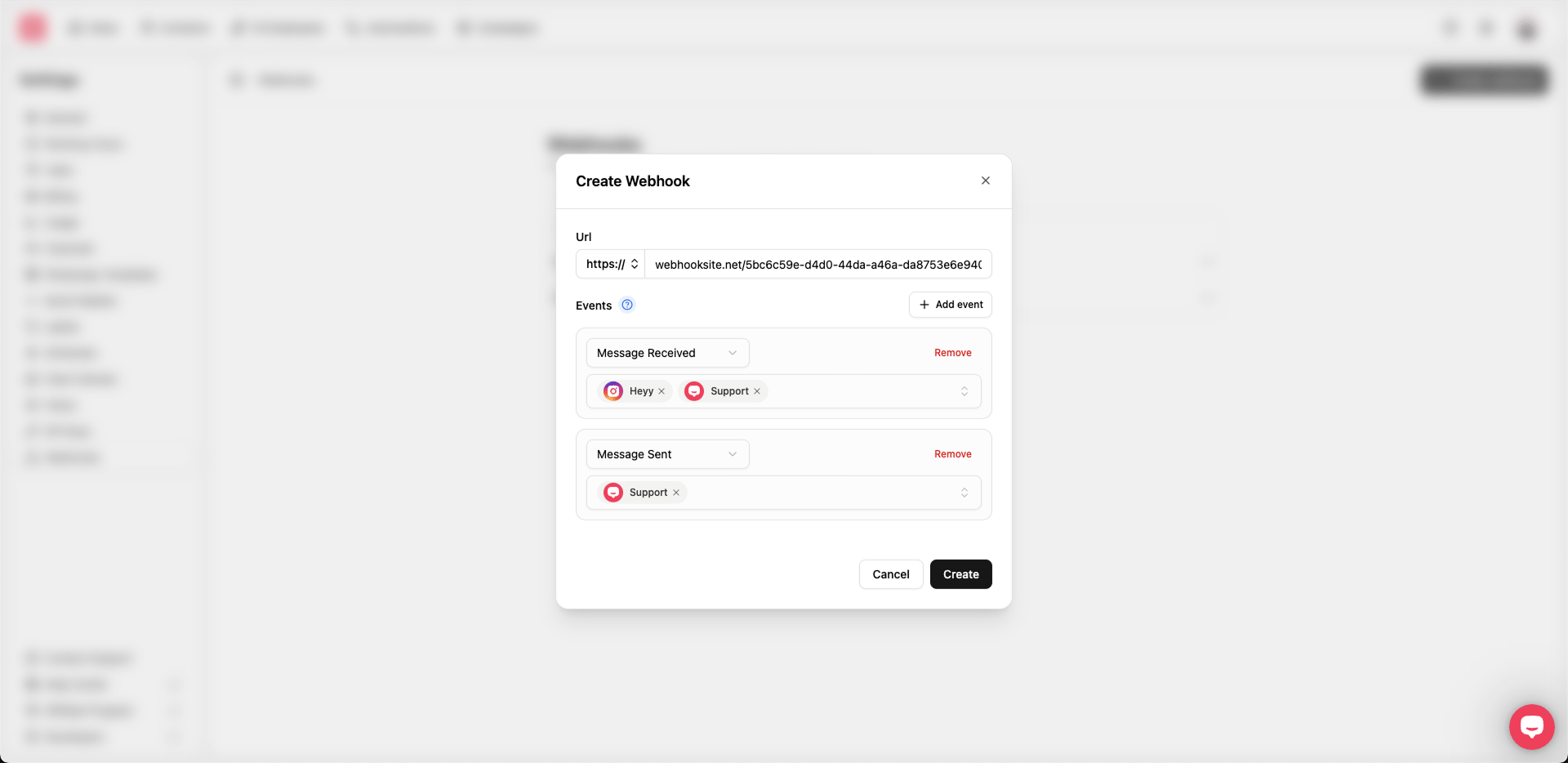
- URL — The endpoint where Heyy should send webhook events (you can use webhook.site to test your webhook).
- Events — Configure which events this webhook listens to. Click Add event to add another row. Each event row has:
- Event type —
Message received,Message sent, orMessage updated. See Event types for payload details. - Channels — Select one or more channels this event applies to. At least one channel is required per event.
- Event type —