
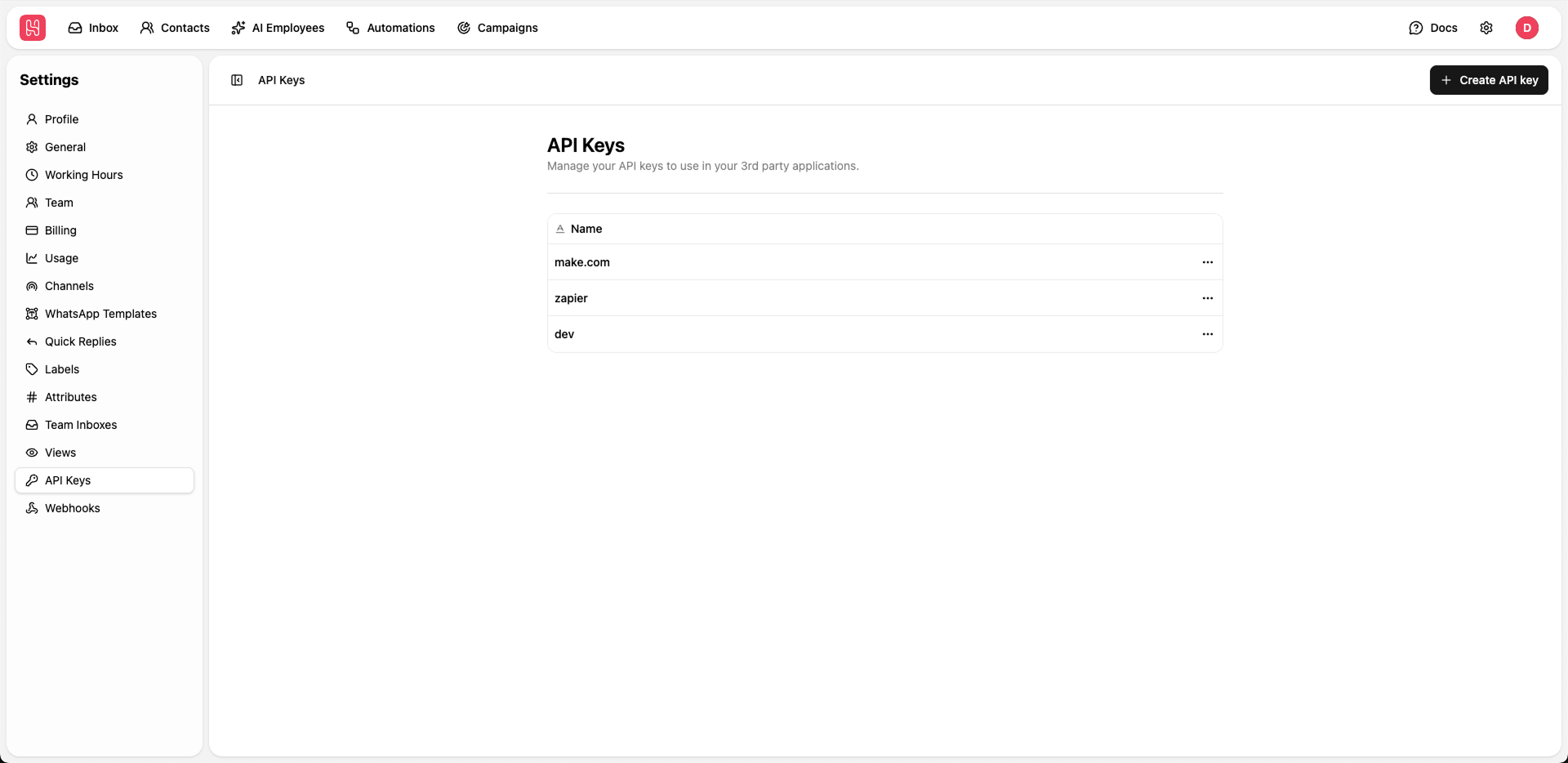
Go to Settings > API Keys to manage your API keys.
Creating API Keys
To integrate Heyy with third-party applications, follow these steps:1
Create Key
Click the + Create API key button.
2
Name Your Key
Enter a descriptive name to identify the integration (e.g., “CRM Integration” or “Website Bot”).
3
Save Your Token
Copy the generated API key immediately.
Security Best Practices
To keep your account secure, follow these guidelines:- Never share keys: Do not share API keys publicly or commit them to version control repositories.
- Rotate periodically: Update your keys regularly to reduce security risks.
- Deactivate unused keys: Delete any keys that are no longer required for active integrations.
- Use unique keys: Assign a different key to each third-party tool for better tracking and security.