
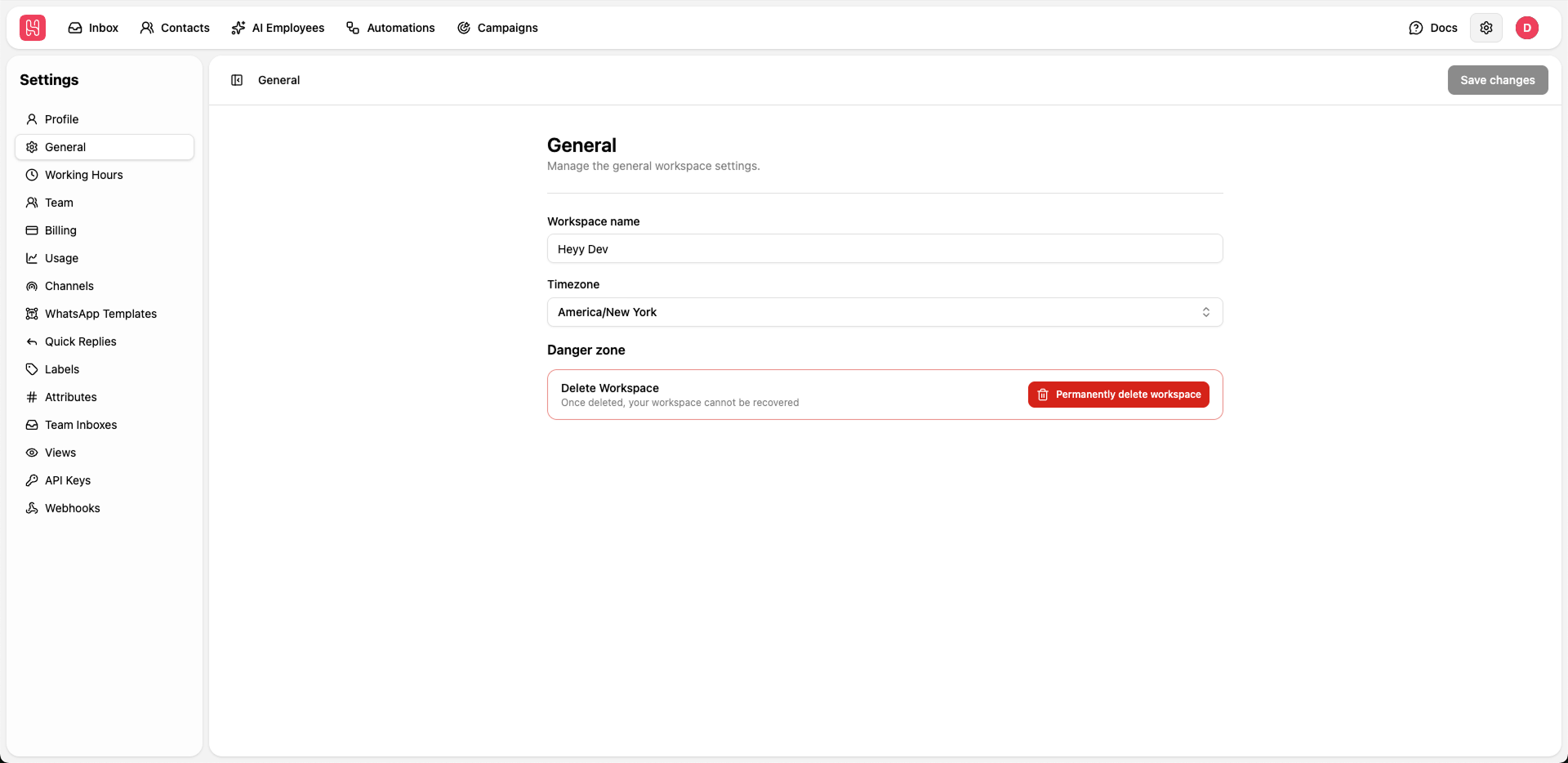
Go to Settings > General to manage the general workspacde settings.
Workspace Configuration
Workspace Name
Workspace Name
The workspace name identifies your organization within Heyy. This name may be visible in certain integrations and reports.
1
Edit Workspace Name
Enter your desired workspace name in the text field
2
Save Changes
Click Save changes to update
Timezone
Timezone
Set your workspace timezone to ensure accurate scheduling and time-based features.Select your timezone from the dropdown menu and save changes.
The timezone affects:
- Working hours display
- Scheduled message delivery
- Analytics and reports timestamps
- Automated workflow timing
Danger Zone
To delete your workspace:- Click Permanently delete workspace.
- Confirm the deletion.
- All data, conversations, and settings will be permanently removed.