
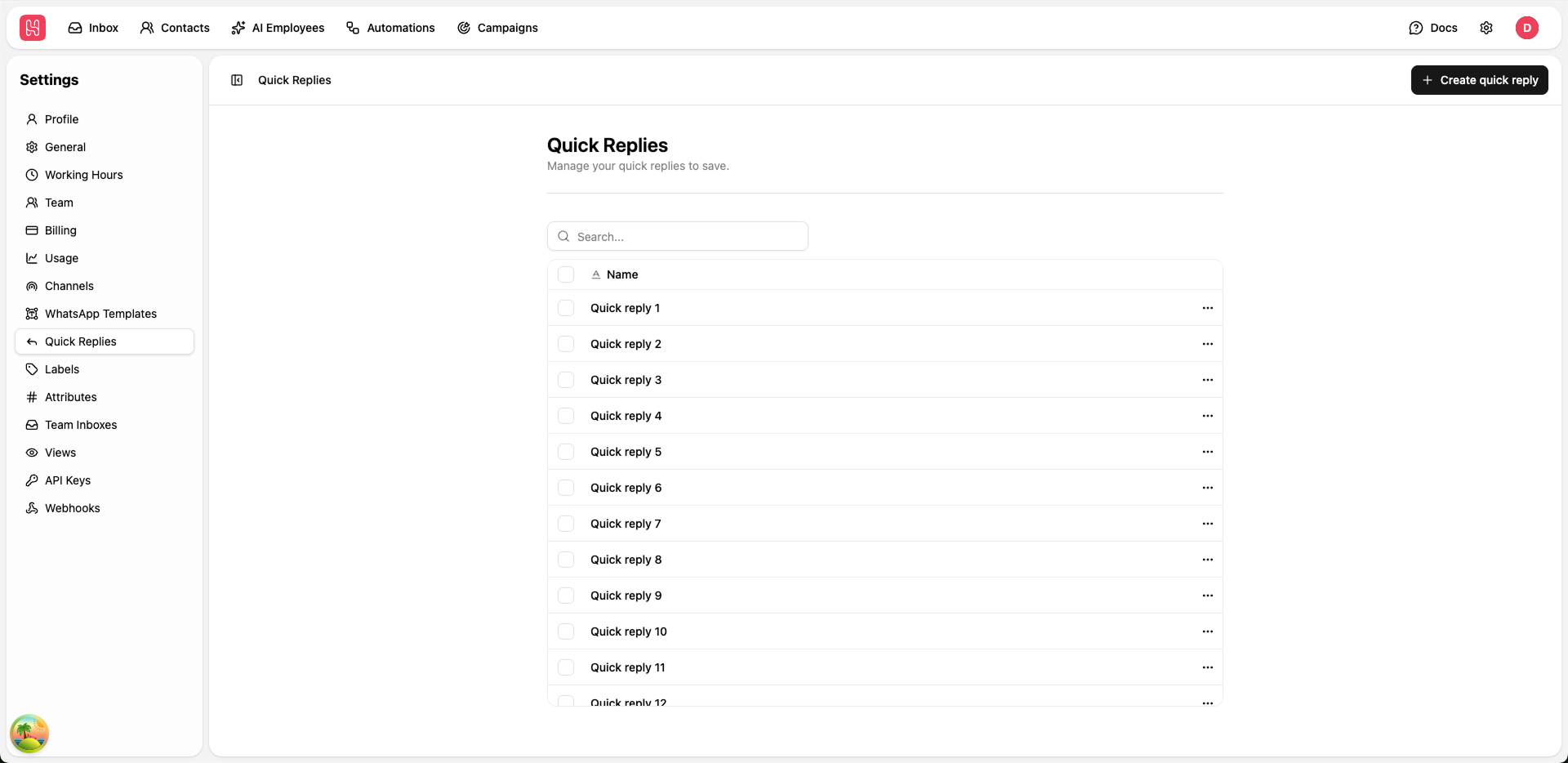
Go to Settings > Quick Replies to manage your quick replies.
Creating Quick Replies
Quick replies let your team insert consistent, pre-approved responses in just a few keystrokes. To create a new quick reply, click the ”+ Create quick reply” button in the top-right corner of the Quick Replies page and configure:Response Content
- Keep responses clear and concise, and ensure they are written in your brand tone of voice.
Using Quick Replies
In any conversation:- Click the arrow button in the chat input.
- Scroll or search to select the desired reply.
- The full saved message will be inserted into the composer, where you can review and customize it before sending.