
Add to Campaign
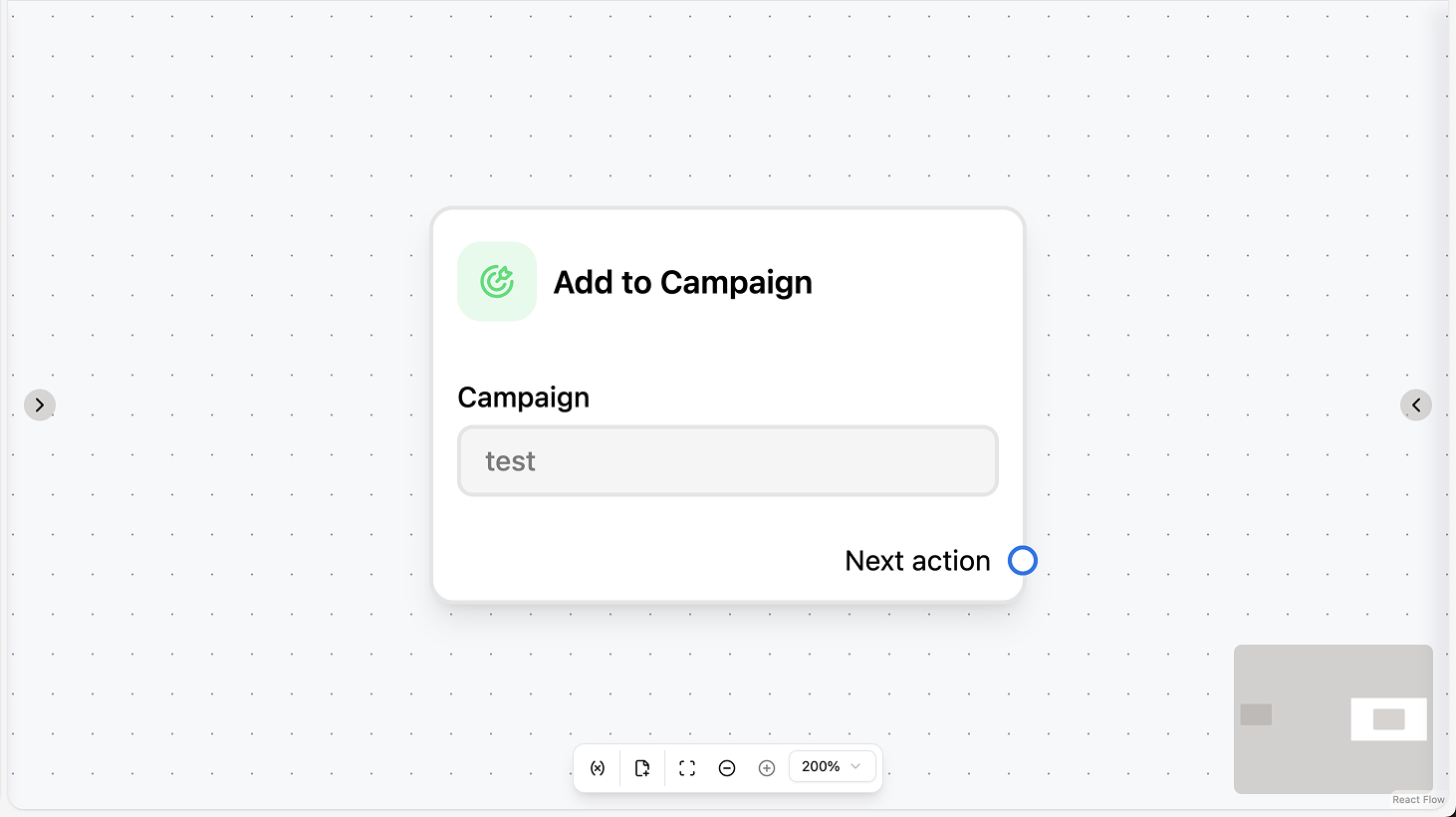
Fields
- Campaign (required): Select the campaign to add the contact to. You can search by campaign name.
Use cases
- After explicit opt-in: Use Add to Campaign after the contact confirms (e.g. replies “Yes” to a consent question or taps a subscribe button); add a Condition before so it runs only when the reply matches your criteria.
- After qualification: After AI Intention Recognition or a Condition (e.g. “intention = sales”), use Add to Campaign so the contact receives the campaign’s messages according to its schedule and rules.
- With Subscribe: Combine Add to Campaign with Subscribe when the contact must be subscribed to receive campaign messages (e.g. after they opt in or complete a form).
Remove from Campaign
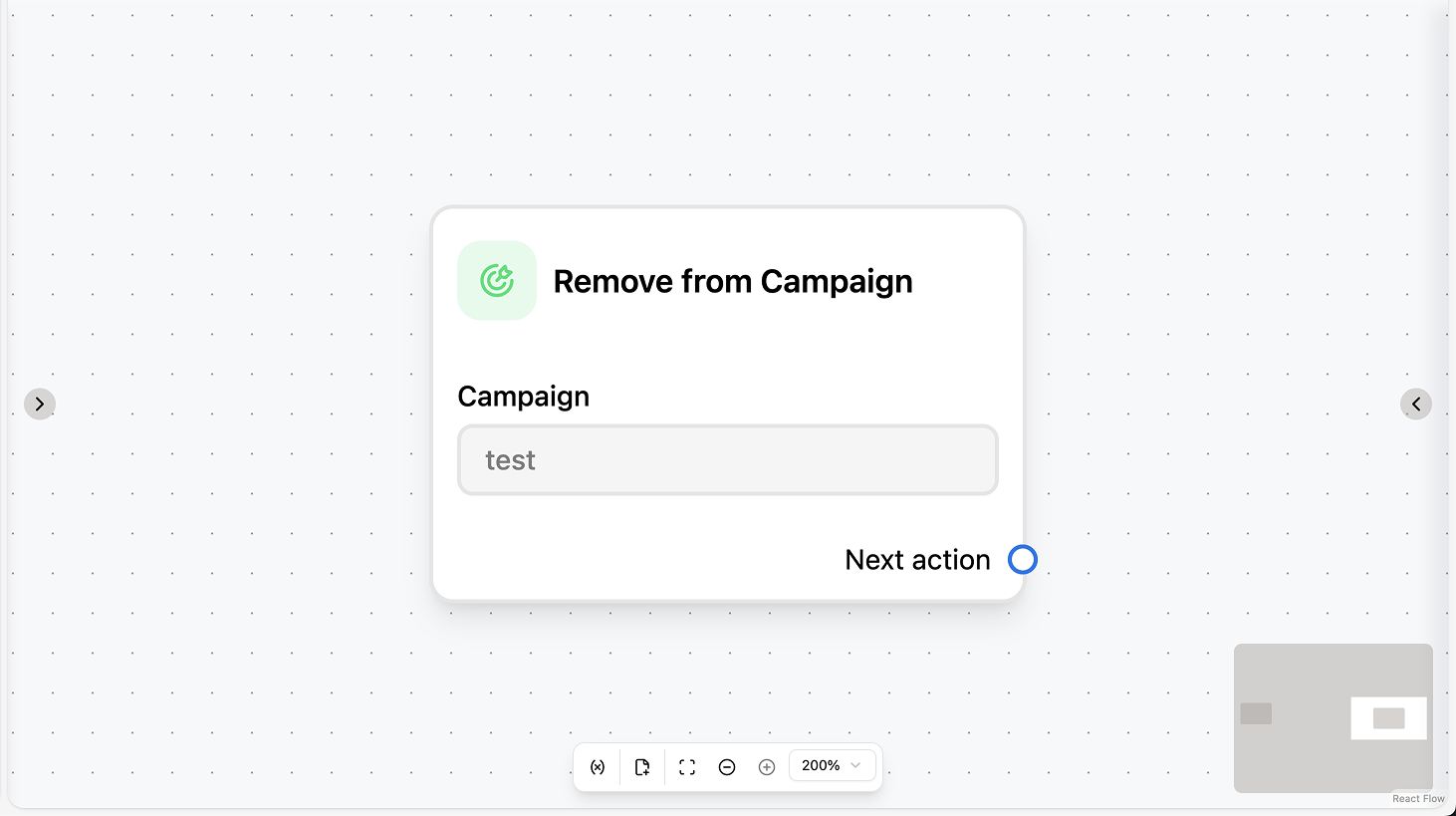
Fields
- Campaign (required): Select the campaign to remove the contact from. You can search by campaign name.
Use cases
- Opt-out keywords: In a “New incoming message” automation, add a Condition that checks for opt-out keywords (e.g. “stop”, “unsubscribe”), then use Remove from Campaign so the contact no longer receives that campaign’s messages.
- Explicit opt-out: When the contact explicitly opts out of a campaign (e.g. replies “Stop” or taps “Unsubscribe”), use Remove from Campaign in the branch that handles that request.
- Logic-based removal: When your logic determines the contact should no longer receive the campaign (e.g. they’ve converted, churned, or no longer fit the audience), use Remove from Campaign so they are excluded from future messages.