
API
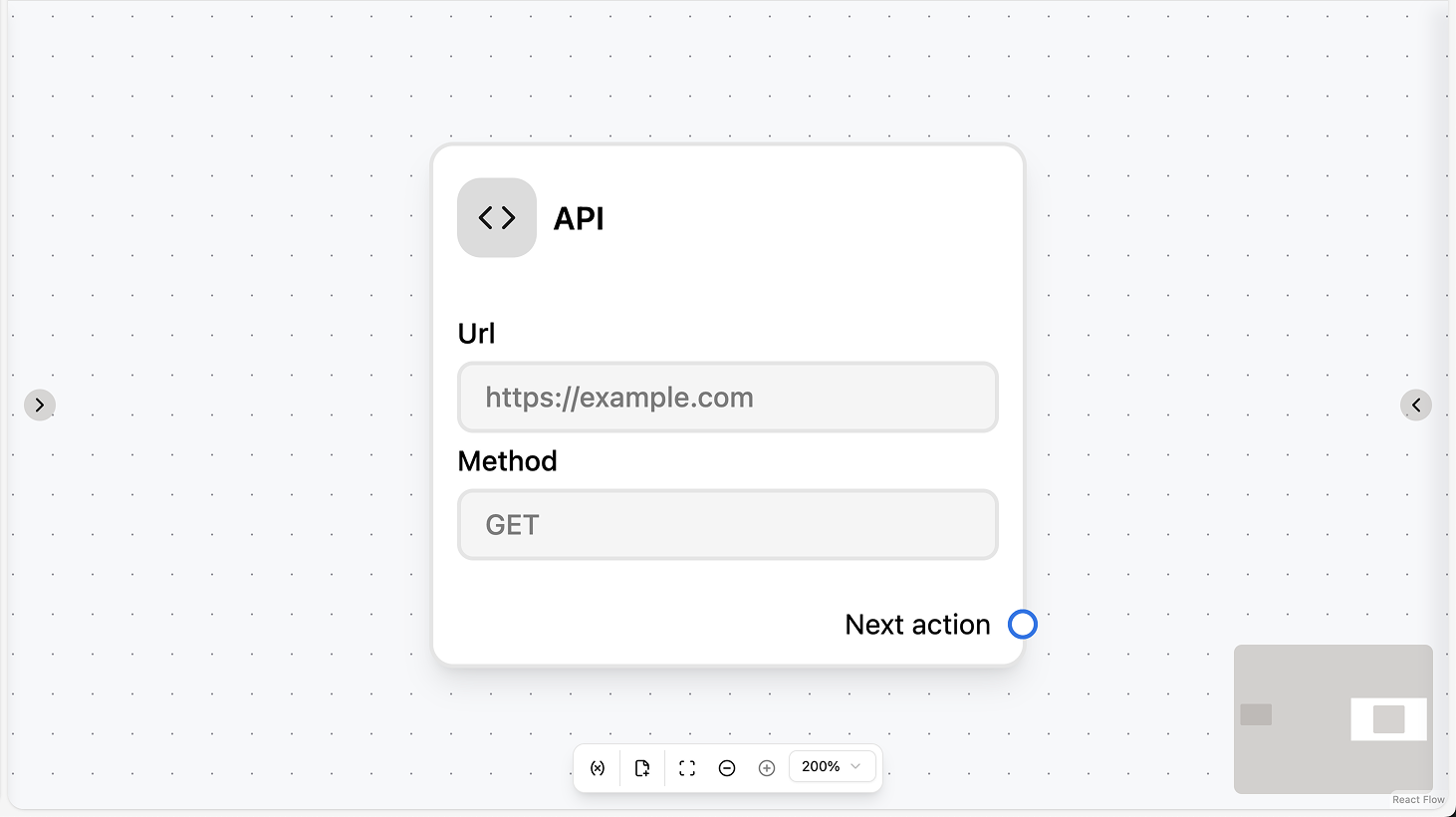
Fields
- URL (required): The full URL of the API endpoint. You can use workflow variables and contact fields/attributes in the URL via the dropdown.
- Headers (optional): One or more HTTP headers (key–value pairs). You can use workflow variables and contact fields/attributes in values.
- Method (required): The HTTP method (e.g. GET, POST, PUT, PATCH, DELETE).
- Body (optional): The request body (e.g. JSON). Shown for methods that support a body. You can use workflow variables and contact fields/attributes.
- Response mapping (optional): Map parts of the API response to workflow variables or contact attributes. For each mapping, set a JSON path (e.g.
$.data.id) and the variable or attribute to save the value to.
Use cases
- Store API results: Use response mapping to save parts of the response (e.g. order ID, ticket number) to workflow variables or contact attributes so you can use them in conditions, the next message, or Set Attribute.
- Integrate with external systems: Call your CRM, ticketing system, or webhooks from the automation (e.g. create a ticket when a chat is created, sync contact data) and optionally map the response for use in later steps.
- Fetch data for later steps: Call an API to get data (e.g. product info, inventory), map the response with JSON path (e.g.
$.data.id), and use the variables or attributes in the next action (e.g. Condition, message body).