
AI Employee
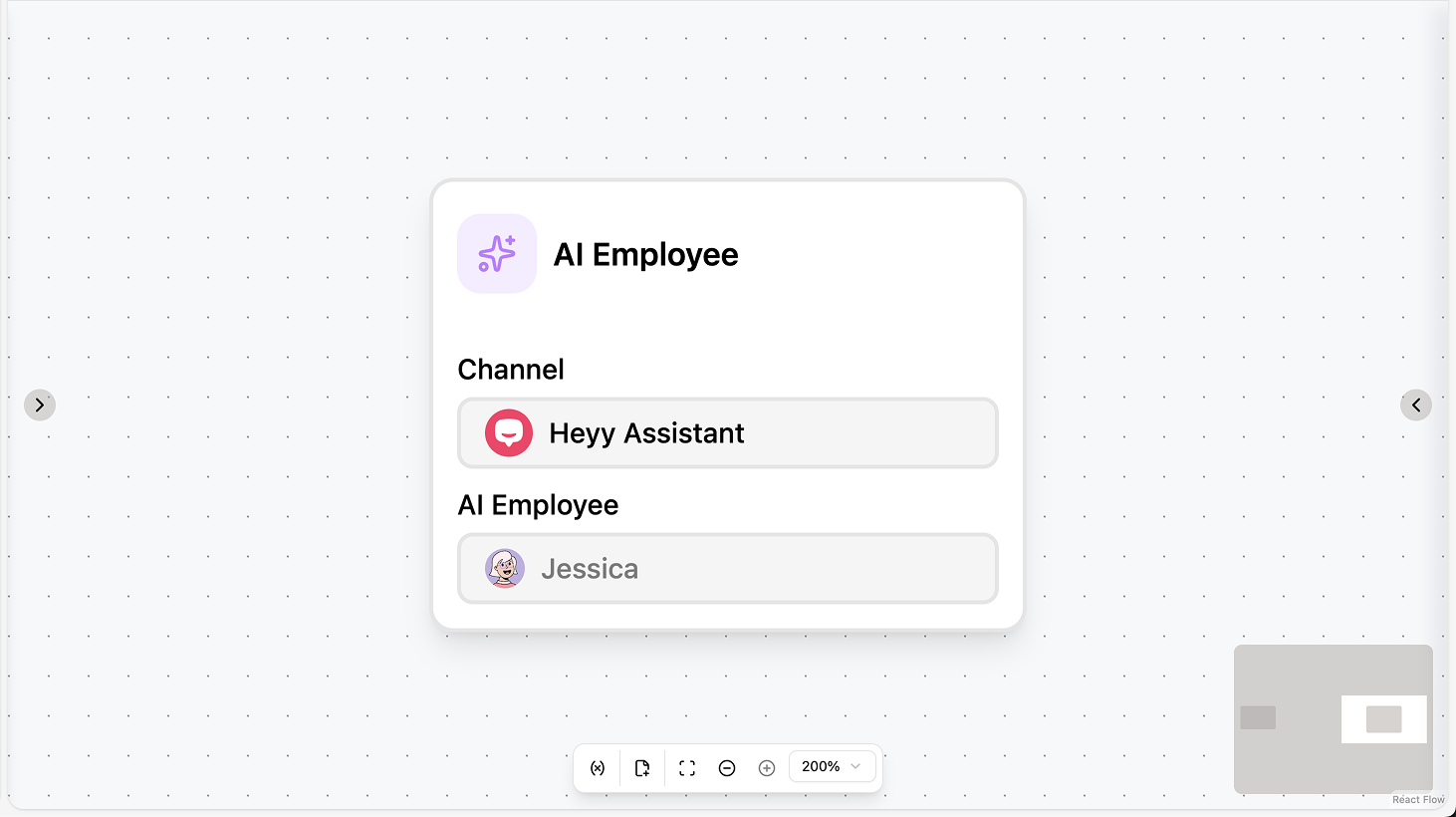
Fields
- Channel (required): Select the channel where the AI employee will reply.
- AI Agent (required): Choose which AI employee handles the conversation.
- Context (optional): Extra instructions or context for the AI (e.g. product info, policies).
- Exit conditions (optional): Define when the AI should stop and hand off (e.g. when the contact asks for an agent or says “goodbye”).
- Reply timeout (optional): Toggle and set a duration after which the AI stops waiting for a reply and the automation can continue.
Use cases
- First-line support: Use the action to hand the chat to an AI employee that answers FAQs and collects info; add exit conditions (e.g. “ask for agent”) so the automation continues to Assign chat or Move chat when the contact wants a human.
- Lead qualification: Let the AI ask qualifying questions in the chat; use exit conditions and reply timeout so the flow continues to Set attribute, Add label, or Assign chat based on the AI’s conversation.
- Collect info before handoff: Use Context to give the AI product or policy details; when the AI finishes or times out, use the next steps to assign the chat and optionally send a summary or Set attribute with what was collected.
AI Intention Recognition
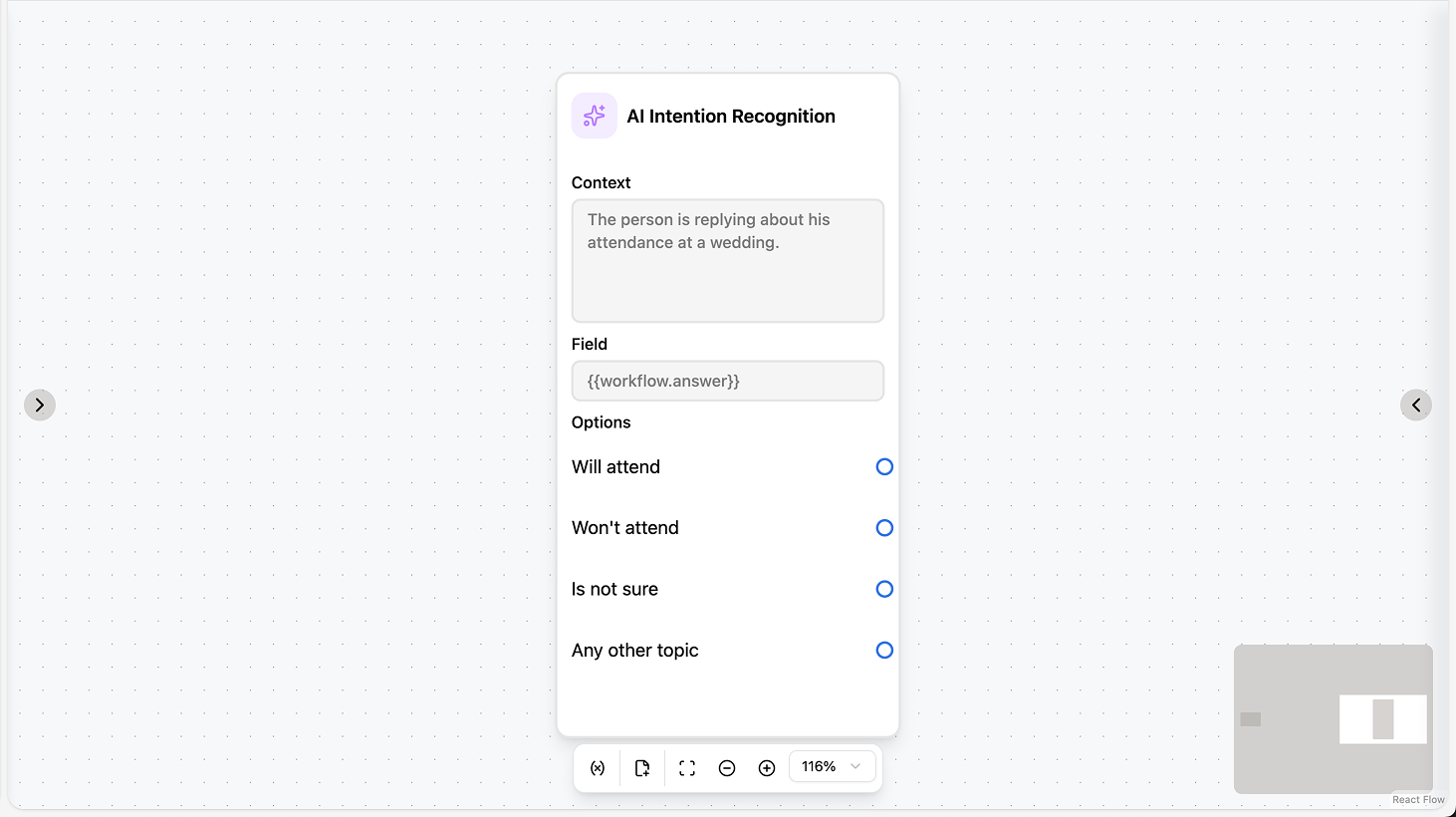
Fields
- Context (optional): Description or instructions so the AI understands the conversation (e.g. “Customer support chat”).
- Field (required): The workflow variable or contact attribute where the matched option will be saved.
- Options (required): List of possible intents (one per line). The AI picks the best-matching option; you can add up to 20.
Use cases
- Route by intent: Use the action to classify the contact’s message (e.g. “support”, “sales”, “complaint”) and save to a variable; add a Condition right after to Assign chat, Move chat, or send different messages based on the stored value.
- Tag contacts for campaigns: Save the matched option to a contact attribute (e.g. “intention”) so you can segment or target contacts in campaigns and views based on what they wanted.
- Branch without full AI chat: When you only need to detect intent (not hold a long conversation), use AI Intention Recognition after “Save text reply to” and branch the automation on the result (e.g. support vs. sales flow).
AI Transform
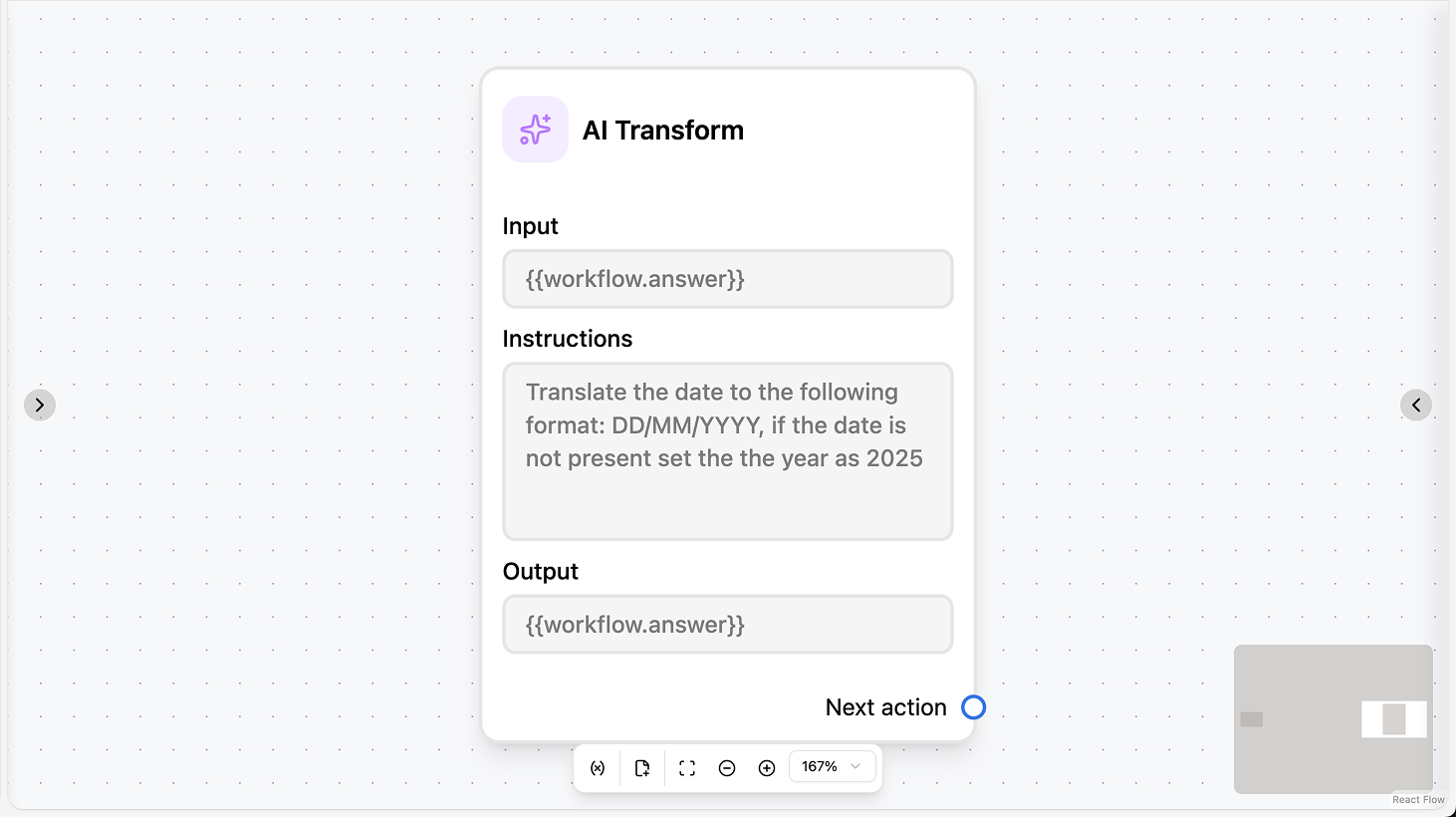
Fields
- Input (required): The workflow variable or contact attribute that contains the source text.
- Instructions (required): What you want the AI to do (e.g. “Summarize in one sentence”, “Extract the email address”).
- Output (required): The workflow variable or contact attribute where the transformed text will be saved.
Use cases
- Summarize or extract from the reply: Use the action with Input = the variable where you saved the contact’s reply (e.g. from “Save text reply to”); set Instructions to “Summarize in one sentence” or “Extract the order number”, then use the Output in the next message or Condition.
- Translate for internal use: Set Input to the contact’s message (variable or attribute) and Instructions to “Translate to [language]”; save Output to a variable or attribute so agents or later steps see the translation.
- Reformat for downstream steps: Use AI Transform to clean or structure text (e.g. “Extract only the email address”, “Convert to bullet points”) and save to a variable or attribute for use in an API call, template, or contact record.