
Email Notification
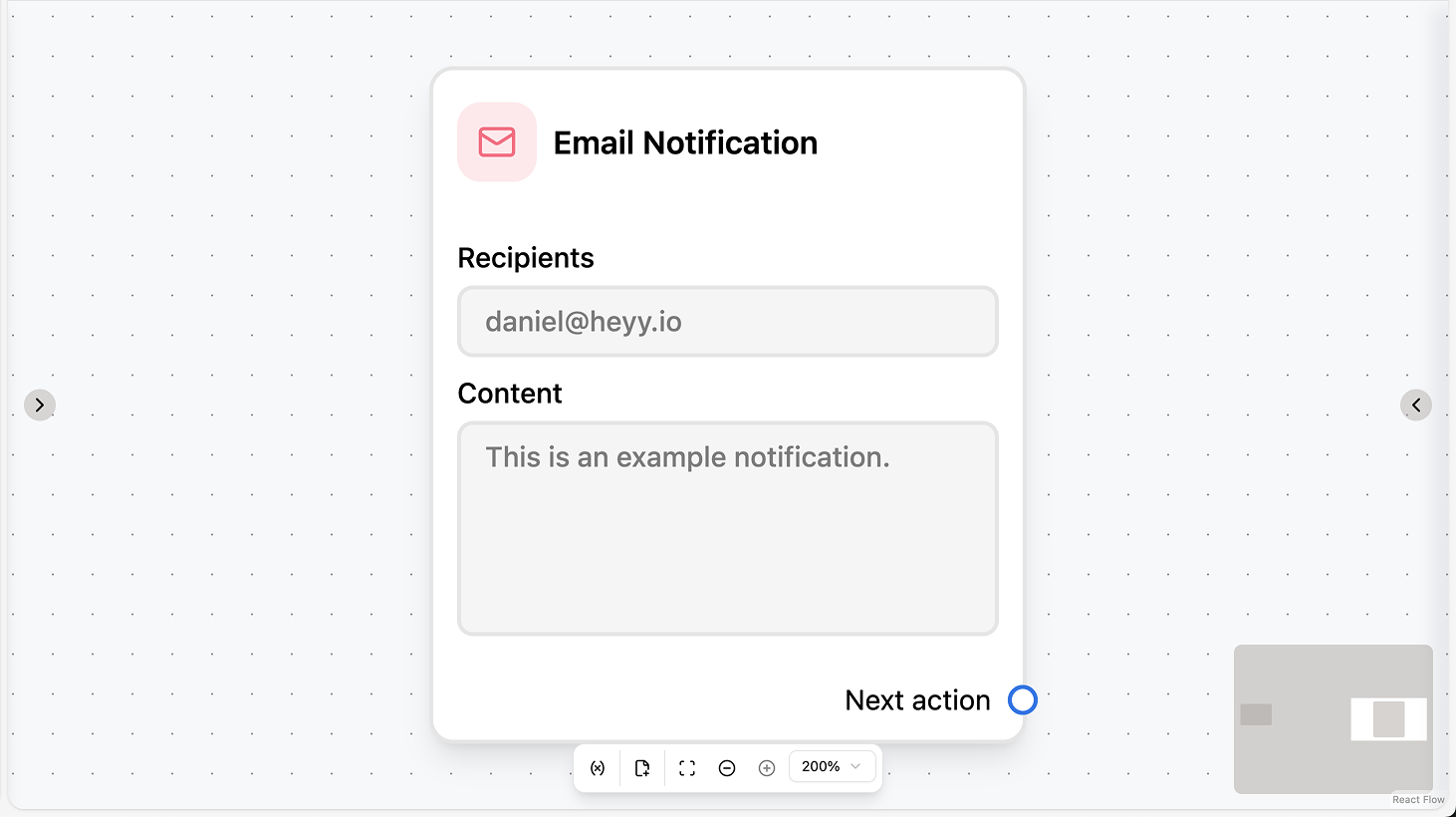
Fields
- Emails (required): Add one or more email addresses (up to 5). Each address is validated before it can be added.
- Body (required): The email content. You can use workflow variables and contact attributes in the text.
Use cases
- Internal alerts: Notify your team (e.g. support@) when a high-priority event occurs (e.g. VIP contacts you, escalation, form submitted); use workflow variables and contact attributes in the body for context.
- Team notification on event: Trigger Email Notification from a “New incoming chat” or “Chat assigned” automation so the right people get an email when a lead is created or a chat is assigned.
- Context in the email: Reference the contact’s name, attributes, or workflow variables in the body so recipients see who the alert is about; for customer-facing emails, use your email provider or a dedicated email action.
WhatsApp Notification
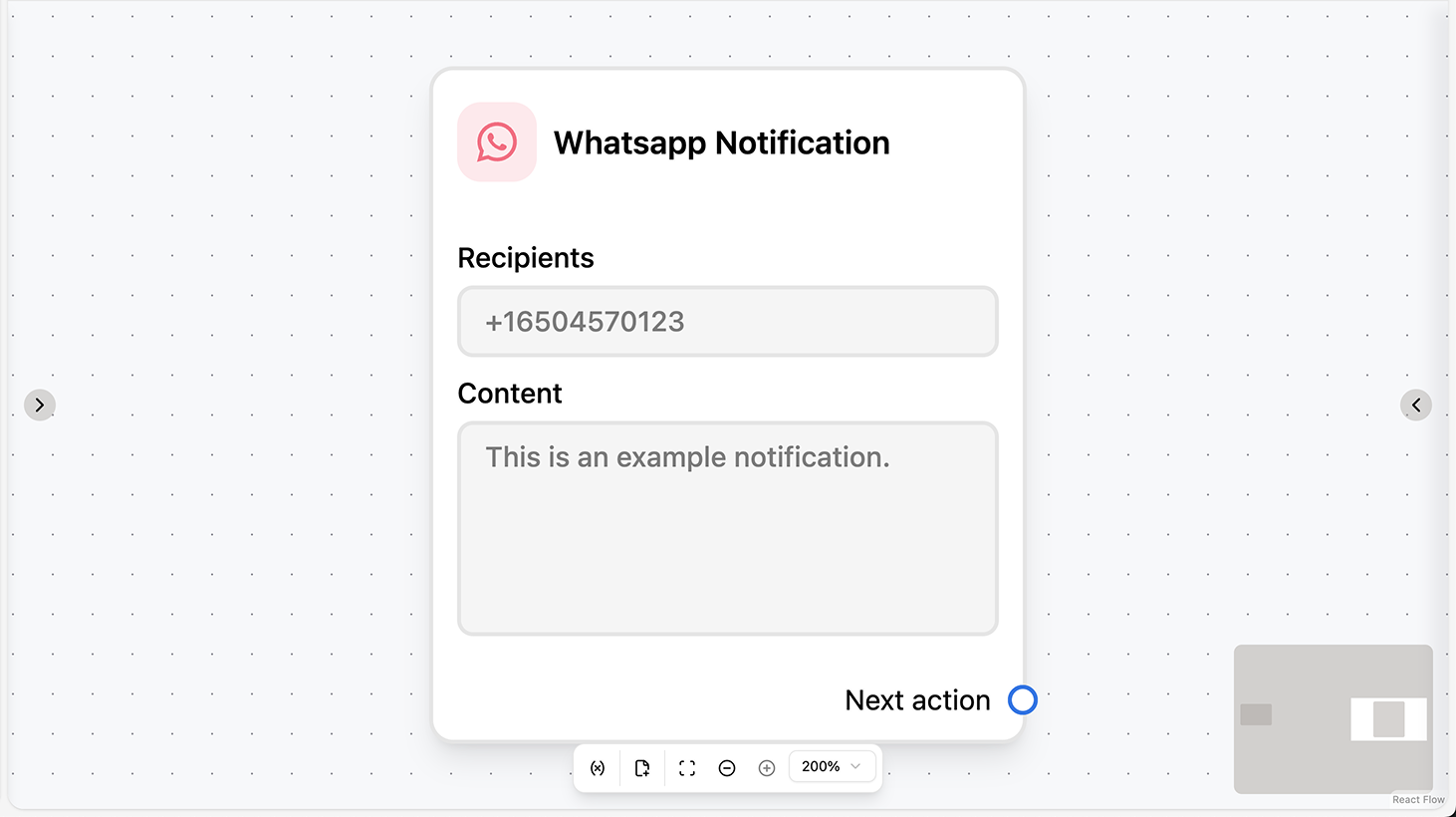
Fields
- Phone numbers (required): Add one or more phone numbers (up to 5) in international format. Each number is validated before it can be added.
- Body (required): The message content. You can use workflow variables and contact attributes in the text.
Use cases
- Internal alerts on WhatsApp: Notify your team (e.g. a sales rep) when an event occurs (e.g. lead assigned, escalation) by sending a WhatsApp message to one or more phone numbers; use variables and contact attributes in the body for context.
- Team notification on event: Trigger WhatsApp Notification from a “Chat assigned” or “New incoming chat” automation so the assigned agent or team gets a WhatsApp alert when a lead is created or a chat is assigned.
- Internal vs customer: Use WhatsApp Notification for internal alerts only; for messages to the contact in the chat, use the WhatsApp actions (Send Message, Send Template, etc.) in the same automation.