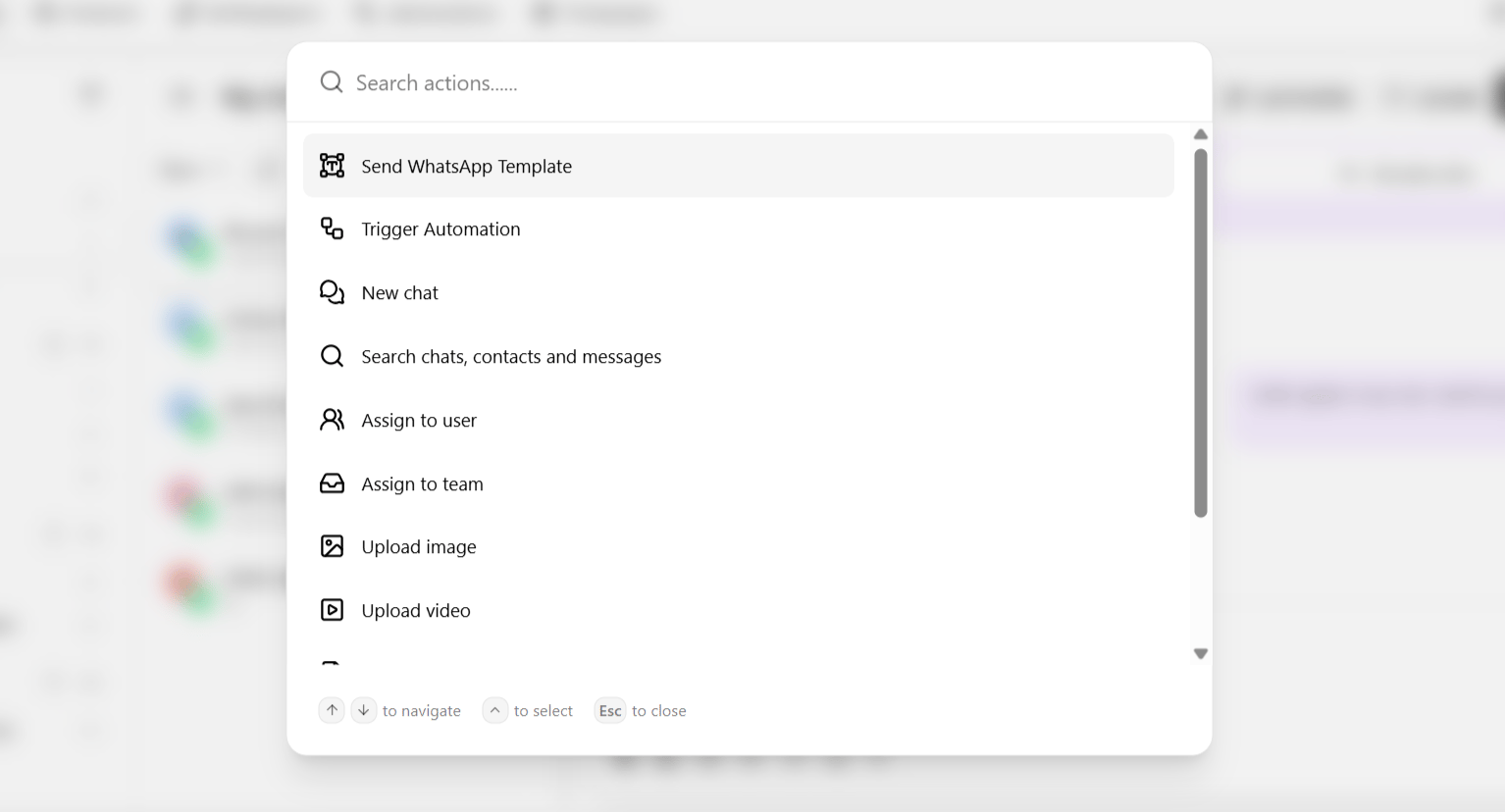
| Send a WhatsApp template | Trigger an approved template directly — the way to resume messaging after a conversation window expires. |
| Trigger automation | Start an existing automation for this conversation. |
| New chat | Open a fresh conversation, optionally with the same contact on a different channel. |
| Search chat | Search within the current conversation. |
| Search contacts | Look up a specific contact. |
| Search messages | Locate a specific message across conversations — see Global search. |
| Assign to user | Hand this conversation to a specific teammate. |
| Assign to team | Route this conversation to a team inbox. |
| Upload image / video / document | Attach media as part of a broader action flow rather than a simple send. |