
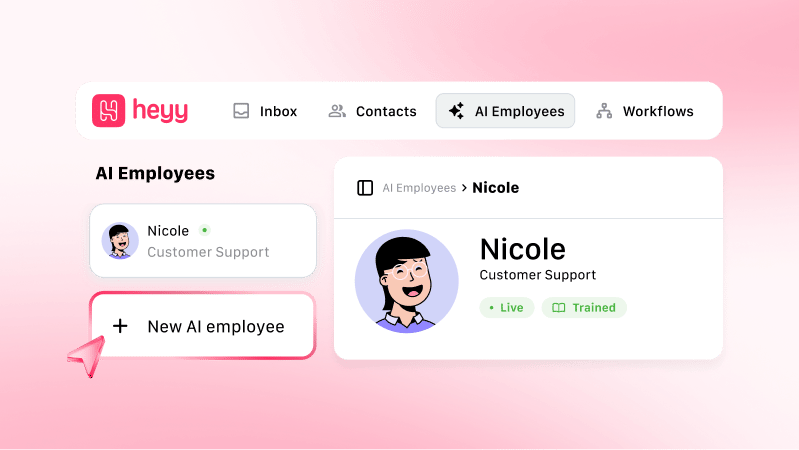
How AI Employees fit in Heyy
- Configure — Define how they sound, what they know, and what they can do.
- Test — Use the Playground before customers see them.
- Deploy — Add them to automations on all your channels like WhatsApp, Instagram, Live Chat, etc.
The AI Employee page
Every AI Employee you configure lives on the same page, in AI Employees. A dropdown on the left lists every employee on your workspace — useful if you run more than one, for example a support employee and a sales employee, or separate employees per brand. Selecting an employee from the dropdown loads that employee’s entire configuration; switching is instant, and each employee’s settings are stored completely separately, so adjusting one employee’s tone or boundaries has zero effect on any other employee in your workspace.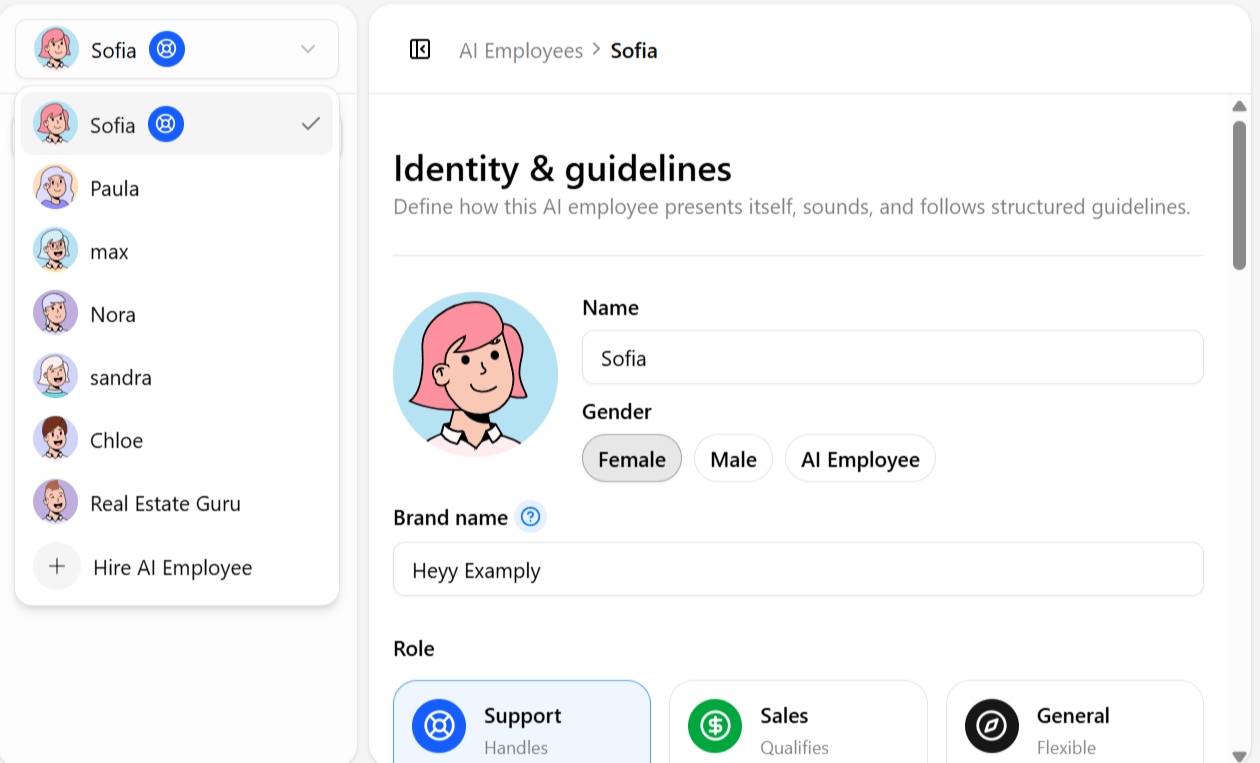
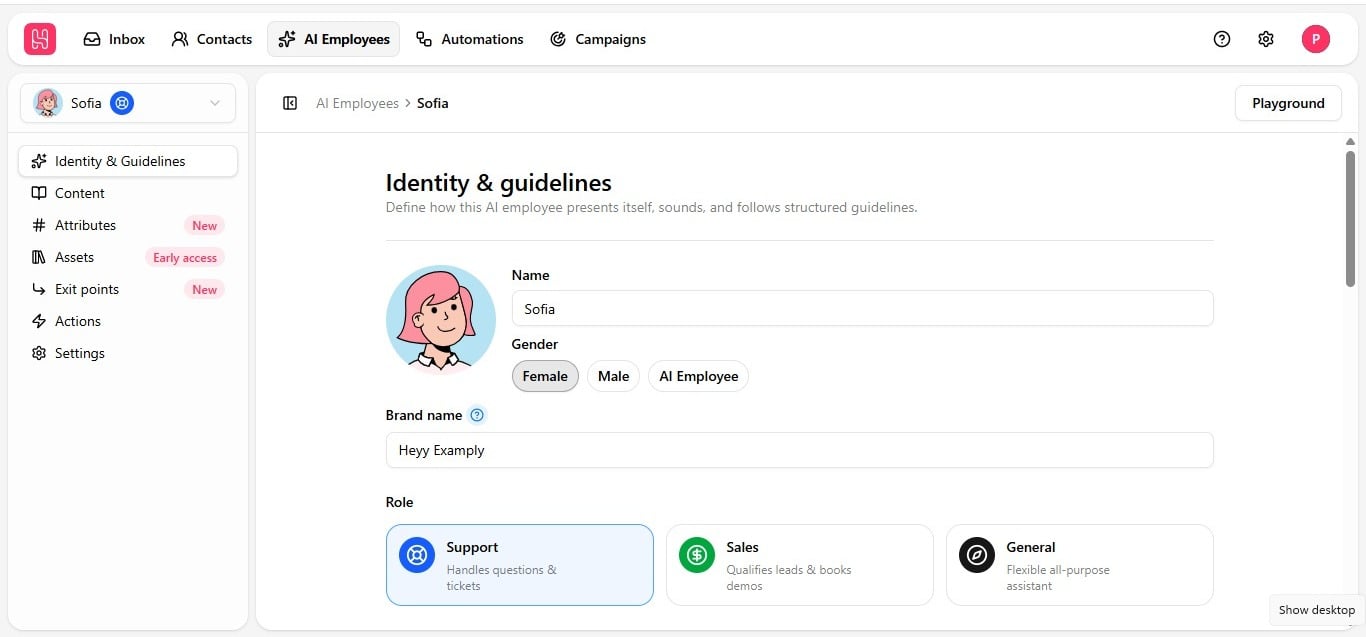
Identity & guidelines comes first in the tab order deliberately. Everything downstream — the content the employee is trained on, the assets it can share, the actions it can trigger, the points where it exits a conversation — gets filtered through the personality and rules established there first. An employee with no identity configured is a capable engine with no steering wheel; Identity & guidelines is where the steering wheel goes in, before anything else is worth configuring.
Categories
Getting started
Hire, test, and connect your first employee to customer traffic
Identity & guidelines
Brand, role, tone, and structured conversation guidelines
Content
Links, documents, text, and Q&A knowledge for accurate answers
Capabilities
Contact context, shareable files, actions, exit points, and settings
Going live
Playground, automations, exit routing, and handoff to humans
Popular articles
Hire an AI employee
Write your guidelines
How AI employees work in automations
Add to an automation
How the tabs work together
No single tab does the whole job — the real behavior of an AI Employee emerges from all seven tabs plus the Playground working together. Consider one realistic conversation: a customer messages an employee configured for a fashion brand, asking about sizing for a jacket.Recommended configuration order
The platform allows configuring tabs in any sequence, but this order reflects how they naturally depend on one another:- Identity & guidelines first — name, brand, role, tone, answer length, and all four guideline categories. Everything else builds on this foundation.
- Content next — populate the knowledge base so the employee has something substantive before you start testing.
- Assets alongside Content — upload the files Conversation flow & objectives guidelines will need to reference.
- Attributes — decide what contact data the employee needs, based on how personalized its replies should be.
- Exit points — define handover conditions before going live, so a difficult conversation always has somewhere to go.
- Actions — configure automations or API calls once the more foundational tabs are in place.
- Settings — adjust smaller behavioral details like the typing indicator.
- Playground, continuously — test throughout the process above, not only once at the end. Verify each tab’s changes before moving to the next.