
Chat assigned
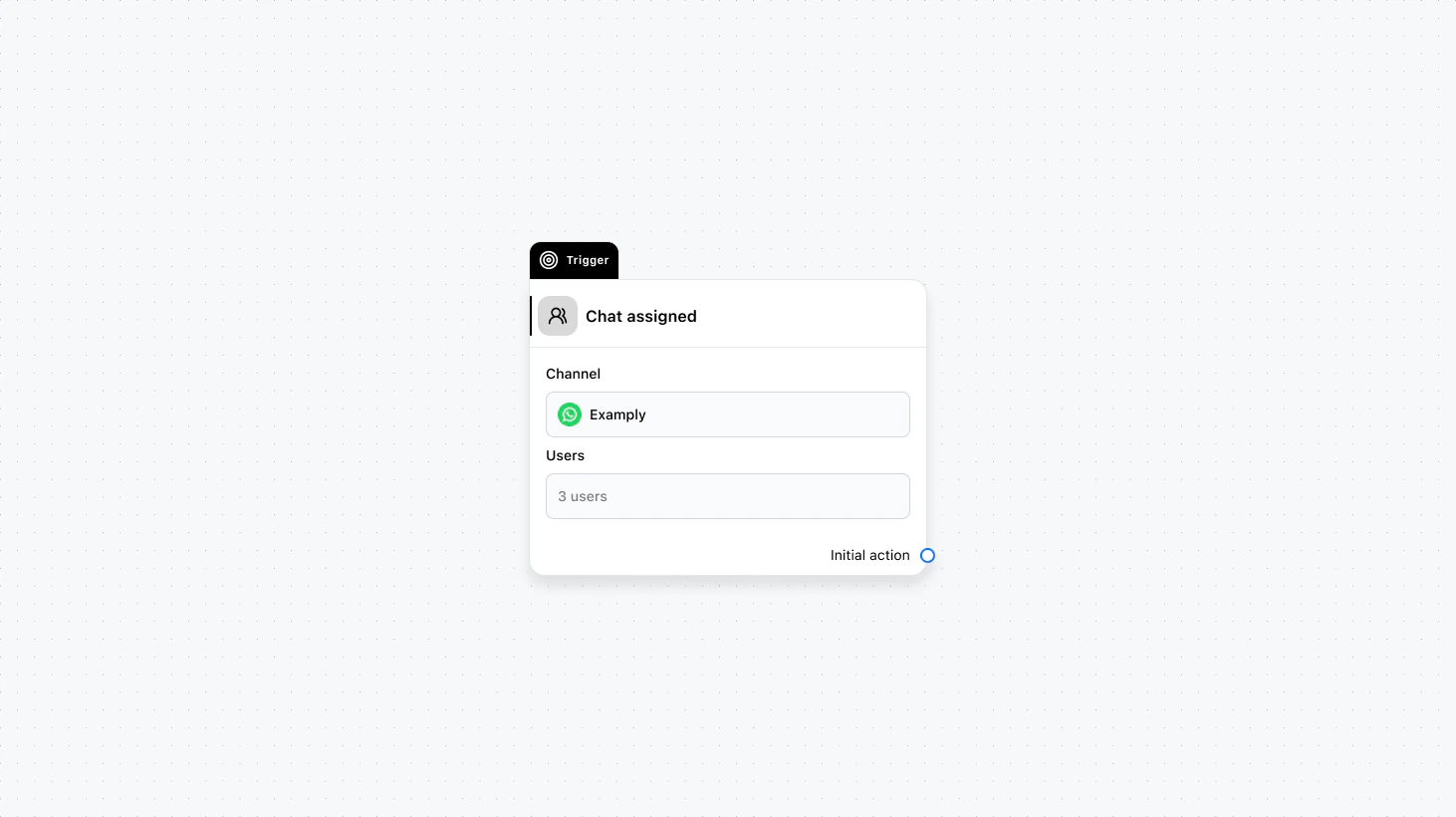
Fields
- Channel (required): Select the channel where this trigger will run.
- Users (required): Select the users for whom to fire this trigger.
Use cases
- Notify the assigned agent: Send an email or internal notification to the user who received the chat so they know a new conversation was assigned to them.
- Role-specific workflows: Run different automations when a chat is assigned to support vs. sales (e.g. different templates or next steps).
- Update external systems: When a specialist is assigned, call an API to update your ticketing system or CRM with the assignee.