
Chat moved
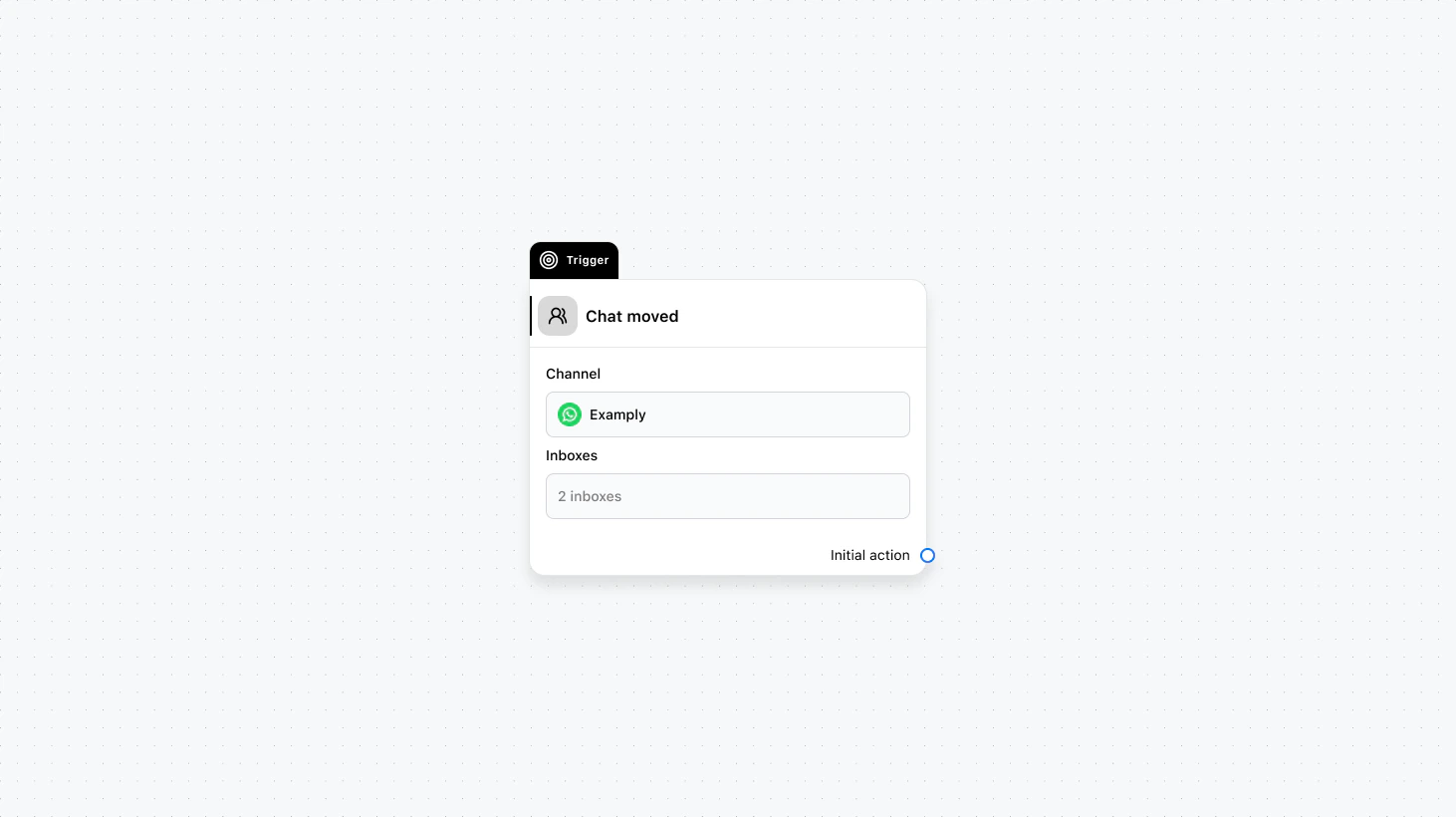
Fields
- Channel (required): Select the channel where this trigger will run.
- Inboxes (required): Select the inboxes for whom to fire this trigger.
Use cases
- Inbox-specific handling: When a chat is moved to Sales, send a sales-focused message or assign to a sales rep; when moved to Support, run a support triage flow.
- Notify the team whose inbox received the chat: Send an internal alert or assign a default agent when a chat lands in a specific team’s inbox.
- Sync with routing rules: Trigger an API or update attributes when a chat is moved so your external routing or reporting stays in sync.