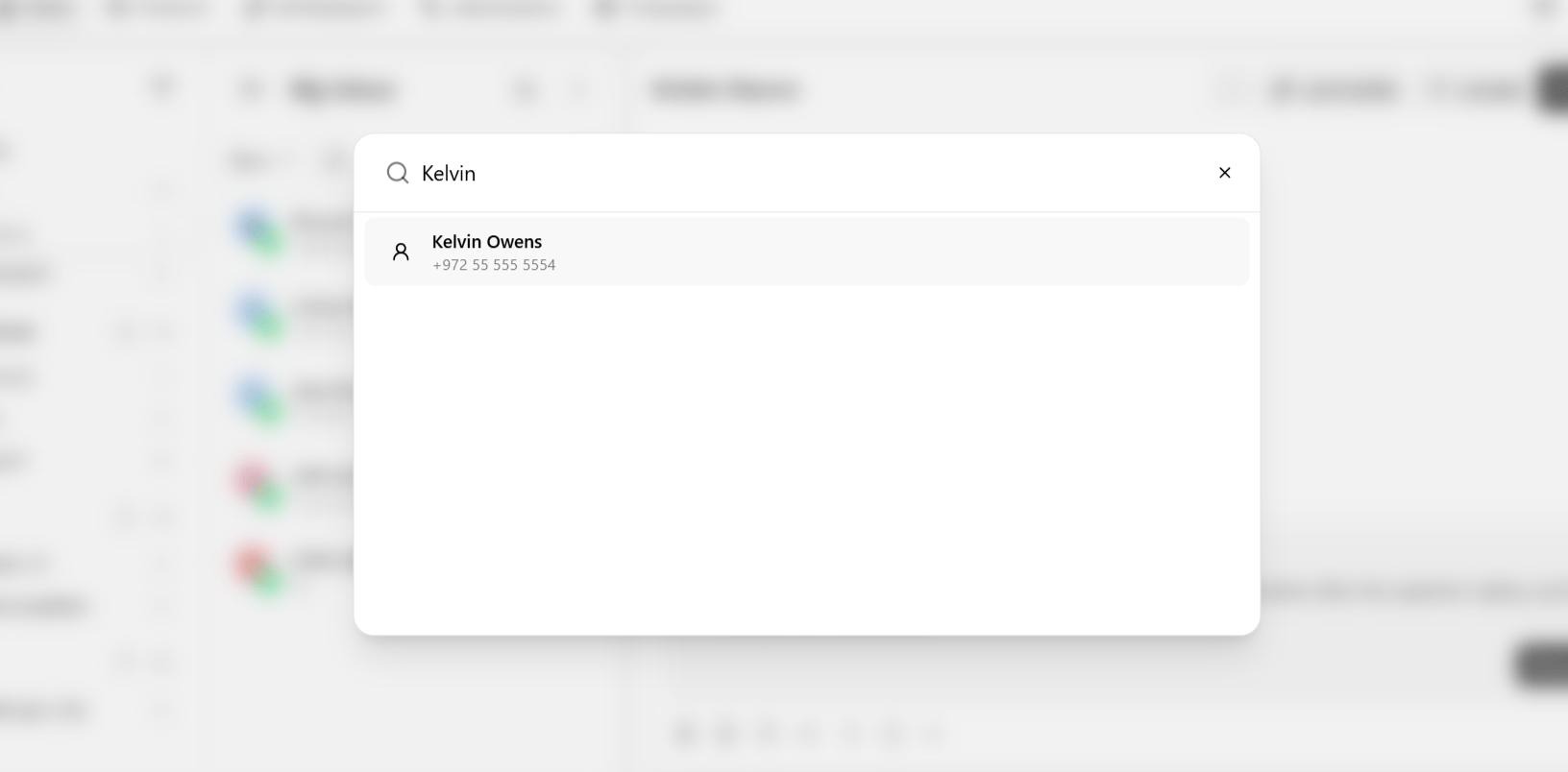
Use Start a new chat when you need to reach out first, rather than waiting for a contact to message in — following up on a lead, opening a support ticket on someone’s behalf, or reconnecting with a contact on a channel they haven’t messaged you on yet.

Start a chat

  1. In the conversation list, click the + button.
  2. Choose a channel — WhatsApp, Instagram, Messenger, Live Chat, or SMS.
  3. Pick an existing contact, or create a new one on the spot.
  4. Send your first message.
Start a new chat panel
You can also trigger this from inside an open conversation via Actions → New chat — see Chat actions — handy when you want to start a fresh thread with the same contact on a different channel without leaving the one you’re in.
On WhatsApp and Messenger, messaging a contact who has not messaged you within the last 24 hours (or 7 days on Instagram) requires an approved template rather than a free-form message. See Conversation window — if your first message option only shows templates, this is why.
Check a contact’s Other chats before starting a new thread — they may already have an open conversation on a different channel that the new chat should continue instead of duplicate.