
How identity setup works
When a customer message reaches your AI employee, Heyy combines identity setup with guidelines, content, and capabilities to produce each reply. Basics answer who the employee is — their name, the brand they represent, and their high-level role (support, sales, or general). Generation settings answer how they communicate by default — tone of voice and how long answers tend to be. Think of identity setup as the employee’s profile card; guidelines are the playbook they follow in specific situations.Configure basics
Open an employee and scroll to Basics at the top of Identity & guidelines.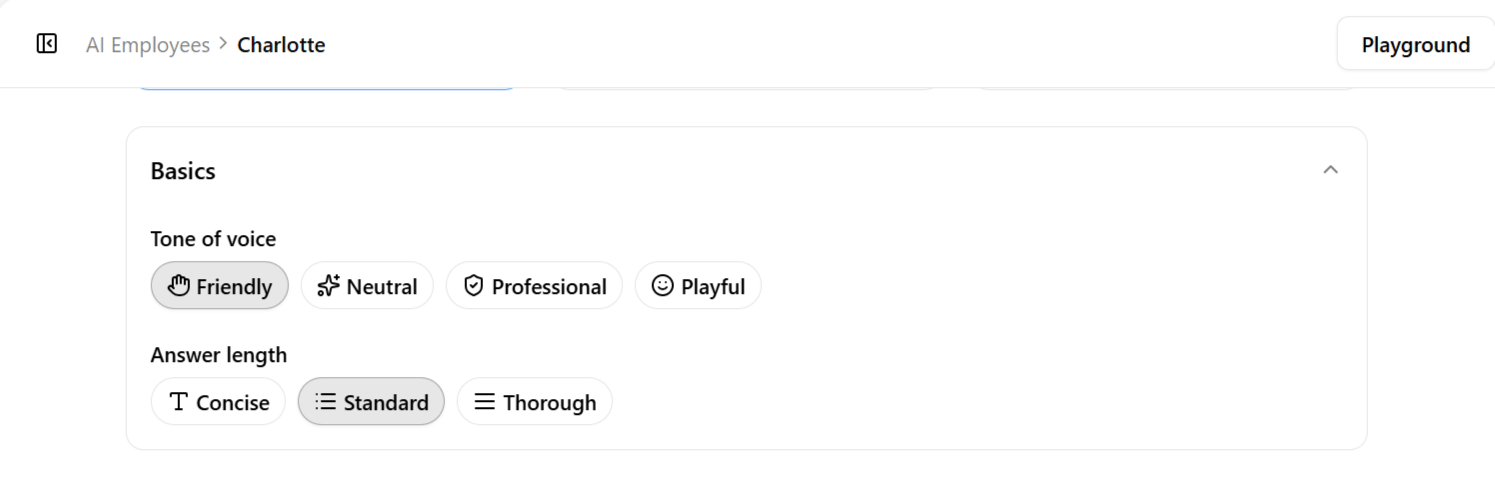
Role shapes default behavior before you write guidelines. Each option shows a short description in the app when you select it.
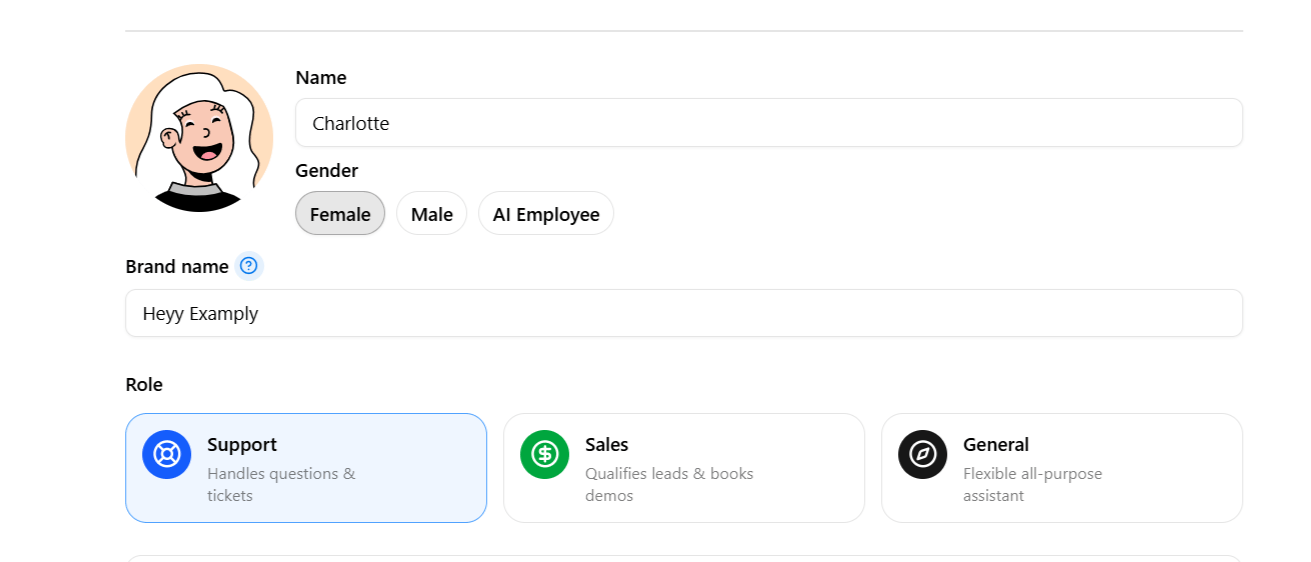
You are not locked in — guidelines can narrow or override role defaults. Many teams start with Support or General, then add Conversation flow & objectives guidelines once they see real customer questions.
Basics in practice
The Basics fields are independent and combinable, not five preset personalities to choose between — the right combination depends on the business, the channel, and the job the employee is meant to do. Two employees at the same furniture store illustrate how differently these fields interact:
Neither is inherently better — a useful exercise is to imagine handing a written brief to a new human hire and asking: if I described our company culture and this role in one paragraph, what would that paragraph say? Whatever answer comes to mind should map fairly directly onto the Role, Tone, and Answer length choices made here.
Generation settings
Tone of voice and answer length set how replies feel and how much detail they include by default. Both apply to every message unless a guideline or automation override specifies otherwise.
Match tone to channel and audience — fintech WhatsApp often suits Professional or Neutral; D2C Instagram may suit Friendly. Pair Concise length with fast-moving channels like SMS. Pair Thorough length with Content and Q&A so longer answers stay accurate. If tone varies by channel, use automation guideline overrides instead of cloning employees.
Identity setup vs guidelines
Identity setup and guidelines work together but serve different jobs.
Defaults from this page are always active. Guidelines add nuance — for example, Boundaries for what not to say, or Identity & style for how to introduce the brand in the first message.