
Add a Q&A pair
- Open the Content tab and click Add Content in the top-right corner.
- Choose Add Q&A from the dropdown.
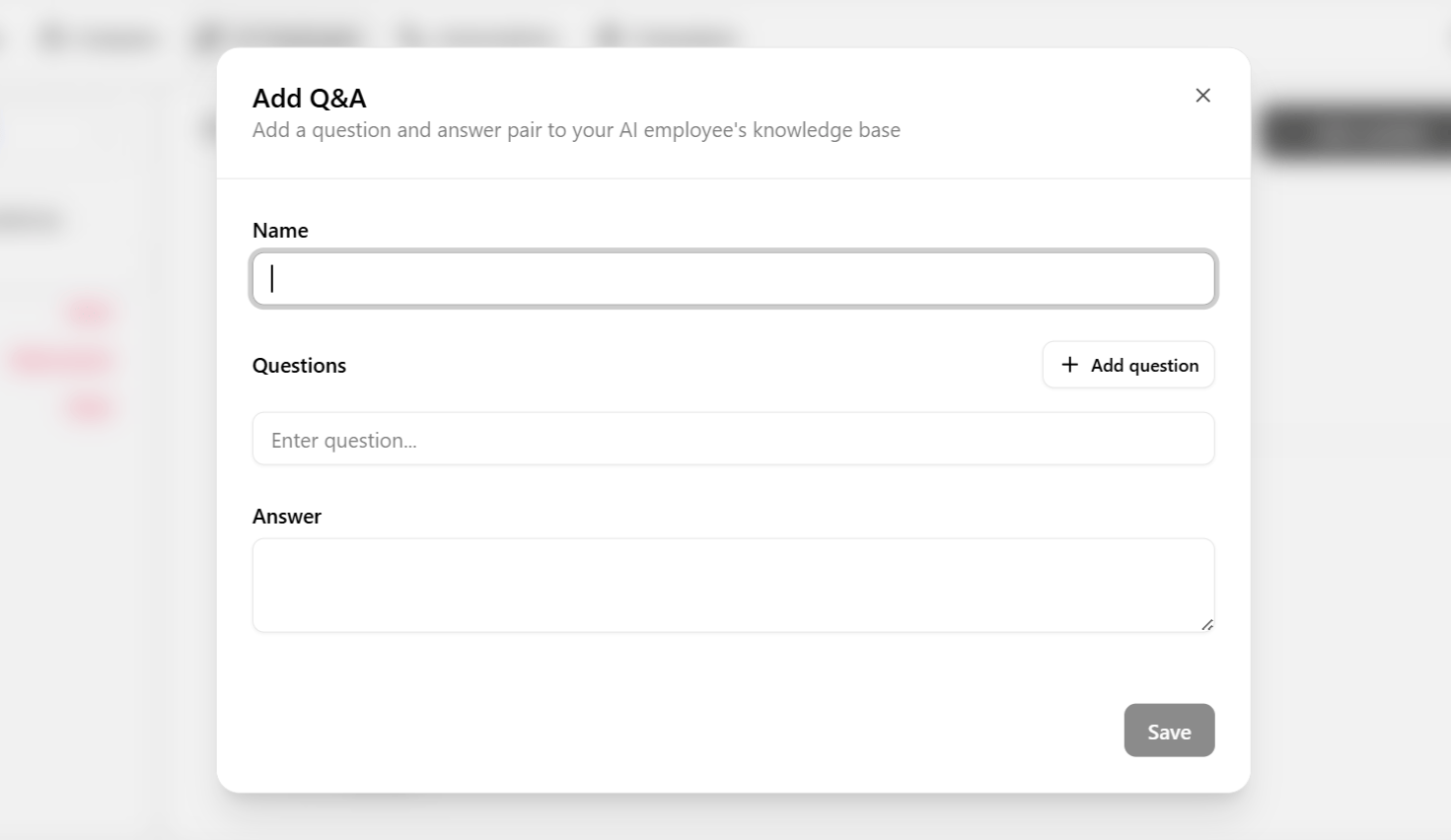
- Give the entry a name.
- Enter the question — including any phrasing variations customers commonly use for it.
- Enter the answer the employee should give.
- Save. The entry is queued for the next training cycle; see Keep knowledge accurate.
When Q&A is the right source
Q&A works best for facts that should never drift — pricing, hours, shipping windows, refund windows — where you want one exact, approved answer regardless of how the question is worded.
Combine Q&A with links and documents rather than choosing one — Q&A locks down the exact answers customers ask about most, while links and documents give the employee broader coverage for everything else.