
Add a link
- Open the Content tab and click Add Content in the top-right corner.
- Choose Add Link from the dropdown.
-
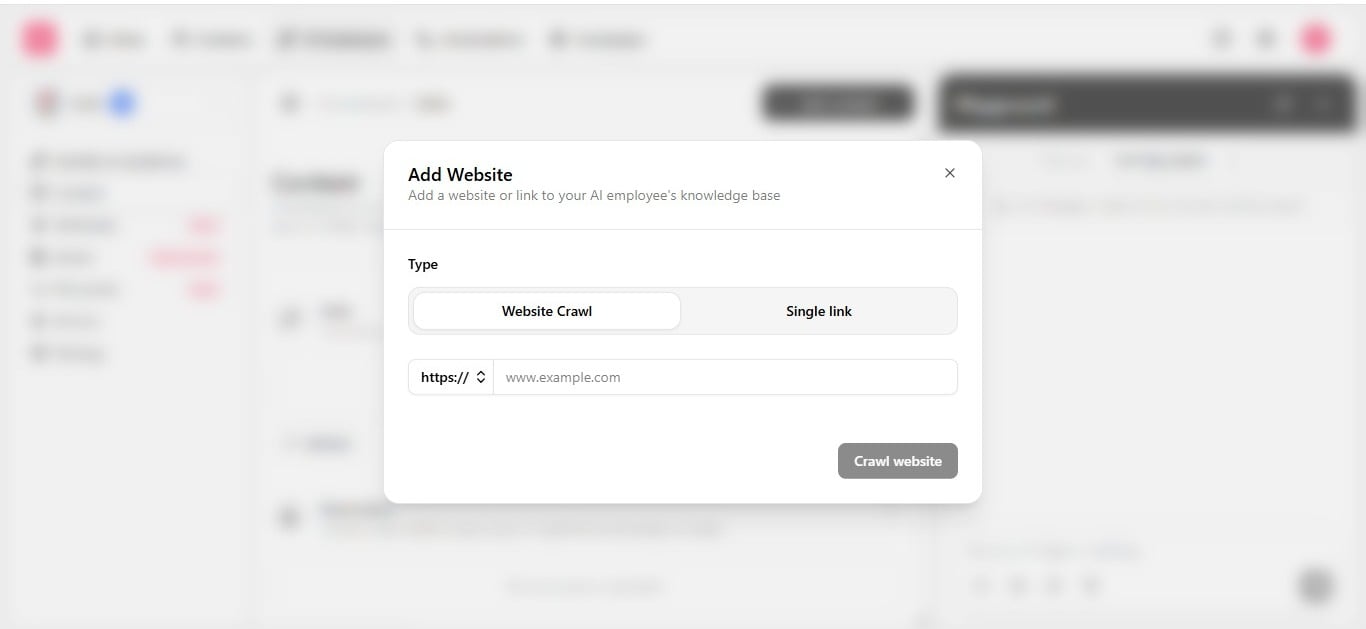
Enter a URL, then choose a crawl option:
- Save. The page is queued for the next training cycle; see Keep knowledge accurate for how training works.
@Content when the employee should prefer a specific source over others.
Do not crawl store data (Shopify, WooCommerce)
A crawled page is frozen the moment it is indexed. Your store is not — prices change, items sell out, variants get added, and none of that reaches the employee until the next crawl, if one even runs again. The employee has no way to tell a crawled page is outdated: it will confirm a price or state something is in stock with full confidence, using data that is already wrong. That is worse than not knowing the answer.
For example, to answer “is the medium blue hoodie in stock?” reliably, build a Custom API Call named something like Check Product Stock, with a
product_name or sku input parameter, pointed at your store’s live product API — see Call an external API.