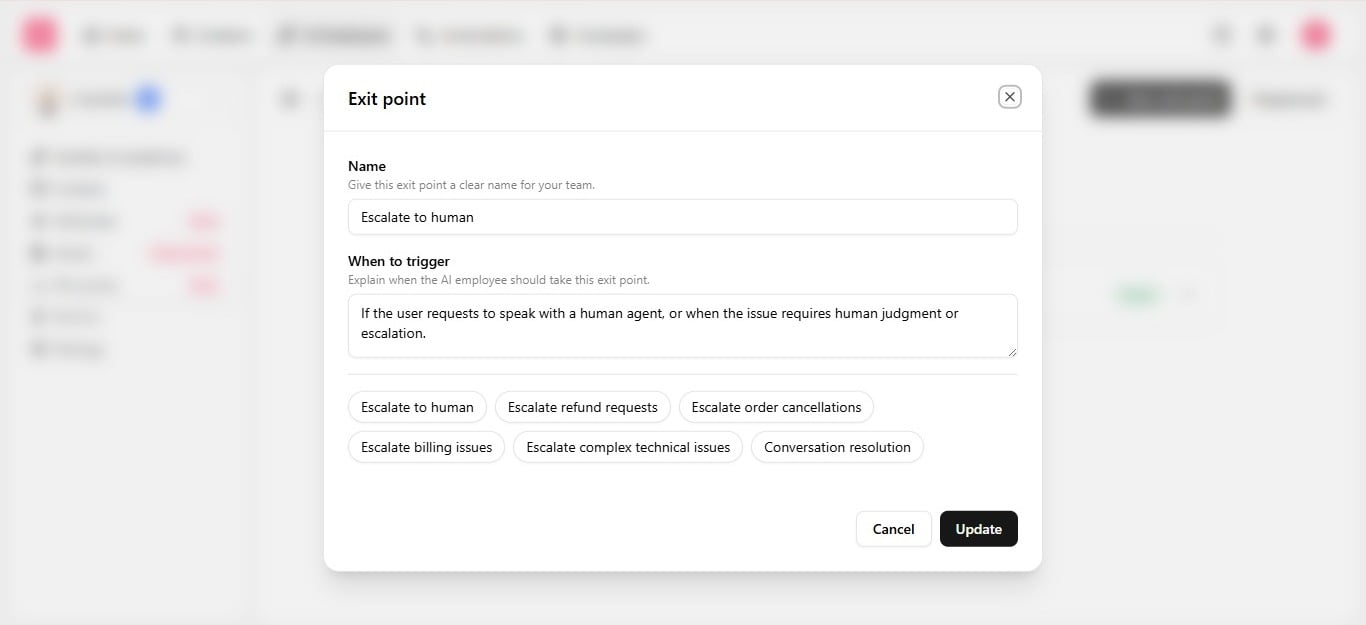
Handoff is not a single setting — it is three pieces working together, each configured in a different place.
Handoff exit point mapped to inbox routing

Example

Exit point“Escalate to Human”: fires if the customer requests a person, or the issue needs additional help. Boundary“Handoff after two failed attempts”: if the issue is not resolved after two back-and-forth replies, stop troubleshooting and hand off plainly rather than continuing to guess. Routing — inside the automation, map “Escalate to Human” to assign chat to the right team inbox.

After handoff

Once routed, humans work the conversation in the inbox with the full conversation history the employee already built — nothing is lost in the transition.
Test the handoff path specifically in the Playground before going live: push toward frustration or a refund request and confirm the employee escalates instead of continuing to try.