
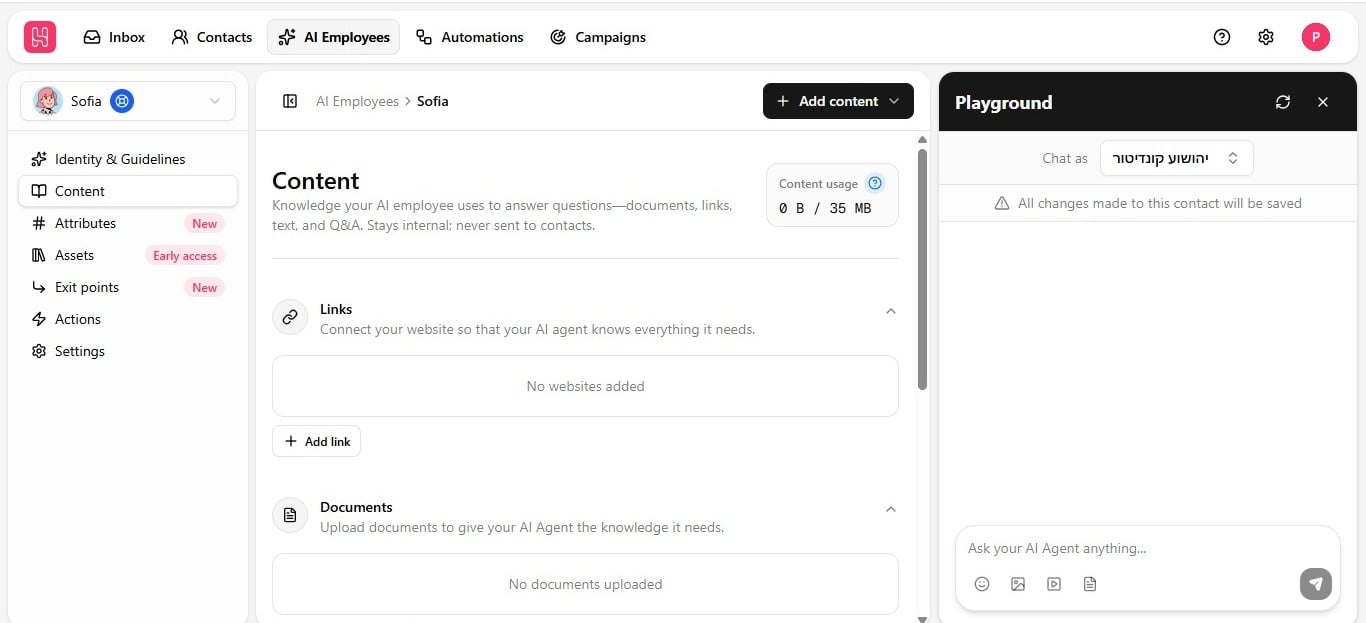
Upload a document
- Open the Content tab and click Add Content in the top-right corner.
- Choose Upload Document from the dropdown.
- Select a file — PDF, DOC, DOCX, TXT, or Markdown.
- Wait for the training status badge to change from Untrained to Trained; see Keep knowledge accurate for the training cycle.
How documents are read
Documents are smart-scanned, not read top to bottom like plain text:
This matters for pricing sheets, spec tables, and multi-column brochures — a naive text extraction would jumble them into something the employee cannot use reliably.