
Add a text source
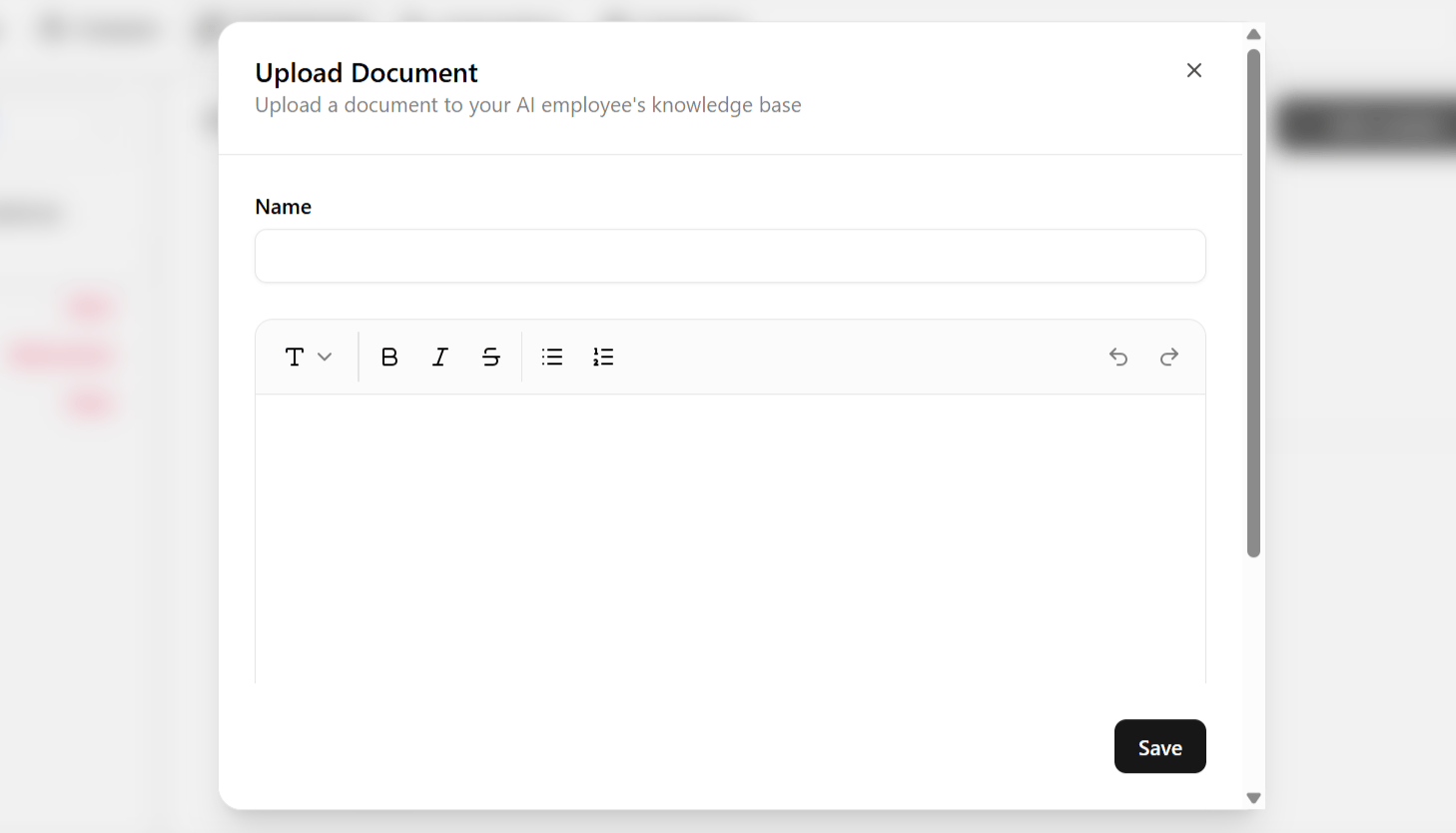
- Open the Content tab and click Add Content in the top-right corner.
- Choose Add Text from the dropdown.
- Give the entry a name, then type or paste the content — a policy, an internal note, a short script.
- Save. The entry is queued for the next training cycle; see Keep knowledge accurate.
When to use Text instead of Links or Documents
Keep each entry short and focused on one topic. Shorter, well-scoped snippets retrieve more reliably than one long block covering several unrelated topics — the same principle as writing guidelines: one entry, one job.