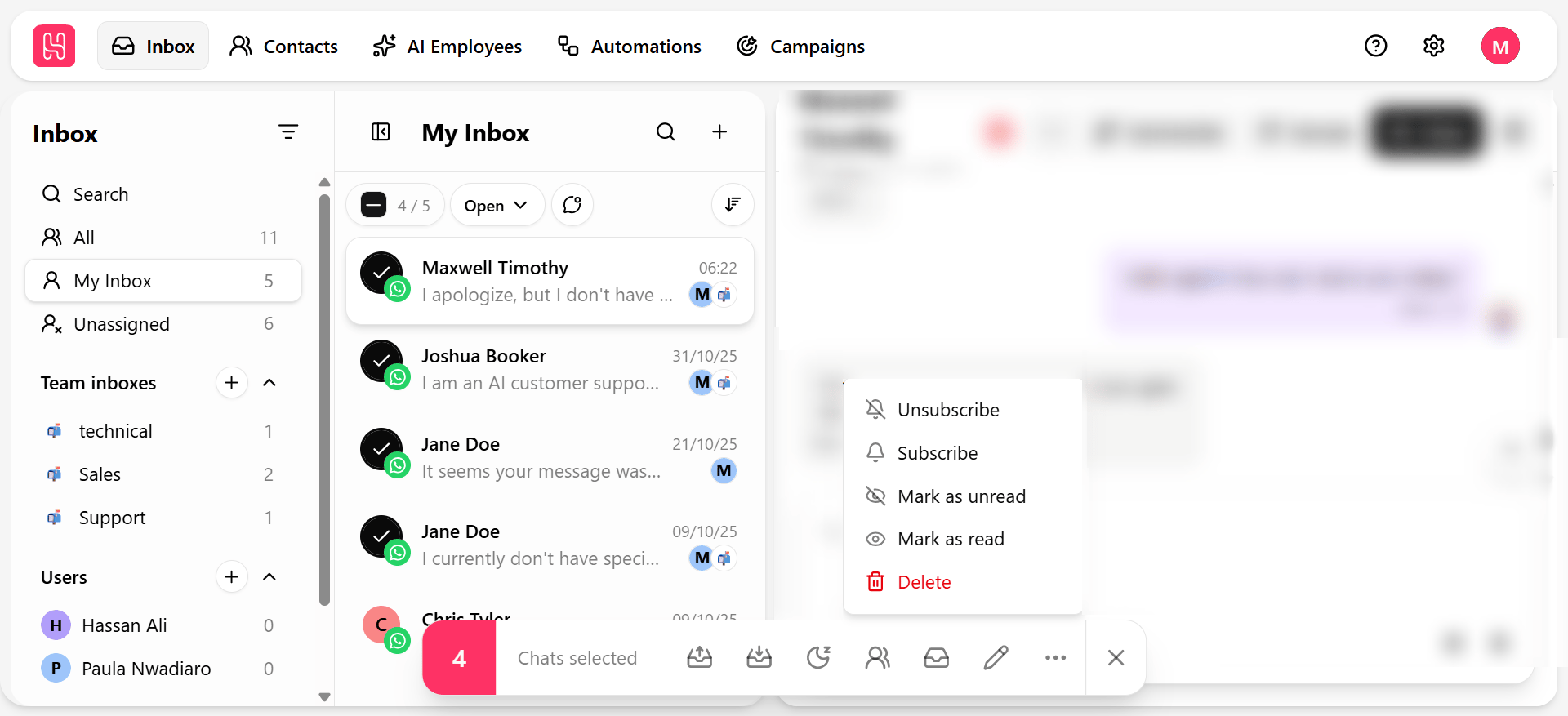
Bulk actions apply the same change to every selected conversation in the conversation list at once — the fastest way to clear a backlog rather than working through it one quick action at a time.
Apply a bulk action
- Select the checkbox on each conversation you want to act on, or select all matching the current filter.
- Choose an action from the bulk action bar that appears.
Combine an advanced filter with select all to bulk-close or bulk-reassign an entire backlog that matches a specific condition — for example, closing every conversation labeled “Resolved — awaiting confirmation” older than a week. Bulk Unsubscribe updates the contact record, not just the conversation — it affects future campaigns and journeys for that contact, not only this chat. Confirm your selection before applying it at scale.