
Webhook received
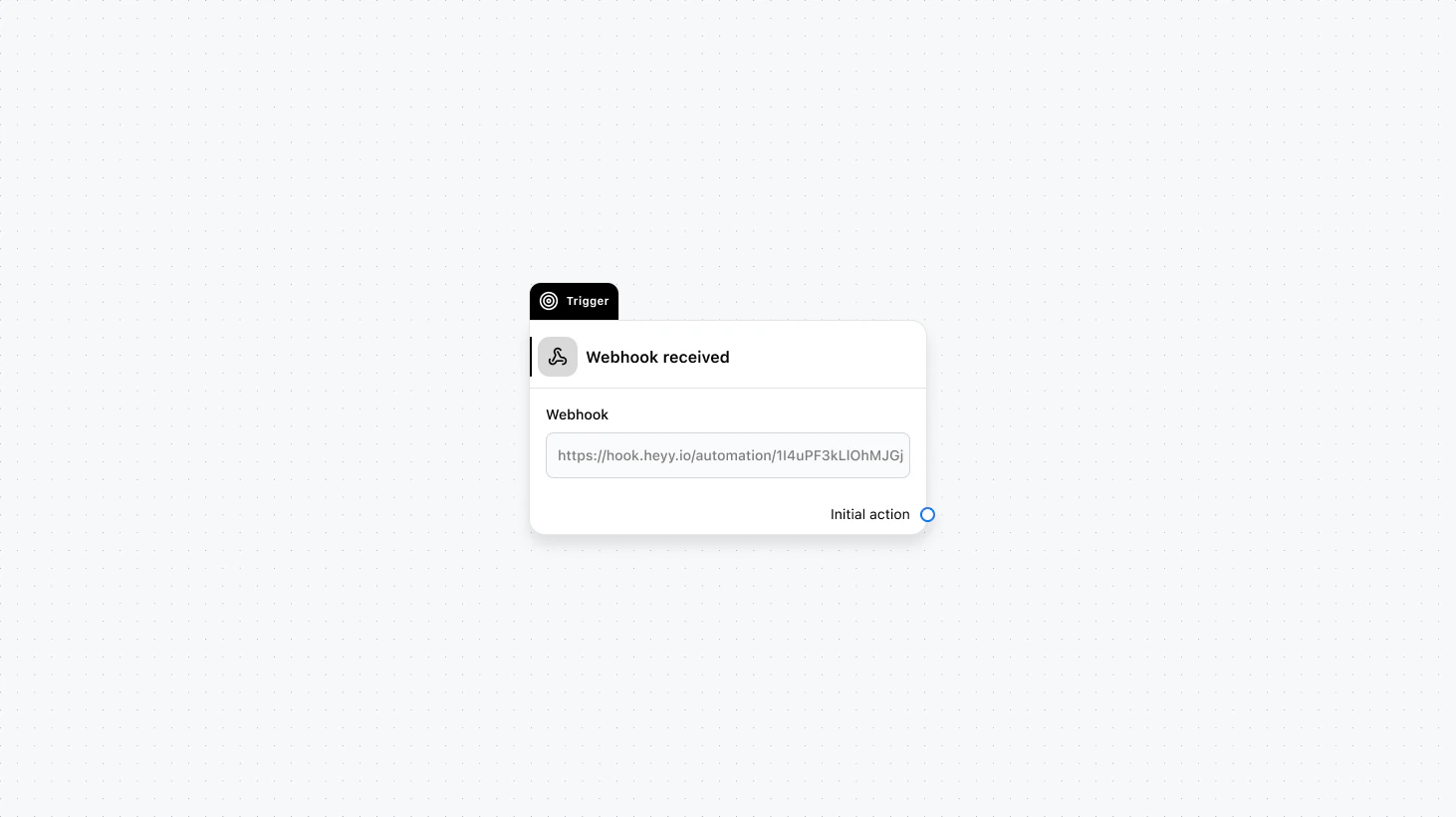
Fields
- Webhook endpoint (required): Choose the webhook endpoint that should trigger this automation.
- Search contact by (optional): Configure how Heyy should find the contact in the webhook payload (e.g. by contact ID, email, or phone number).
- Data mapping (optional): Map values from the webhook JSON payload into contact attributes or automation variables.
Use cases
- External events → messaging: When a payment succeeds or an order ships, start an automation that sends an update to the customer.
- Sync enrichment data: When your backend posts enrichment results, map fields into contact attributes and branch based on them.
- Unified automation entry point: Trigger the same automation from multiple systems by posting to the endpoint and mapping fields into variables.