
Invite a partner
Still on the Team page, click Invite partner in the top right corner. The flow works the same way as inviting a member: type their email, hit Add, and click Send invites.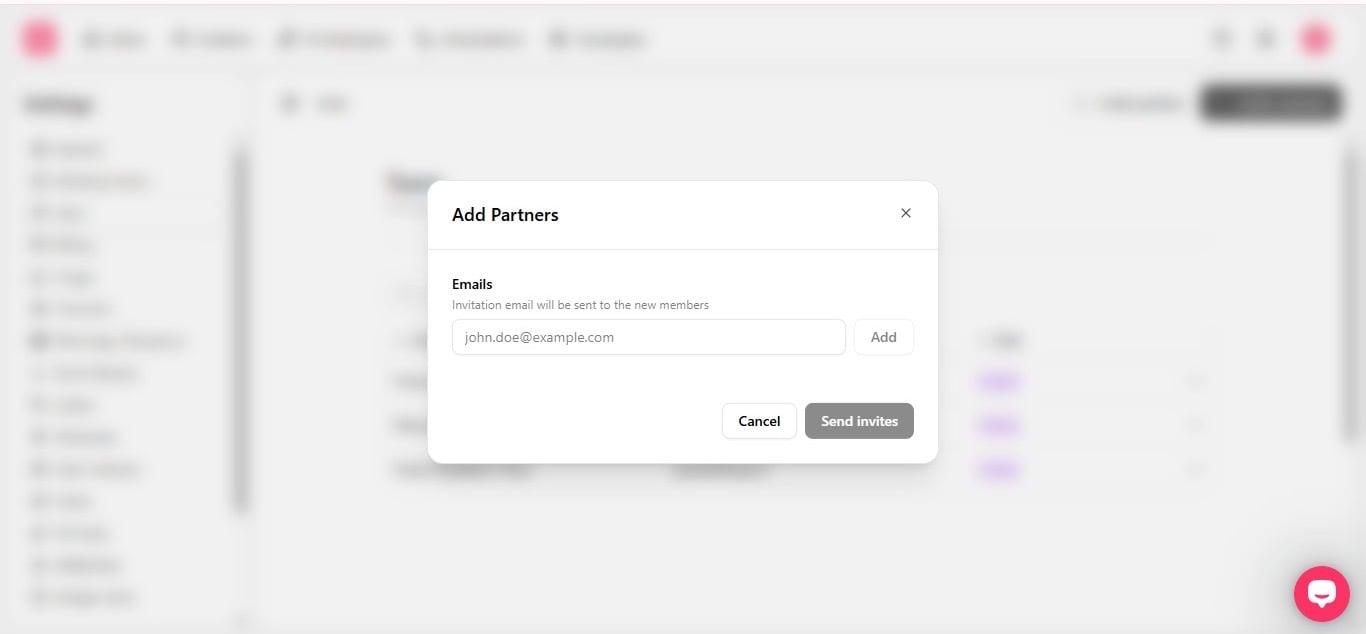
Inviting someone who’s part of your own team instead? See How to invite teammates and Workspace roles for what each role can access.