
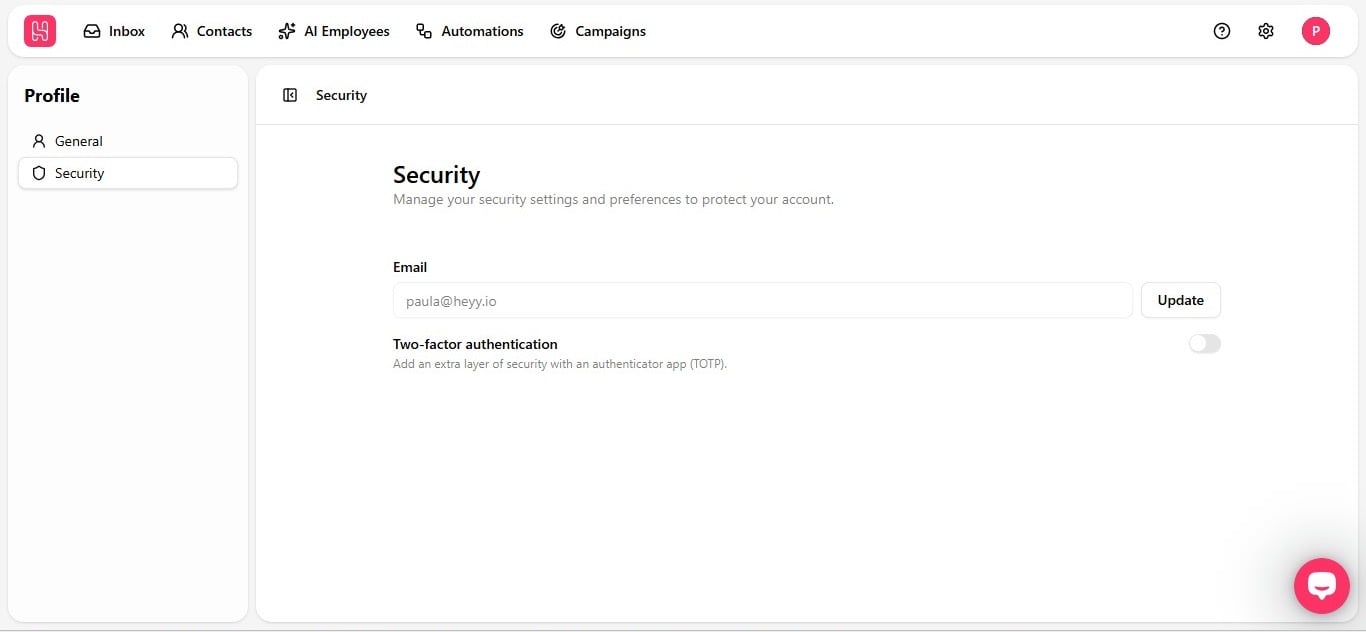
Update your email
Update your email in the Email field and hit Update to save the change.Turn on two-factor authentication
Two-factor authentication adds an extra layer of protection using an authenticator app (TOTP). Even if someone gets your password, they can’t get into your account without that second code. Flip the toggle on and Heyy will walk you through connecting your authenticator app. That’s your account set up and secured, in under five minutes.Workspace settings such as team members and billing live under Settings — see Workspace roles and Invite teammates.