
Authorization header to authenticate calls.
Obtaining your API key
You can create and manage API keys in the Heyy web app. Follow these steps: Navigate to the API Keys settings page in your Heyy workspace.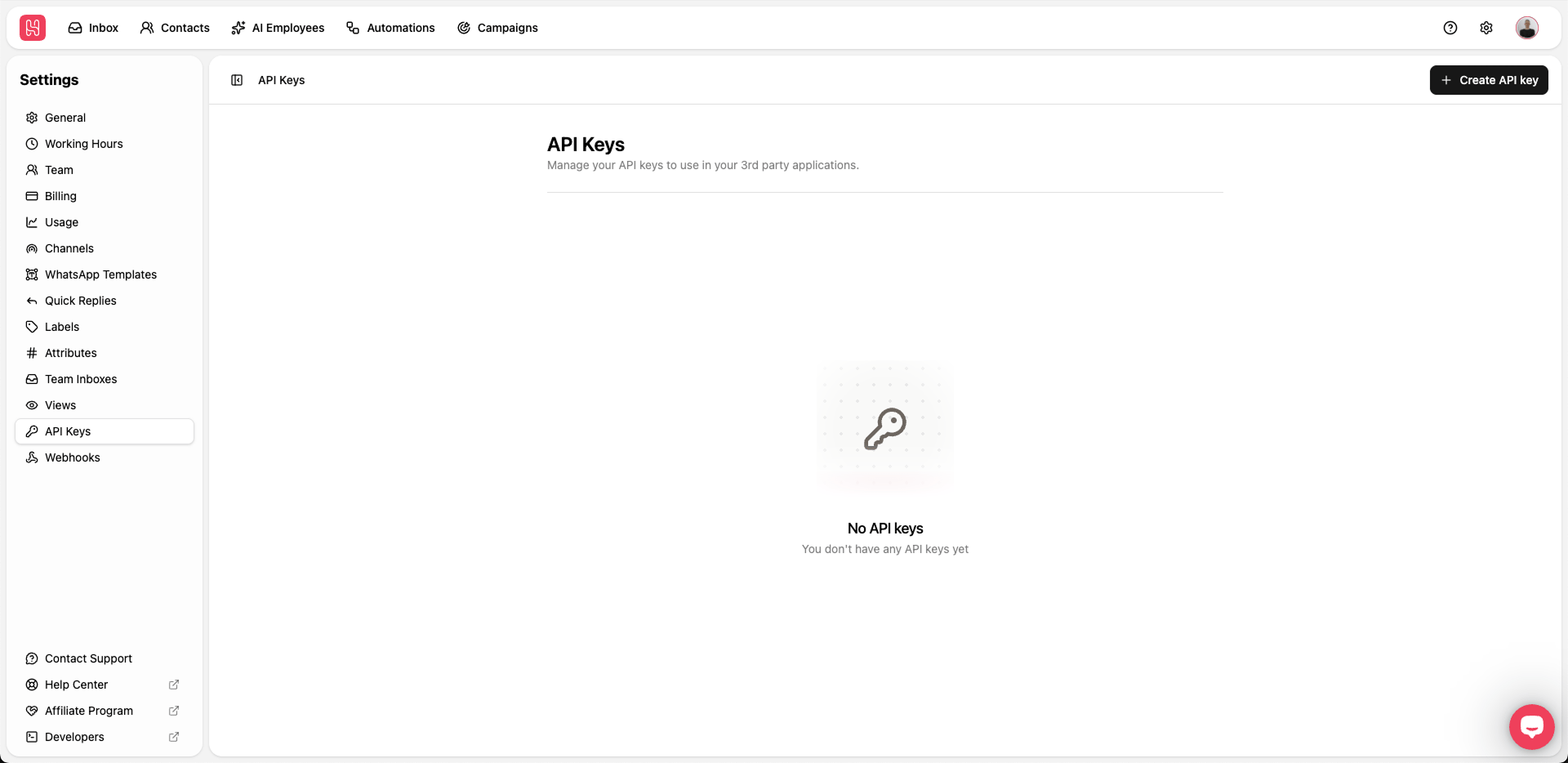
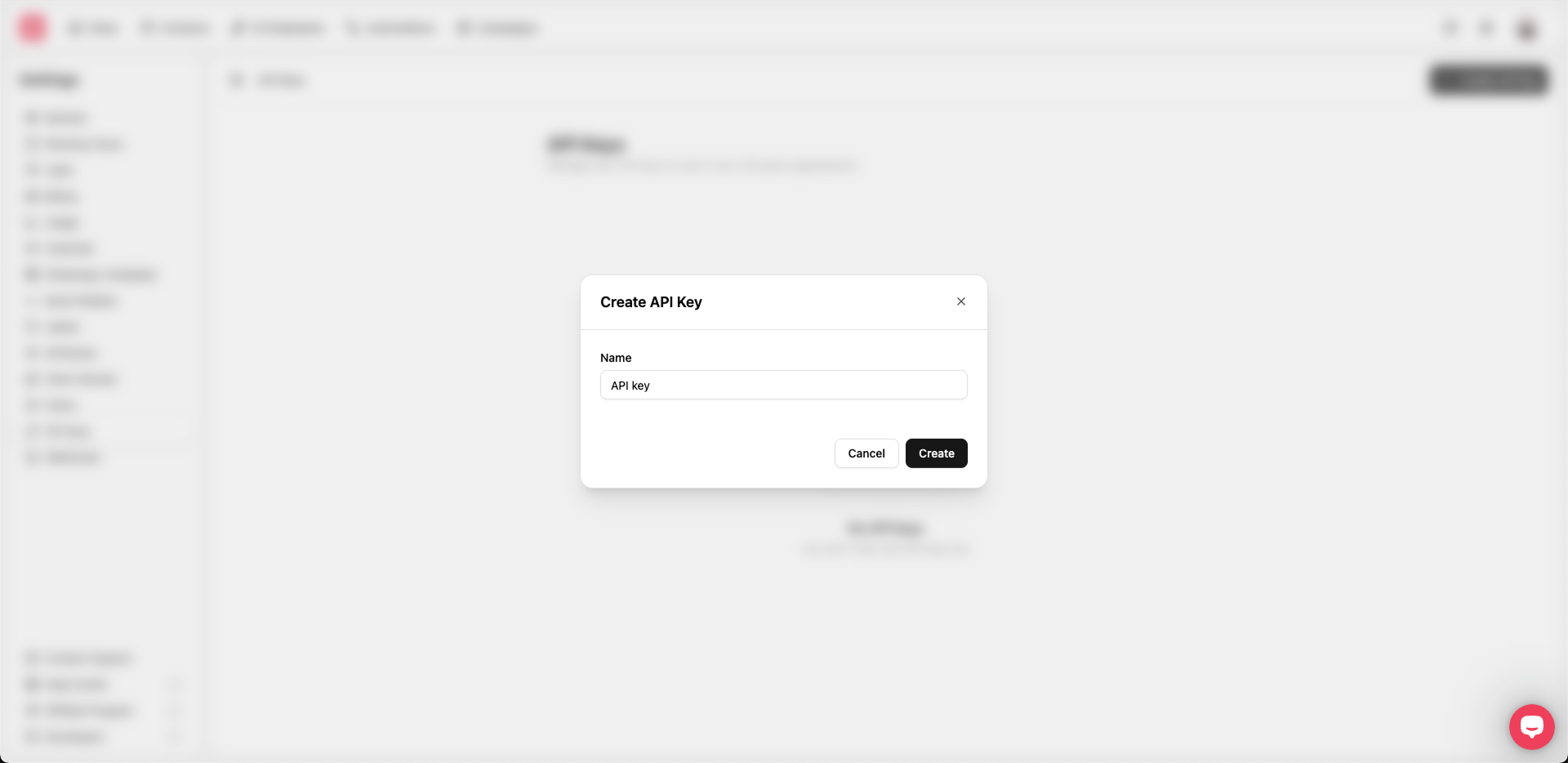
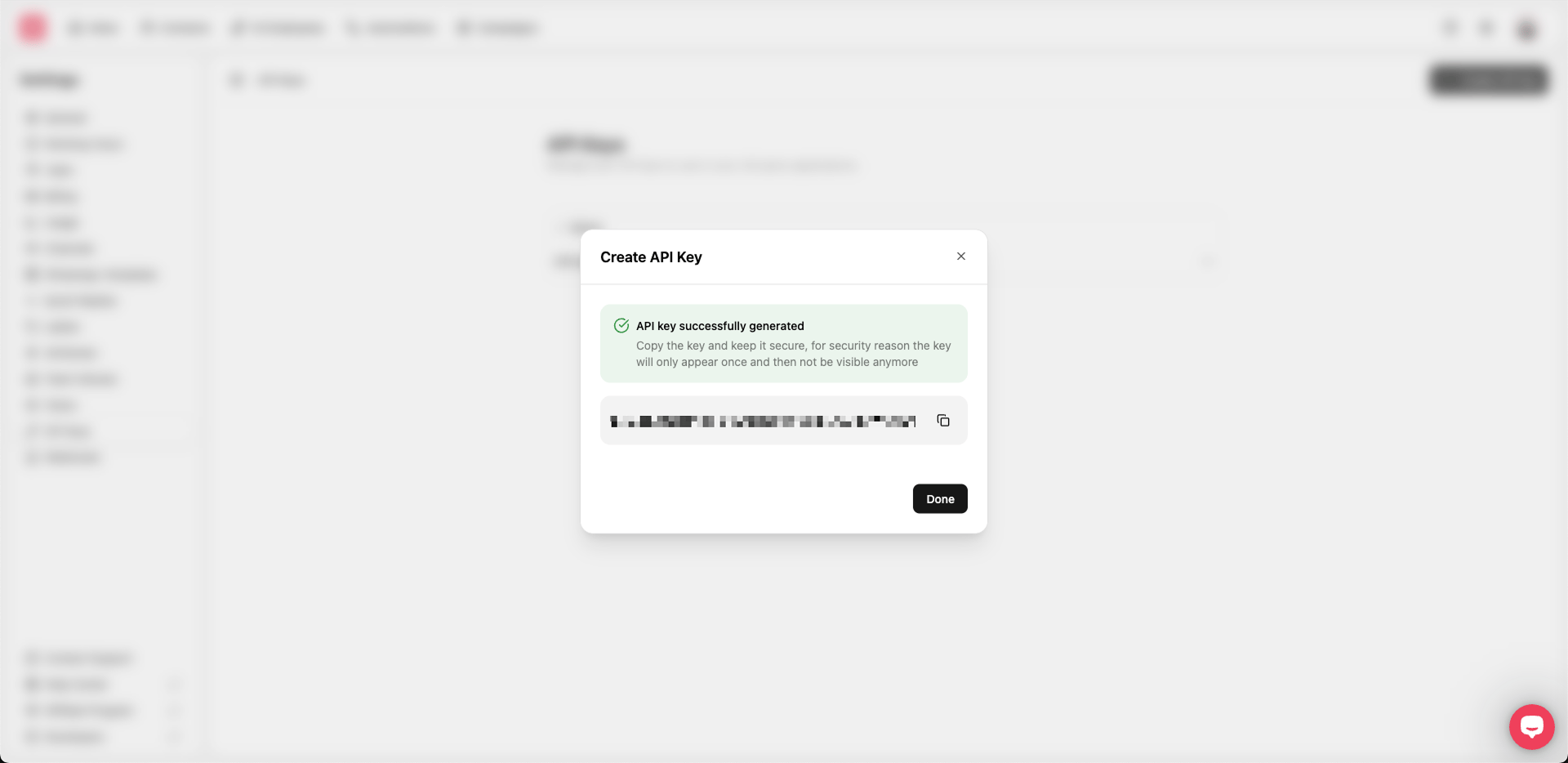
Important For security reasons, the full key is only shown once when it is created. If you lose it, you will need to create a new key.
Sending the bearer token
Include your API token in every request using theAuthorization header with the Bearer scheme:
- Always send requests over HTTPS. Requests over
http://may fail or be rejected. - Keep your API tokens secret and never embed them in client-side code or public repositories.
- If you suspect a token is compromised, revoke it in the Heyy dashboard and create a new one.