> ## Documentation Index
> Fetch the complete documentation index at: https://docs.heyy.io/llms.txt
> Use this file to discover all available pages before exploring further.
# Webhooks
> Configure webhooks to receive real-time notifications when events occur in your Heyy workspace.
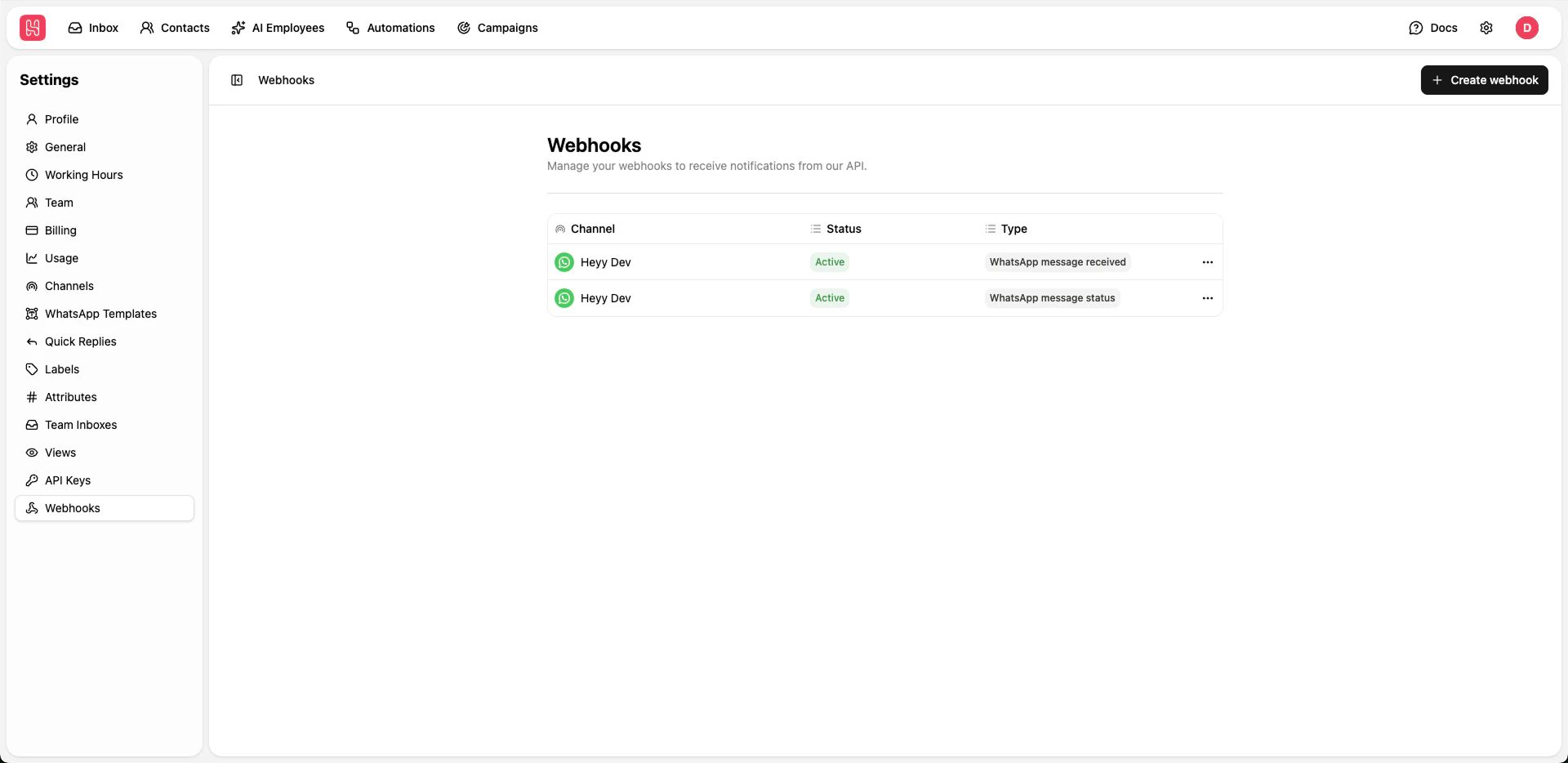 Go to [**Settings > Webhooks**](https://app.heyy.io/settings/api-webhooks) to manage your webhooks.
## Creating Webhooks
Click **+ Create webhook** button
Provide the URL where webhook events should be sent
Choose which events should trigger the webhook:
* WhatsApp Message Received
* WhatsApp Message Status
Save your webhook configuration
We recommend using webhooks for syncing the message status messages with your systems, for now we support only WhatsApp messages.
Go to [**Settings > Webhooks**](https://app.heyy.io/settings/api-webhooks) to manage your webhooks.
## Creating Webhooks
Click **+ Create webhook** button
Provide the URL where webhook events should be sent
Choose which events should trigger the webhook:
* WhatsApp Message Received
* WhatsApp Message Status
Save your webhook configuration
We recommend using webhooks for syncing the message status messages with your systems, for now we support only WhatsApp messages.