> ## Documentation Index
> Fetch the complete documentation index at: https://docs.heyy.io/llms.txt
> Use this file to discover all available pages before exploring further.
# Views
> Create custom views to filter and organize your pages.
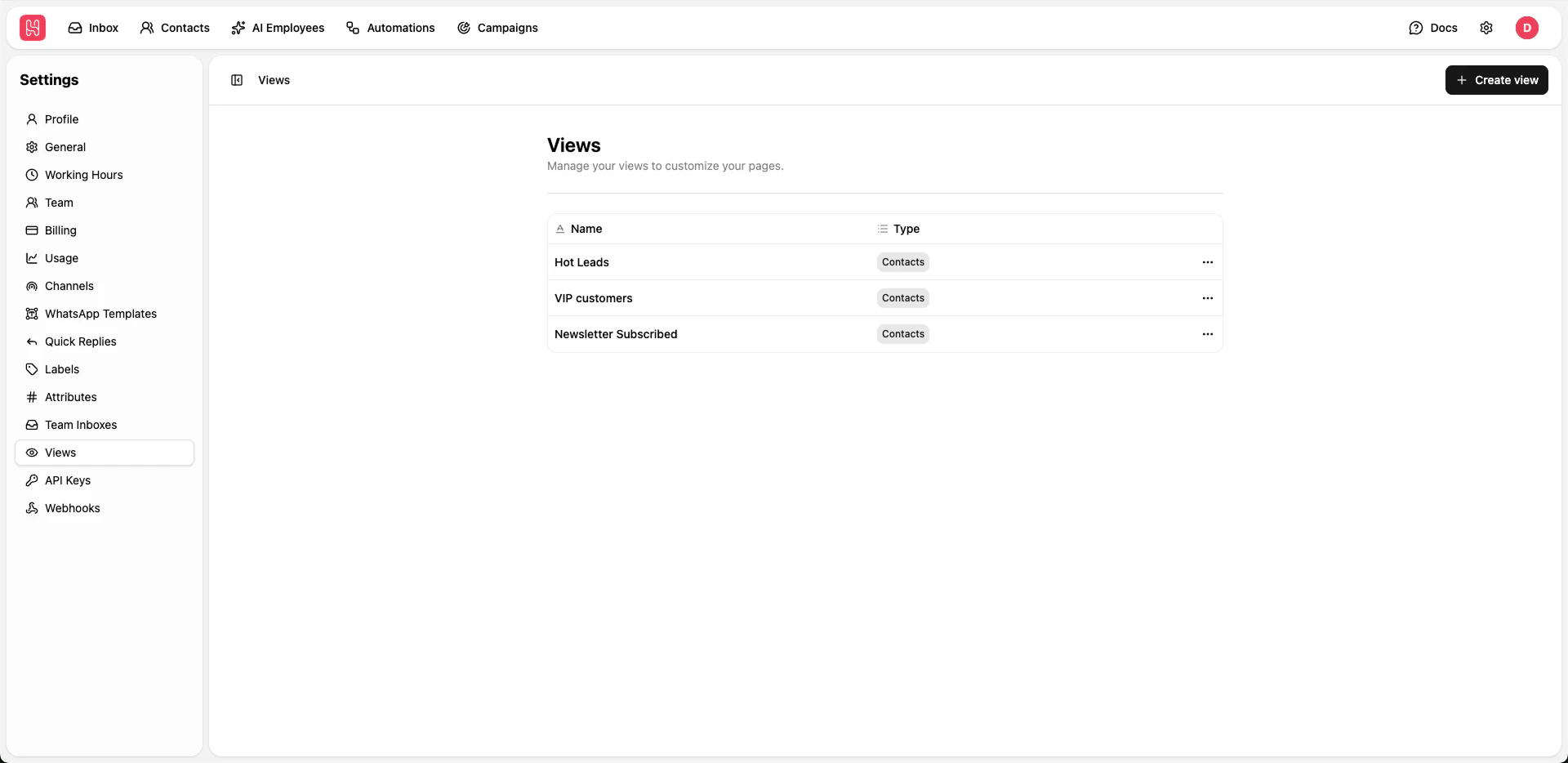 Go to [**Settings > Views**](https://app.heyy.io/settings/views) to manage your views
## Creating Views
Click **+ Create view** button
Enter a descriptive name
Configure filter criteria to determine which items appear in the view
Save your custom view
Create views to quickly access specific conversation types, such as "Unassigned", "High Priority", or "Awaiting Response".
Go to [**Settings > Views**](https://app.heyy.io/settings/views) to manage your views
## Creating Views
Click **+ Create view** button
Enter a descriptive name
Configure filter criteria to determine which items appear in the view
Save your custom view
Create views to quickly access specific conversation types, such as "Unassigned", "High Priority", or "Awaiting Response".