> ## Documentation Index
> Fetch the complete documentation index at: https://docs.heyy.io/llms.txt
> Use this file to discover all available pages before exploring further.
# Profile
> Manage your personal profile settings and preferences to personalize your Heyy experience.
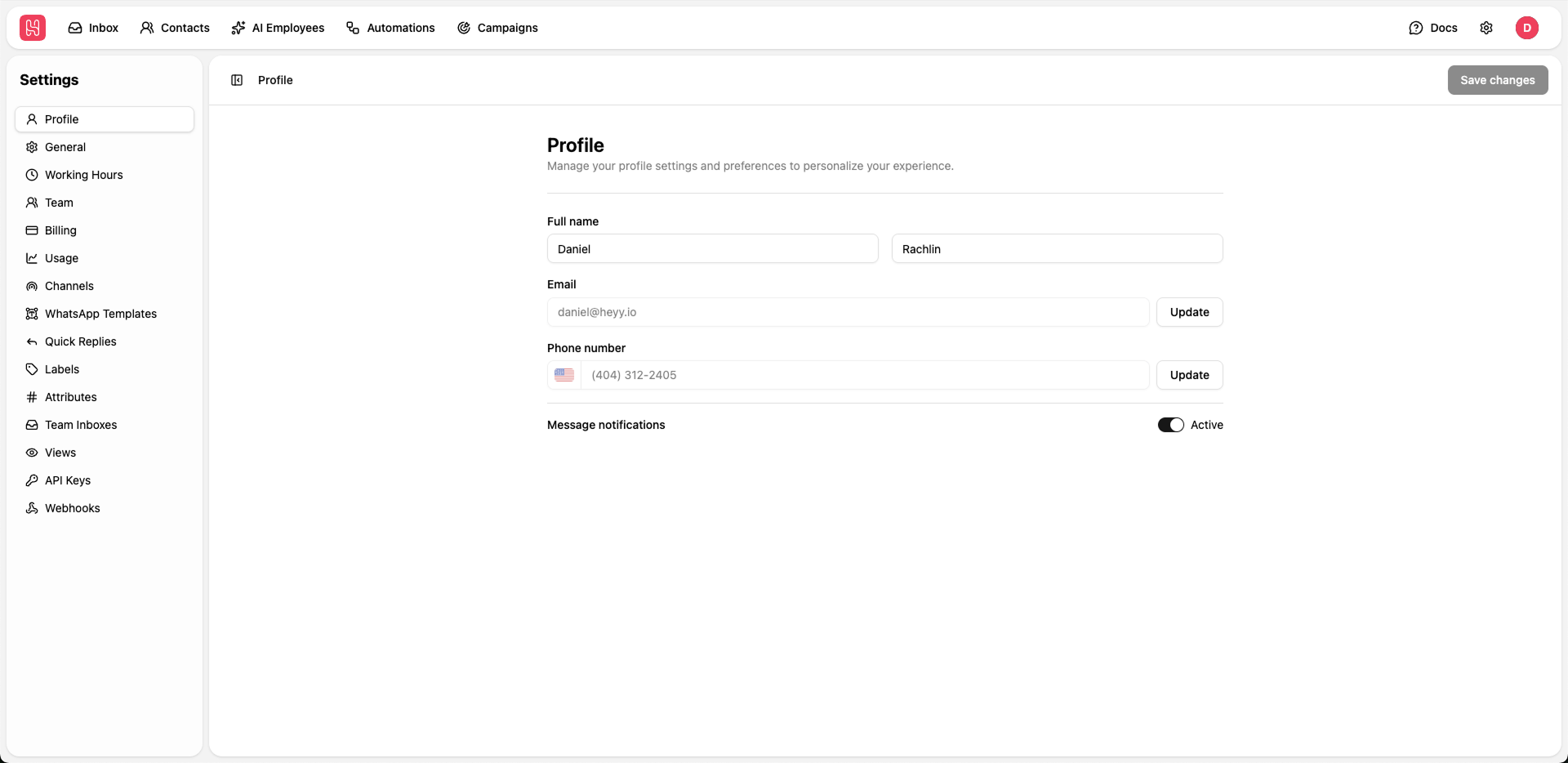 Go to [**Settings > Profile**](https://app.heyy.io/settings/profile) to manage your profile.
## Available Settings
Update your first and last name that will be displayed across the platform and in communications with your team.
Update the **First name** and **Last name** fields
Click **Save changes** to apply your updates
Your email address is used for login and notifications. To update your email:
1. Click the **Update** button next to the email field
2. Enter your new email address
3. Verify the new email through the confirmation link sent to your inbox
Changing your email will require re-verification and may affect your login credentials.
Add or update your phone number for account recovery and optional SMS notifications.
1. Click the **Update** button next to the phone number field
2. Select your country code
3. Enter your phone number
4. Verify via SMS code if required
Toggle message notifications on or off to control whether you receive alerts for new messages.
* **Active**: You will receive notifications for new messages
* **Inactive**: Notifications are silenced
Enable notifications to stay responsive to customer inquiries in real-time.
Go to [**Settings > Profile**](https://app.heyy.io/settings/profile) to manage your profile.
## Available Settings
Update your first and last name that will be displayed across the platform and in communications with your team.
Update the **First name** and **Last name** fields
Click **Save changes** to apply your updates
Your email address is used for login and notifications. To update your email:
1. Click the **Update** button next to the email field
2. Enter your new email address
3. Verify the new email through the confirmation link sent to your inbox
Changing your email will require re-verification and may affect your login credentials.
Add or update your phone number for account recovery and optional SMS notifications.
1. Click the **Update** button next to the phone number field
2. Select your country code
3. Enter your phone number
4. Verify via SMS code if required
Toggle message notifications on or off to control whether you receive alerts for new messages.
* **Active**: You will receive notifications for new messages
* **Inactive**: Notifications are silenced
Enable notifications to stay responsive to customer inquiries in real-time.