> ## Documentation Index
> Fetch the complete documentation index at: https://docs.heyy.io/llms.txt
> Use this file to discover all available pages before exploring further.
# General
> Manage the general workspace settings that apply to your entire organization.
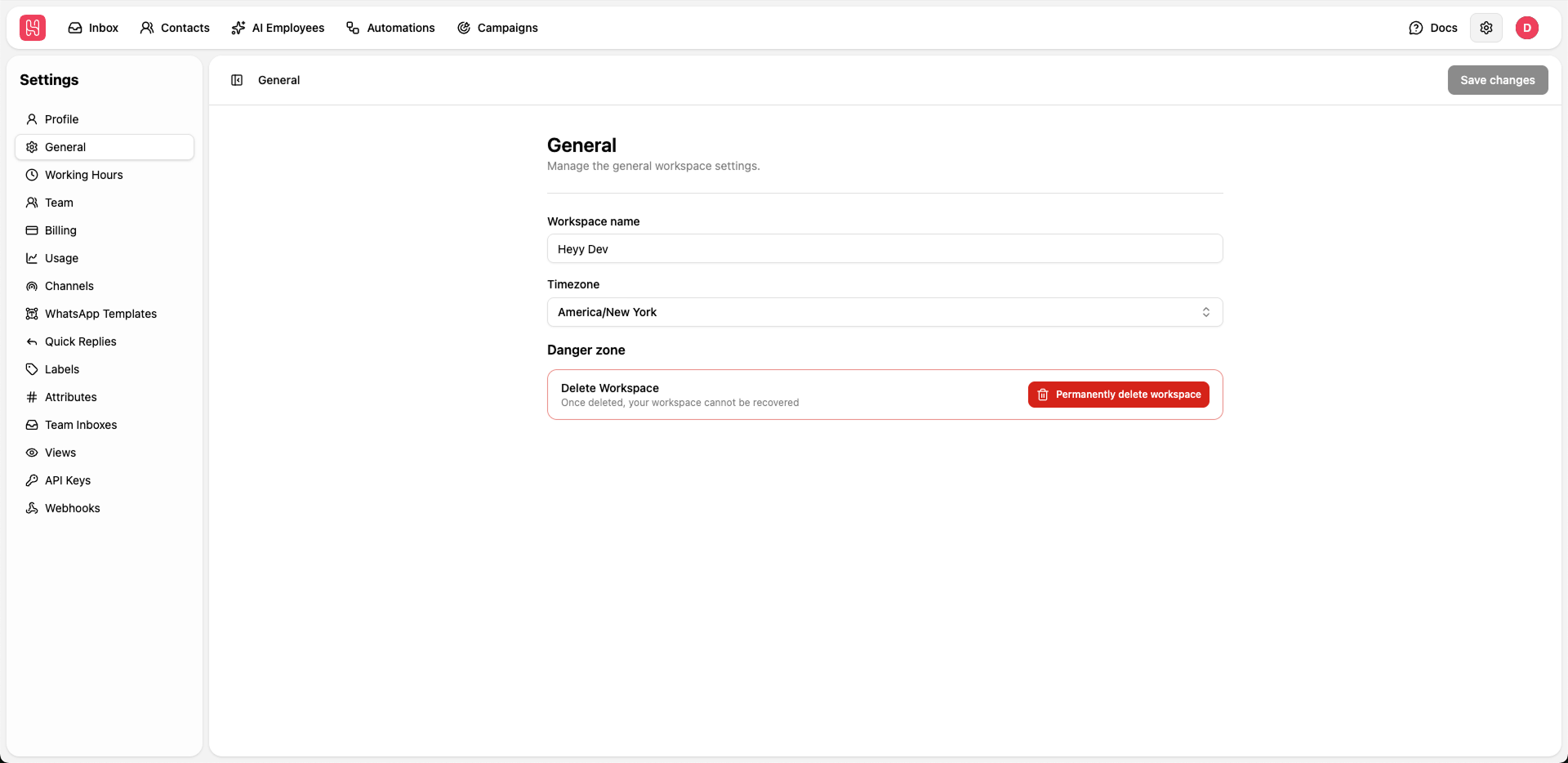 Go to [**Settings > General**](https://app.heyy.io/settings/general) to manage the general workspacde settings.
## Workspace Configuration
The workspace name identifies your organization within Heyy. This name may be visible in certain integrations and reports.
Enter your desired workspace name in the text field
Click **Save changes** to update
Set your workspace timezone to ensure accurate scheduling and time-based features.
The timezone affects:
* Working hours display
* Scheduled message delivery
* Analytics and reports timestamps
* Automated workflow timing
Select your timezone from the dropdown menu and save changes.
## Danger Zone
**Delete Workspace** - This action is irreversible. Once deleted, your workspace and all associated data cannot be recovered.
To delete your workspace:
1. Click **Permanently delete workspace.**
2. Confirm the deletion.
3. All data, conversations, and settings will be permanently removed.
Go to [**Settings > General**](https://app.heyy.io/settings/general) to manage the general workspacde settings.
## Workspace Configuration
The workspace name identifies your organization within Heyy. This name may be visible in certain integrations and reports.
Enter your desired workspace name in the text field
Click **Save changes** to update
Set your workspace timezone to ensure accurate scheduling and time-based features.
The timezone affects:
* Working hours display
* Scheduled message delivery
* Analytics and reports timestamps
* Automated workflow timing
Select your timezone from the dropdown menu and save changes.
## Danger Zone
**Delete Workspace** - This action is irreversible. Once deleted, your workspace and all associated data cannot be recovered.
To delete your workspace:
1. Click **Permanently delete workspace.**
2. Confirm the deletion.
3. All data, conversations, and settings will be permanently removed.