> ## Documentation Index
> Fetch the complete documentation index at: https://docs.heyy.io/llms.txt
> Use this file to discover all available pages before exploring further.
# Channels
> Manage your communication channels such as WhatsApp, Instagram, Facebook Messenger, and Live Chat.
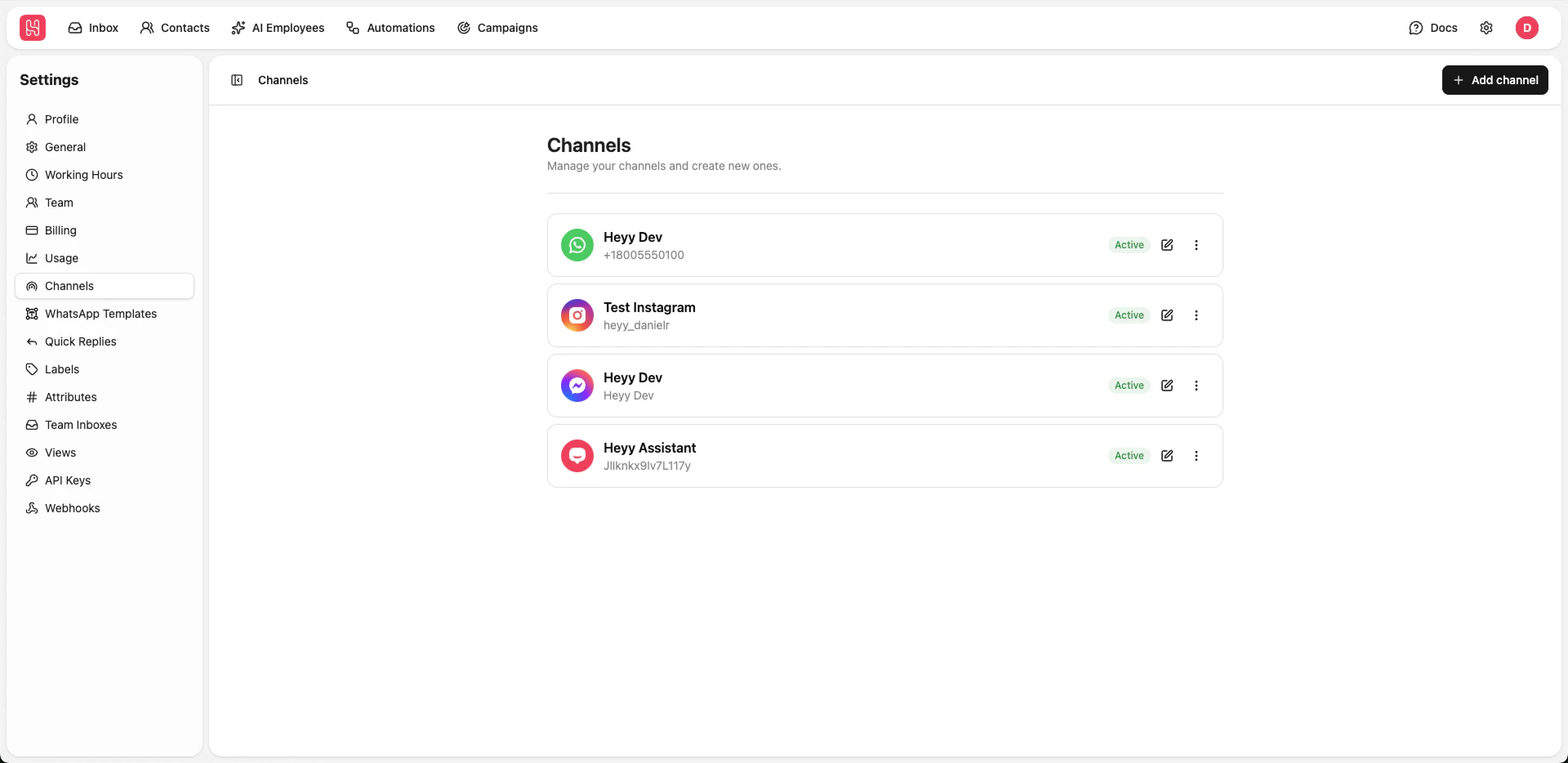 Go to [**Settings > Channels**](https://app.heyy.io/settings/channels) to manage your channels.
## Adding Channel
To add a channel click on the **Add channel** button and then select the channel type you want to connect:
* [Live Chat](/channels/live-chat)
* [WhatsApp](/channels/whatsapp)
* [Instagram](/channels/instagram)
* [Facebook Messenger](/channels/facebook)
## Updating Channel
* [Live Chat](/channels/live-chat)
* [WhatsApp](/channels/whatsapp)
* [Instagram](/channels/instagram)
* [Facebook Messenger](/channels/facebook)
Go to [**Settings > Channels**](https://app.heyy.io/settings/channels) to manage your channels.
## Adding Channel
To add a channel click on the **Add channel** button and then select the channel type you want to connect:
* [Live Chat](/channels/live-chat)
* [WhatsApp](/channels/whatsapp)
* [Instagram](/channels/instagram)
* [Facebook Messenger](/channels/facebook)
## Updating Channel
* [Live Chat](/channels/live-chat)
* [WhatsApp](/channels/whatsapp)
* [Instagram](/channels/instagram)
* [Facebook Messenger](/channels/facebook)