> ## Documentation Index
> Fetch the complete documentation index at: https://docs.heyy.io/llms.txt
> Use this file to discover all available pages before exploring further.
# API Keys
> Generate and manage authentication keys to authenticate your requests when using the Heyy API.
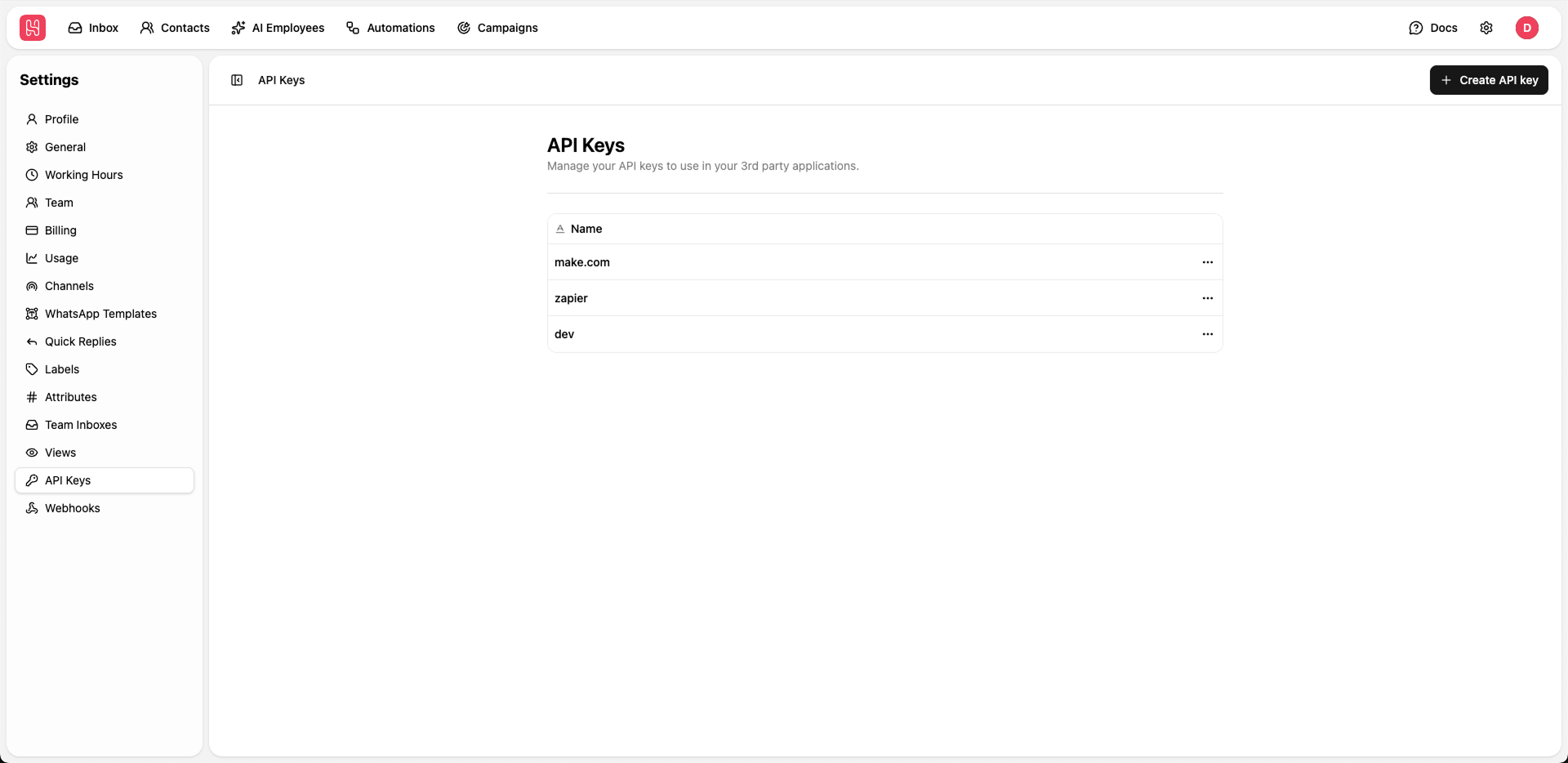 Go to [**Settings > API Keys**](https://app.heyy.io/settings/api-keys) to manage your API keys.
## Creating API Keys
To integrate Heyy with third-party applications, follow these steps:
Click the **+ Create API key** button.
Enter a descriptive name to identify the integration (e.g., "CRM Integration" or "Website Bot").
Copy the generated API key immediately.
For security, this key is only displayed once. If lost, you must delete the entry and generate a new key.
## Security Best Practices
To keep your account secure, follow these guidelines:
* **Never share keys**: Do not share API keys publicly or commit them to version control repositories.
* **Rotate periodically**: Update your keys regularly to reduce security risks.
* **Deactivate unused keys**: Delete any keys that are no longer required for active integrations.
* **Use unique keys**: Assign a different key to each third-party tool for better tracking and security.
***
### API Reference
For a full list of endpoints and integration guides, visit our [API Documentation](/api-reference).
Go to [**Settings > API Keys**](https://app.heyy.io/settings/api-keys) to manage your API keys.
## Creating API Keys
To integrate Heyy with third-party applications, follow these steps:
Click the **+ Create API key** button.
Enter a descriptive name to identify the integration (e.g., "CRM Integration" or "Website Bot").
Copy the generated API key immediately.
For security, this key is only displayed once. If lost, you must delete the entry and generate a new key.
## Security Best Practices
To keep your account secure, follow these guidelines:
* **Never share keys**: Do not share API keys publicly or commit them to version control repositories.
* **Rotate periodically**: Update your keys regularly to reduce security risks.
* **Deactivate unused keys**: Delete any keys that are no longer required for active integrations.
* **Use unique keys**: Assign a different key to each third-party tool for better tracking and security.
***
### API Reference
For a full list of endpoints and integration guides, visit our [API Documentation](/api-reference).