> ## Documentation Index
> Fetch the complete documentation index at: https://docs.heyy.io/llms.txt
> Use this file to discover all available pages before exploring further.
# Messaging channels
> Connect a channel so your team or an AI Employee can receive real conversations.
## Connect a channel
Go to **Settings → Channels**, click **Add Channel**, and pick one of the following. You can connect more than one, and one employee can work across all of them.
| Channel | Best for |
| ---------------------- | ---------------------------------------------------------------------------------------------------------- |
| **Live Chat** | A widget embedded on your own website — support, FAQs, or lead capture without sending visitors elsewhere. |
| **WhatsApp** | Connecting your business number where a large share of customers already message you. |
| **Instagram** | Replying to DMs and comments without leaving Heyy. |
| **Facebook Messenger** | The same idea, for your Facebook Page's Messenger conversations. |
| **SMS** | For your SMS conversations. |
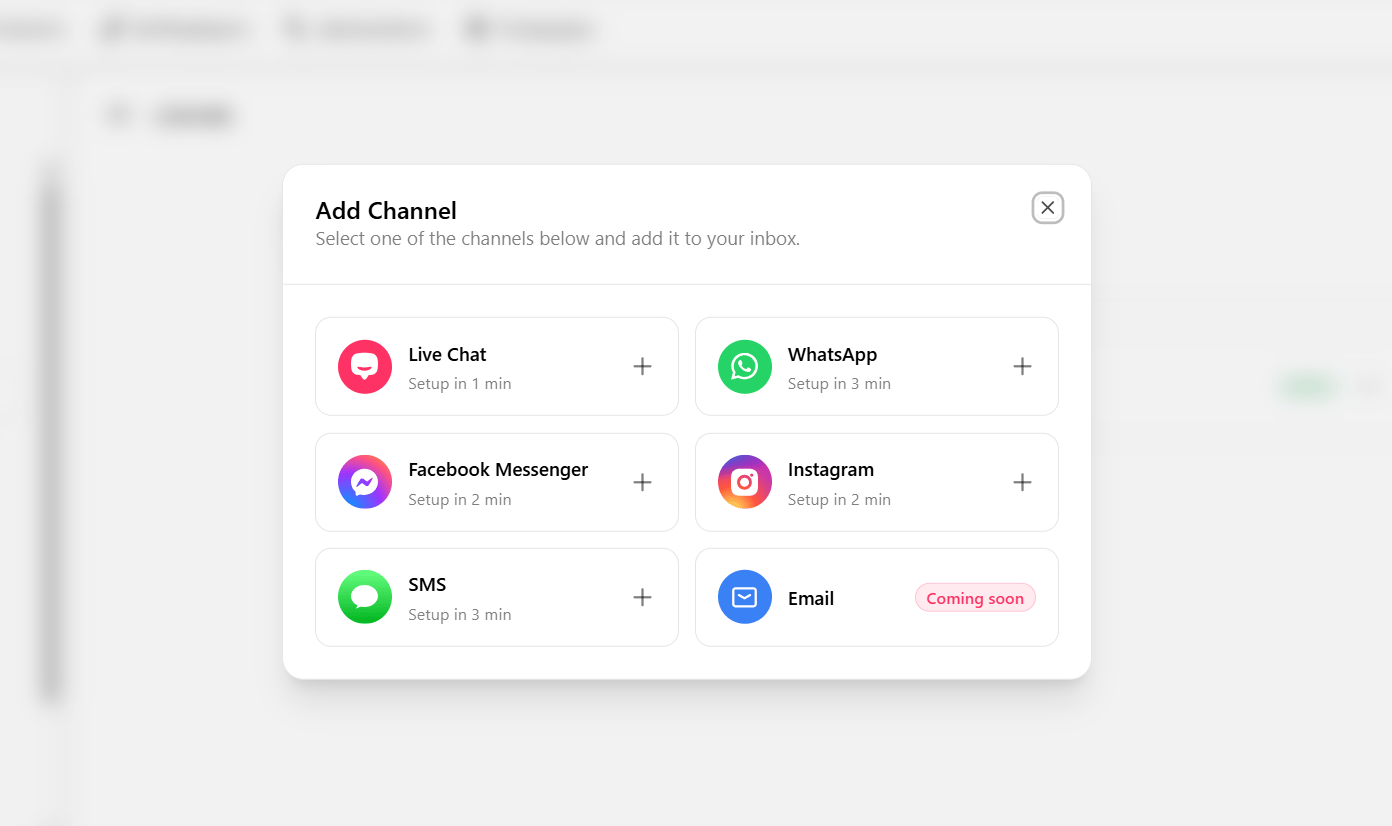 Each channel has its own short setup: [WhatsApp](/help/messaging-channels/whatsapp/getting-started), [Instagram](/help/messaging-channels/instagram/getting-started), [Facebook Messenger](/help/messaging-channels/facebook-messenger/getting-started), [Live Chat](/help/messaging-channels/live-chat/getting-started), or [SMS](/help/messaging-channels/sms/getting-started). If you already have a channel connected, you're ready to [build an automation](/help/ai-employees/getting-started/connect-to-real-customer-traffic).