> ## Documentation Index
> Fetch the complete documentation index at: https://docs.heyy.io/llms.txt
> Use this file to discover all available pages before exploring further.
# New Instagram comment
> Automation trigger: New Instagram comment.
## New Instagram comment
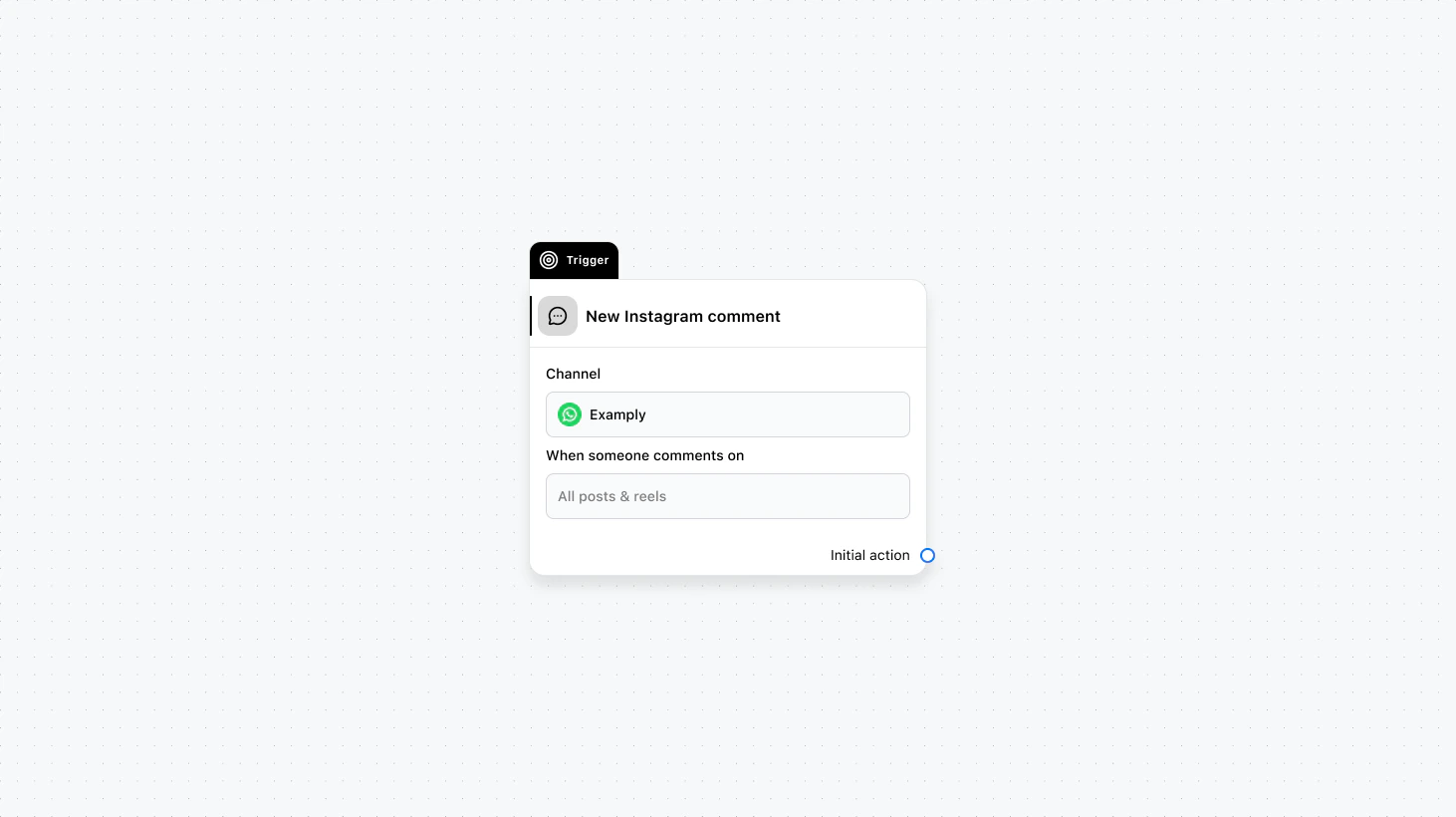 Runs when someone comments on your Instagram content. You can scope it to all posts and reels or to specific media. Use this to auto-reply to comments, route commenters into DMs, or run contests and engagement flows tied to particular posts or reels.
#### Fields
* **Channel** (required): Select the channel where this trigger will run.
* **When someone comments on** (required): Select between "All posts & reels" or "Specific posts/reels" and then select the posts/reels.
* **When to trigger** (optional): Add a condition group to narrow the audience based on specific conditions.
### Use cases
* **Campaign-specific comment reply:** Use “Specific posts/reels” to auto-reply to comments on a single post or reel (e.g. contest, product launch) and optionally invite commenters into DMs.
* **General comment-to-DM flow:** Use “All posts & reels” to reply to comments across your account and invite people into a DM conversation with a consistent message.
* **Conditional handling:** Use “When to trigger” to reply only when the comment contains certain words or to route high-intent commenters differently.
***
Runs when someone comments on your Instagram content. You can scope it to all posts and reels or to specific media. Use this to auto-reply to comments, route commenters into DMs, or run contests and engagement flows tied to particular posts or reels.
#### Fields
* **Channel** (required): Select the channel where this trigger will run.
* **When someone comments on** (required): Select between "All posts & reels" or "Specific posts/reels" and then select the posts/reels.
* **When to trigger** (optional): Add a condition group to narrow the audience based on specific conditions.
### Use cases
* **Campaign-specific comment reply:** Use “Specific posts/reels” to auto-reply to comments on a single post or reel (e.g. contest, product launch) and optionally invite commenters into DMs.
* **General comment-to-DM flow:** Use “All posts & reels” to reply to comments across your account and invite people into a DM conversation with a consistent message.
* **Conditional handling:** Use “When to trigger” to reply only when the comment contains certain words or to route high-intent commenters differently.
***