> ## Documentation Index
> Fetch the complete documentation index at: https://docs.heyy.io/llms.txt
> Use this file to discover all available pages before exploring further.
# New incoming message
> Automation trigger: New incoming message.
## New incoming message
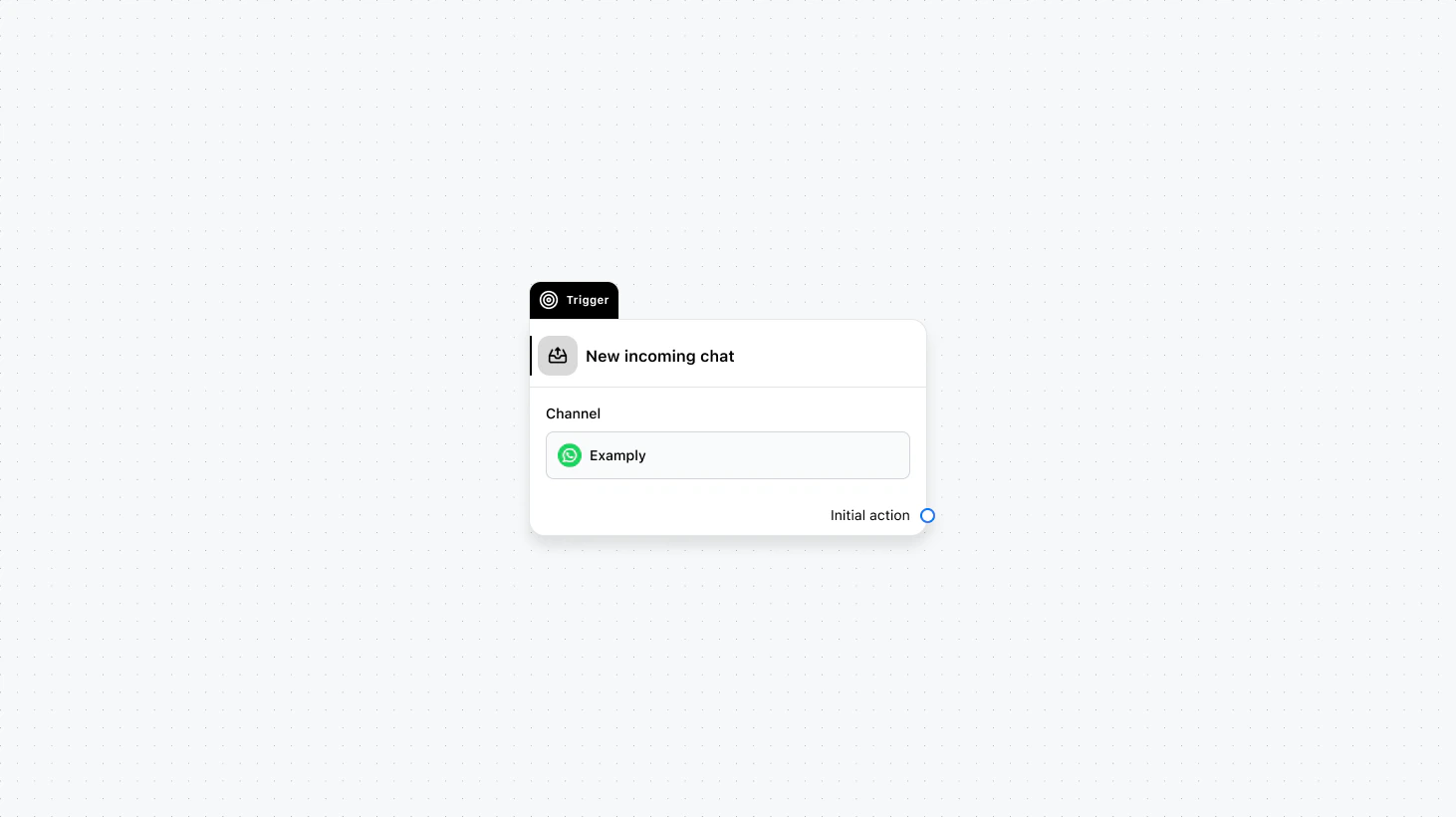 Runs on every new message from a contact in an existing conversation. Use this when you want to react to each message—for example, to run keyword-based logic, save replies to variables, or trigger AI or routing only when new content arrives.
#### Fields
* **Channel** (required): Select the channel where this trigger will run.
* **When to trigger** (optional): Add a condition group to narrow the audience based on specific conditions.
* **Save text reply to** (optional): Save the contact’s text reply to an automation variable.
* **Save file reply to** (optional): Save the contact’s file reply to an automation variable.
### Use cases
* **Keyword-based routing:** Run only when the message contains specific words (e.g. “refund”, “cancel”) and then route, assign, or reply accordingly.
* **Save and reuse the reply:** Use “Save text reply to” or “Save file reply to” so the next steps (e.g. AI Transform, Condition, or a template) can use what the contact just said.
* **Per-message AI or logic:** Trigger an AI employee or intention recognition on every new message so you can respond or branch based on the latest content.
***
Runs on every new message from a contact in an existing conversation. Use this when you want to react to each message—for example, to run keyword-based logic, save replies to variables, or trigger AI or routing only when new content arrives.
#### Fields
* **Channel** (required): Select the channel where this trigger will run.
* **When to trigger** (optional): Add a condition group to narrow the audience based on specific conditions.
* **Save text reply to** (optional): Save the contact’s text reply to an automation variable.
* **Save file reply to** (optional): Save the contact’s file reply to an automation variable.
### Use cases
* **Keyword-based routing:** Run only when the message contains specific words (e.g. “refund”, “cancel”) and then route, assign, or reply accordingly.
* **Save and reuse the reply:** Use “Save text reply to” or “Save file reply to” so the next steps (e.g. AI Transform, Condition, or a template) can use what the contact just said.
* **Per-message AI or logic:** Trigger an AI employee or intention recognition on every new message so you can respond or branch based on the latest content.
***