> ## Documentation Index
> Fetch the complete documentation index at: https://docs.heyy.io/llms.txt
> Use this file to discover all available pages before exploring further.
# New incoming chat
> Automation trigger: New incoming chat.
## New incoming chat
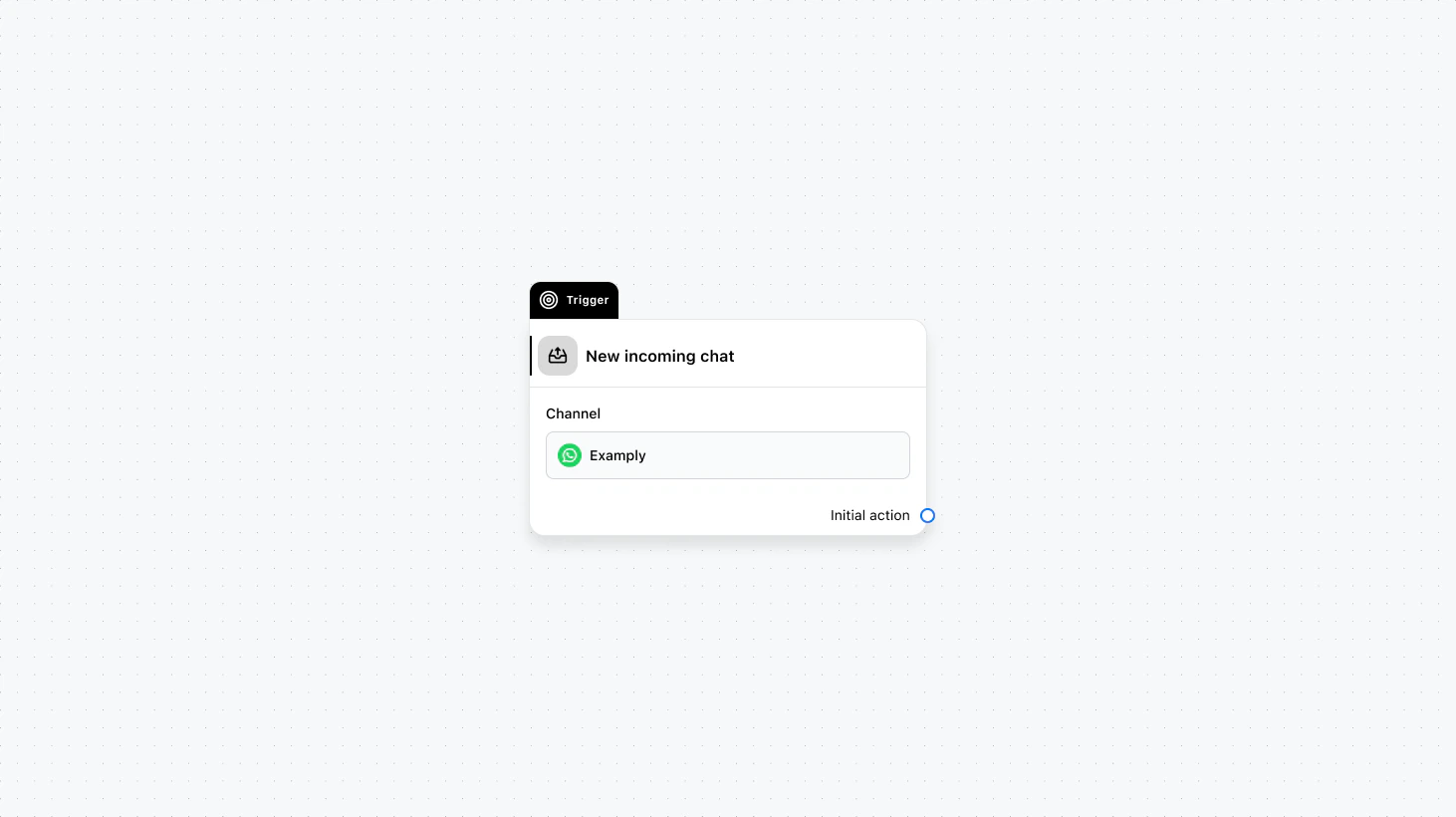 Runs only when a contact messages you for the first time and a new chat is created. It does not run when an existing chat is reopened. Use this for welcome flows, onboarding, or any logic that should run exclusively for first-time conversations.
#### Fields
* **Channel** (required): Select the channel where this trigger will run.
* **When to trigger** (optional): Add a condition group to narrow the audience based on specific conditions.
* **Save text reply to** (optional): Save the contact’s text reply to an automation variable.
* **Save file reply to** (optional): Save the contact’s file reply to an automation variable.
### Use cases
* **First-time welcome and onboarding:** Send a welcome message, collect basic info, or run a qualification flow only when someone messages you for the first time.
* **New-lead handling:** Trigger lead scoring, CRM creation, or assignment rules only for brand-new conversations, not when an existing chat is reopened.
* **Channel-specific first contact:** Use “When to trigger” to run different first-time flows by channel (e.g. WhatsApp vs. Live Chat) or by attribute.
***
Runs only when a contact messages you for the first time and a new chat is created. It does not run when an existing chat is reopened. Use this for welcome flows, onboarding, or any logic that should run exclusively for first-time conversations.
#### Fields
* **Channel** (required): Select the channel where this trigger will run.
* **When to trigger** (optional): Add a condition group to narrow the audience based on specific conditions.
* **Save text reply to** (optional): Save the contact’s text reply to an automation variable.
* **Save file reply to** (optional): Save the contact’s file reply to an automation variable.
### Use cases
* **First-time welcome and onboarding:** Send a welcome message, collect basic info, or run a qualification flow only when someone messages you for the first time.
* **New-lead handling:** Trigger lead scoring, CRM creation, or assignment rules only for brand-new conversations, not when an existing chat is reopened.
* **Channel-specific first contact:** Use “When to trigger” to run different first-time flows by channel (e.g. WhatsApp vs. Live Chat) or by attribute.
***