> ## Documentation Index
> Fetch the complete documentation index at: https://docs.heyy.io/llms.txt
> Use this file to discover all available pages before exploring further.
# Manual trigger
> Automation trigger: Manual trigger.
## Manual trigger
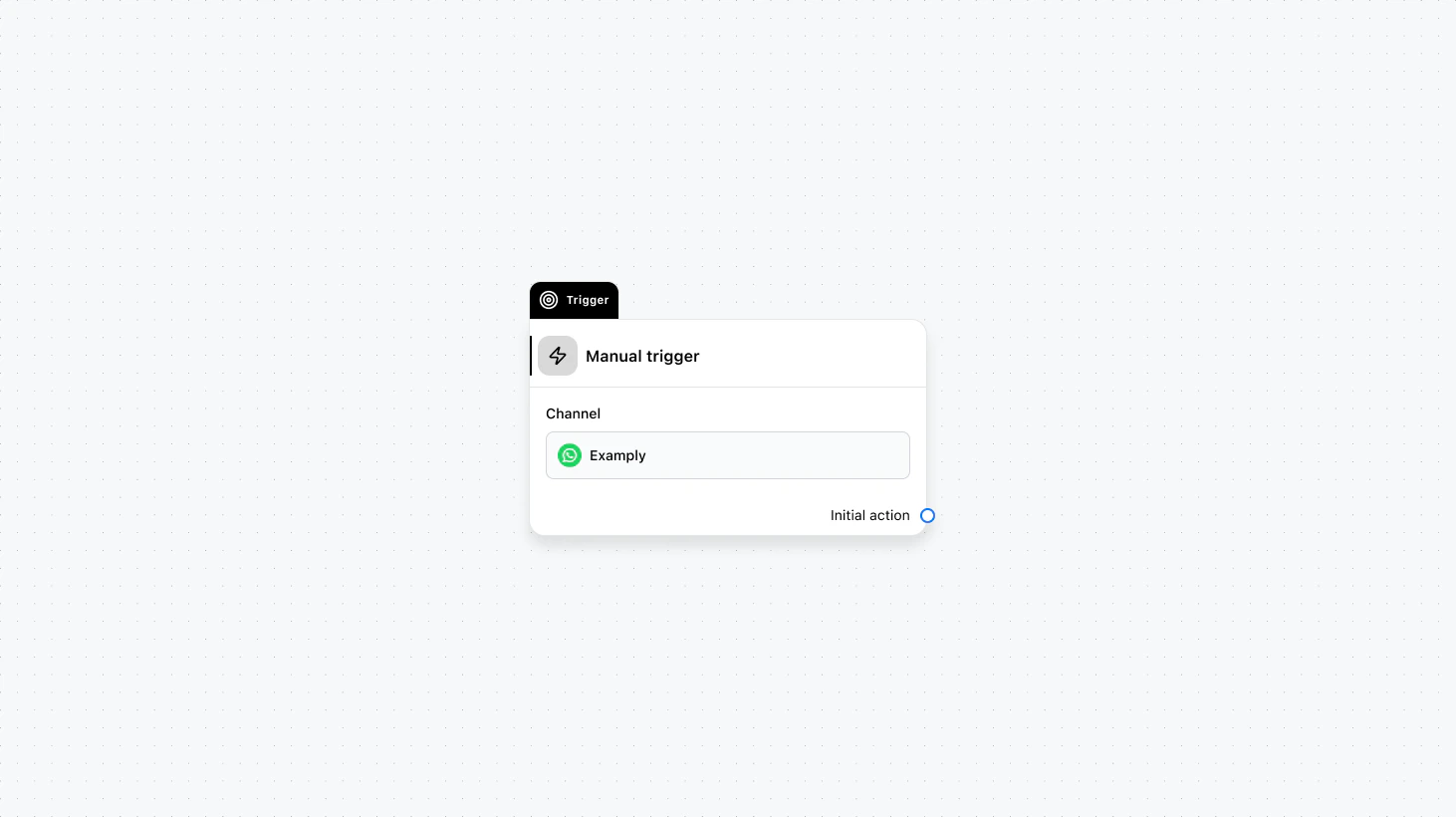 Runs only when started by you or by another automation—from the Inbox, a campaign, an API call, or a [Start other automation](/help/automations/logic-actions#start-other-automation) action. Use this for flows that should not start from customer activity, such as scheduled follow-ups, bulk actions, or sub-flows called by other automations.
#### Fields
* **Channel** (required): Select the channel where this trigger will run.
### Use cases
* **Reusable sub-flows:** Build one automation (e.g. send survey, add to campaign) and start it from multiple places—other automations, campaigns, or the Inbox—using the [Start other automation](/help/automations/logic-actions#start-other-automation) action and variable mapping.
* **API- or campaign-driven flows:** Start the automation via API or when a contact enters a campaign, so the flow runs only when you or an external system decides, not on every new message.
* **Scheduled or bulk actions:** Use manual trigger for flows that run on a schedule, from a bulk action, or when an agent clicks “Run automation” in the Inbox.
Runs only when started by you or by another automation—from the Inbox, a campaign, an API call, or a [Start other automation](/help/automations/logic-actions#start-other-automation) action. Use this for flows that should not start from customer activity, such as scheduled follow-ups, bulk actions, or sub-flows called by other automations.
#### Fields
* **Channel** (required): Select the channel where this trigger will run.
### Use cases
* **Reusable sub-flows:** Build one automation (e.g. send survey, add to campaign) and start it from multiple places—other automations, campaigns, or the Inbox—using the [Start other automation](/help/automations/logic-actions#start-other-automation) action and variable mapping.
* **API- or campaign-driven flows:** Start the automation via API or when a contact enters a campaign, so the flow runs only when you or an external system decides, not on every new message.
* **Scheduled or bulk actions:** Use manual trigger for flows that run on a schedule, from a bulk action, or when an agent clicks “Run automation” in the Inbox.