> ## Documentation Index
> Fetch the complete documentation index at: https://docs.heyy.io/llms.txt
> Use this file to discover all available pages before exploring further.
# Label added
> Automation trigger: Label added.
## Label added
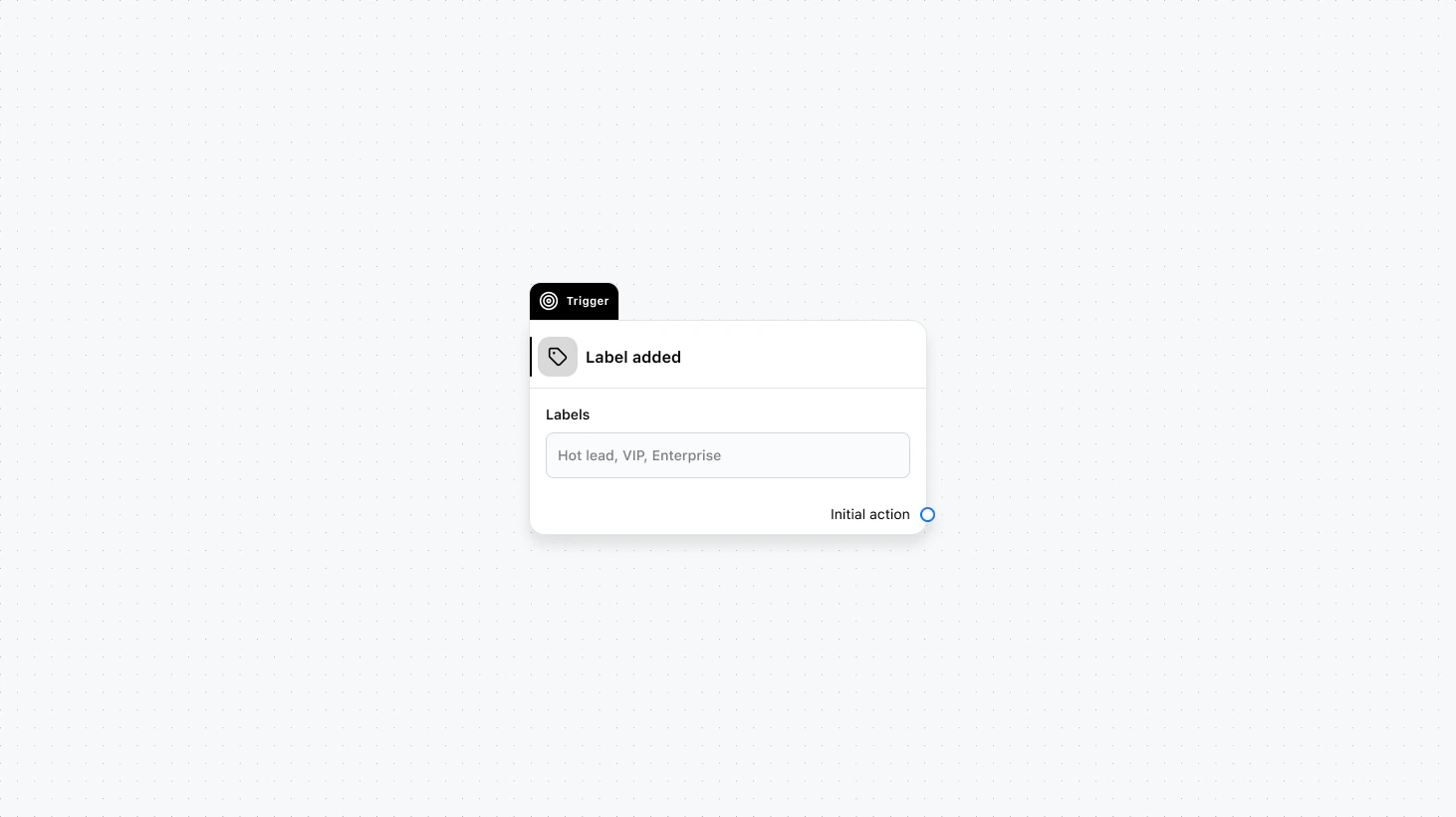 Runs when one or more selected labels are added to a contact. Use this to trigger workflows based on segmentation and tagging.
#### Fields
* **Labels** (required): Select the labels that should trigger this automation when added.
* **When to trigger** (optional): Add a condition group to narrow which labeled contacts should start the automation.
### Use cases
* **Start segmented flows:** When “VIP” is added, start a priority handling automation or notify a manager.
* **Ops handoff:** When “needs\_follow\_up” is added, assign a task, send a reminder, or add the contact to a follow-up campaign.
* **Qualification tags:** When “high\_intent” is added, start an AI or routing flow to get them to the right team faster.
***
Runs when one or more selected labels are added to a contact. Use this to trigger workflows based on segmentation and tagging.
#### Fields
* **Labels** (required): Select the labels that should trigger this automation when added.
* **When to trigger** (optional): Add a condition group to narrow which labeled contacts should start the automation.
### Use cases
* **Start segmented flows:** When “VIP” is added, start a priority handling automation or notify a manager.
* **Ops handoff:** When “needs\_follow\_up” is added, assign a task, send a reminder, or add the contact to a follow-up campaign.
* **Qualification tags:** When “high\_intent” is added, start an AI or routing flow to get them to the right team faster.
***