> ## Documentation Index
> Fetch the complete documentation index at: https://docs.heyy.io/llms.txt
> Use this file to discover all available pages before exploring further.
# Contact attribute updated
> Automation trigger: Contact attribute updated.
## Contact attribute updated
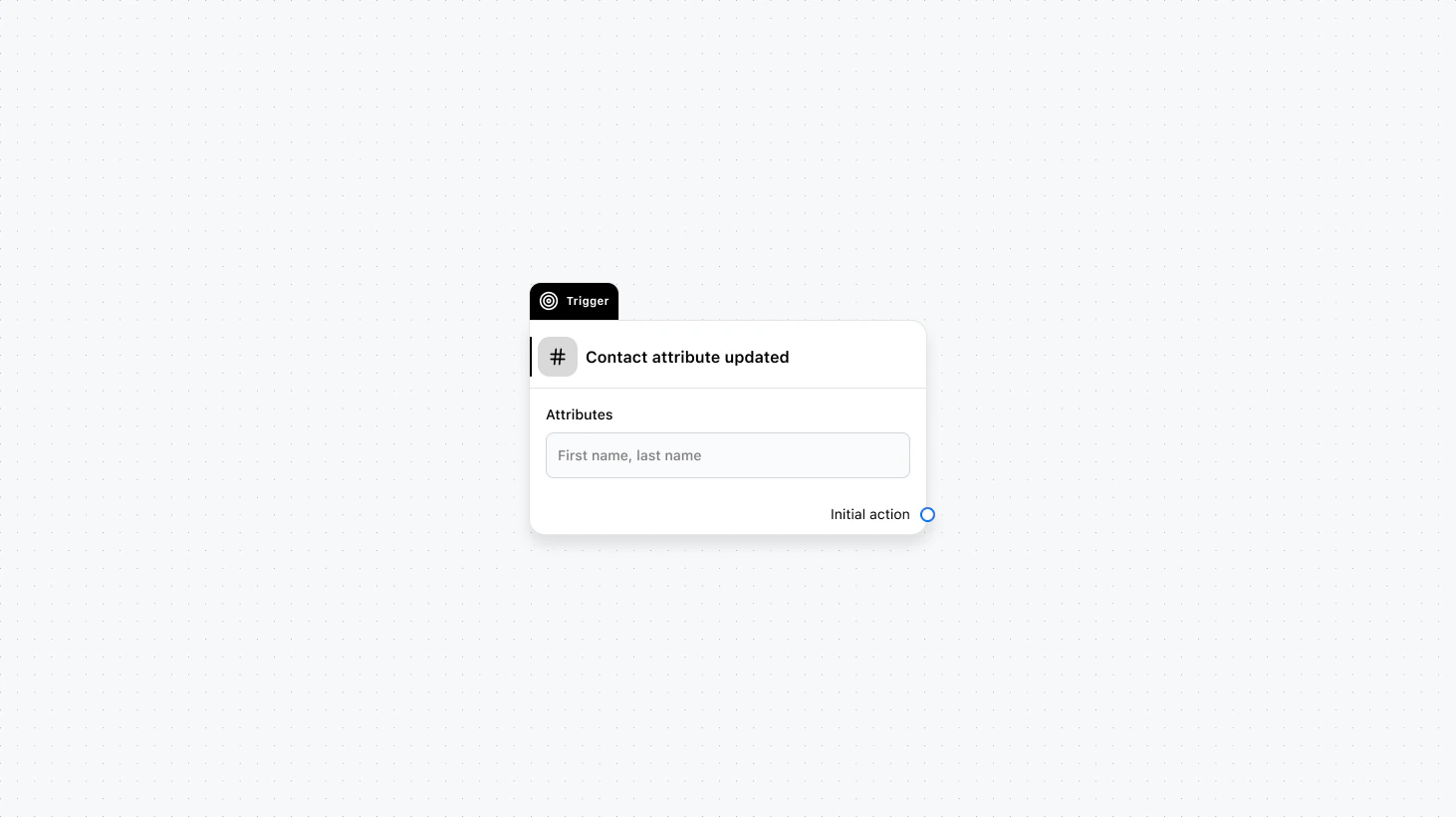 Runs when one or more selected contact attributes change. Use this to react to changes in profile data (e.g. lead status, plan, region) and trigger follow-ups or routing when the data becomes available.
#### Fields
* **Attributes** (required): Select which contact attributes should trigger this automation when they’re updated.
* **When to trigger** (optional): Add a condition group to narrow which updates should start the automation (e.g. only when status becomes “qualified”).
### Use cases
* **React to qualification:** When `lead_status` becomes “qualified”, notify sales or start a sales outreach flow.
* **Keep systems in sync:** When key attributes change, call an API to update your CRM or data warehouse.
* **Progression-based automation:** When `onboarding_step` changes, send the next message or subscribe the contact to the next journey stage.
***
Runs when one or more selected contact attributes change. Use this to react to changes in profile data (e.g. lead status, plan, region) and trigger follow-ups or routing when the data becomes available.
#### Fields
* **Attributes** (required): Select which contact attributes should trigger this automation when they’re updated.
* **When to trigger** (optional): Add a condition group to narrow which updates should start the automation (e.g. only when status becomes “qualified”).
### Use cases
* **React to qualification:** When `lead_status` becomes “qualified”, notify sales or start a sales outreach flow.
* **Keep systems in sync:** When key attributes change, call an API to update your CRM or data warehouse.
* **Progression-based automation:** When `onboarding_step` changes, send the next message or subscribe the contact to the next journey stage.
***