> ## Documentation Index
> Fetch the complete documentation index at: https://docs.heyy.io/llms.txt
> Use this file to discover all available pages before exploring further.
# Chat closed
> Automation trigger: Chat closed.
## Chat closed
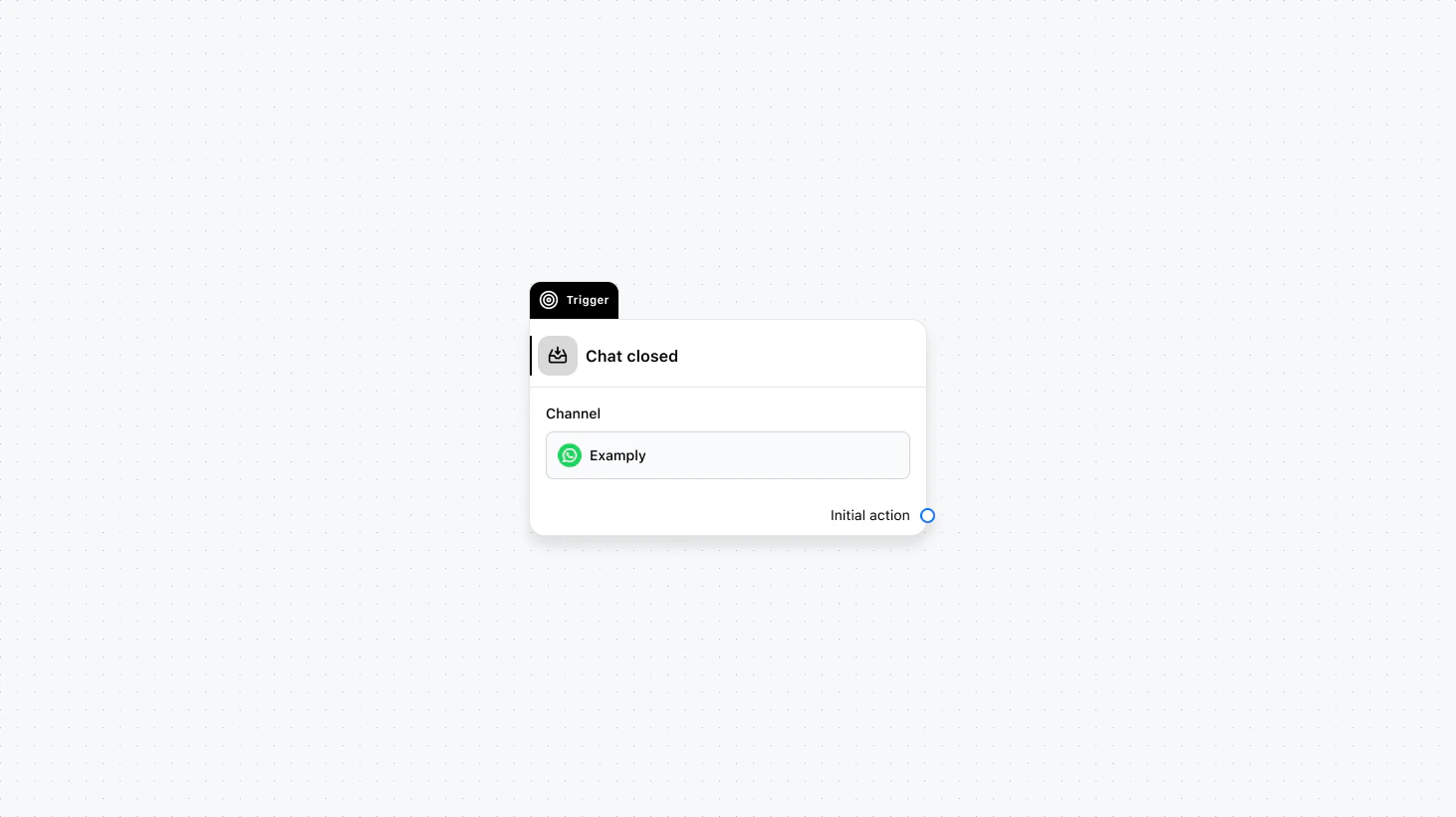 Runs as soon as a conversation is closed by an agent or by the system. Use this for post-conversation steps such as sending a satisfaction survey, logging outcomes, or triggering follow-up campaigns after a defined delay.
#### Fields
* **Channel** (required): Select the channel where this trigger will run.
* **When to trigger** (optional): Add a condition group to narrow the audience based on specific conditions.
### Use cases
* **Post-conversation survey:** Send a satisfaction or NPS survey (e.g. via email or another channel) as soon as the chat is closed.
* **Delayed follow-up campaign:** Start a delay, then add the contact to a campaign or send a follow-up message after the conversation has ended.
* **Logging and reporting:** Trigger an API call or internal notification when a chat is closed to update your CRM or analytics.
***
Runs as soon as a conversation is closed by an agent or by the system. Use this for post-conversation steps such as sending a satisfaction survey, logging outcomes, or triggering follow-up campaigns after a defined delay.
#### Fields
* **Channel** (required): Select the channel where this trigger will run.
* **When to trigger** (optional): Add a condition group to narrow the audience based on specific conditions.
### Use cases
* **Post-conversation survey:** Send a satisfaction or NPS survey (e.g. via email or another channel) as soon as the chat is closed.
* **Delayed follow-up campaign:** Start a delay, then add the contact to a campaign or send a follow-up message after the conversation has ended.
* **Logging and reporting:** Trigger an API call or internal notification when a chat is closed to update your CRM or analytics.
***